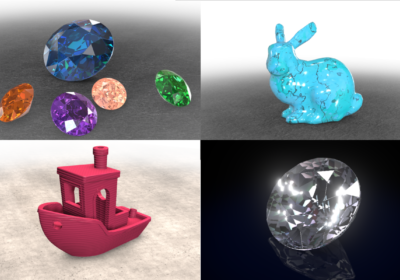
We are excited to announce a new release of Verge3D for 3ds Max and Verge3D for Maya, as well as Verge3D Ultimate! The 4.13 version brings ready-to-use puzzle snippets for most important use-cases, improved integration with the modeling tools, a new puzzle for accessing the currently dragged object, better support for Apple devices, and a new demo!
3D Printer Demo
With this update we introduce a new demo which we called 3D Printer. It features a 3D printing process visualized through instancing and advanced animation adapted to object size, as well as audio effects. Select the Farmer, the 3DBenchy, or the Bunny for printing it out and turn the sound on!
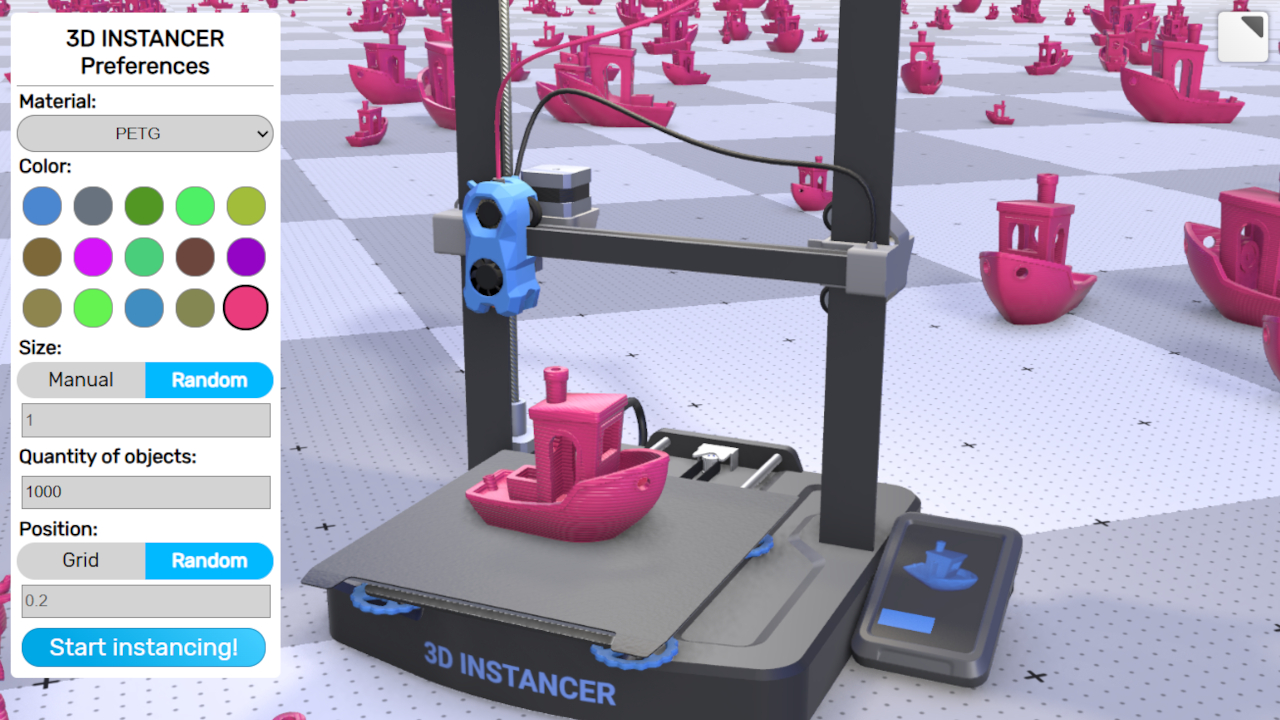
Obviously, this demo may serve as an example for visualizing any repeating industrial process, not just 3D printing.
Puzzles Library
Here is probably the most important thing of all included in this update – the bundled stock of pre-made puzzles got a major overhaul. As a result, a non-coder can just drag a complex feature out and start using it, out of the box.
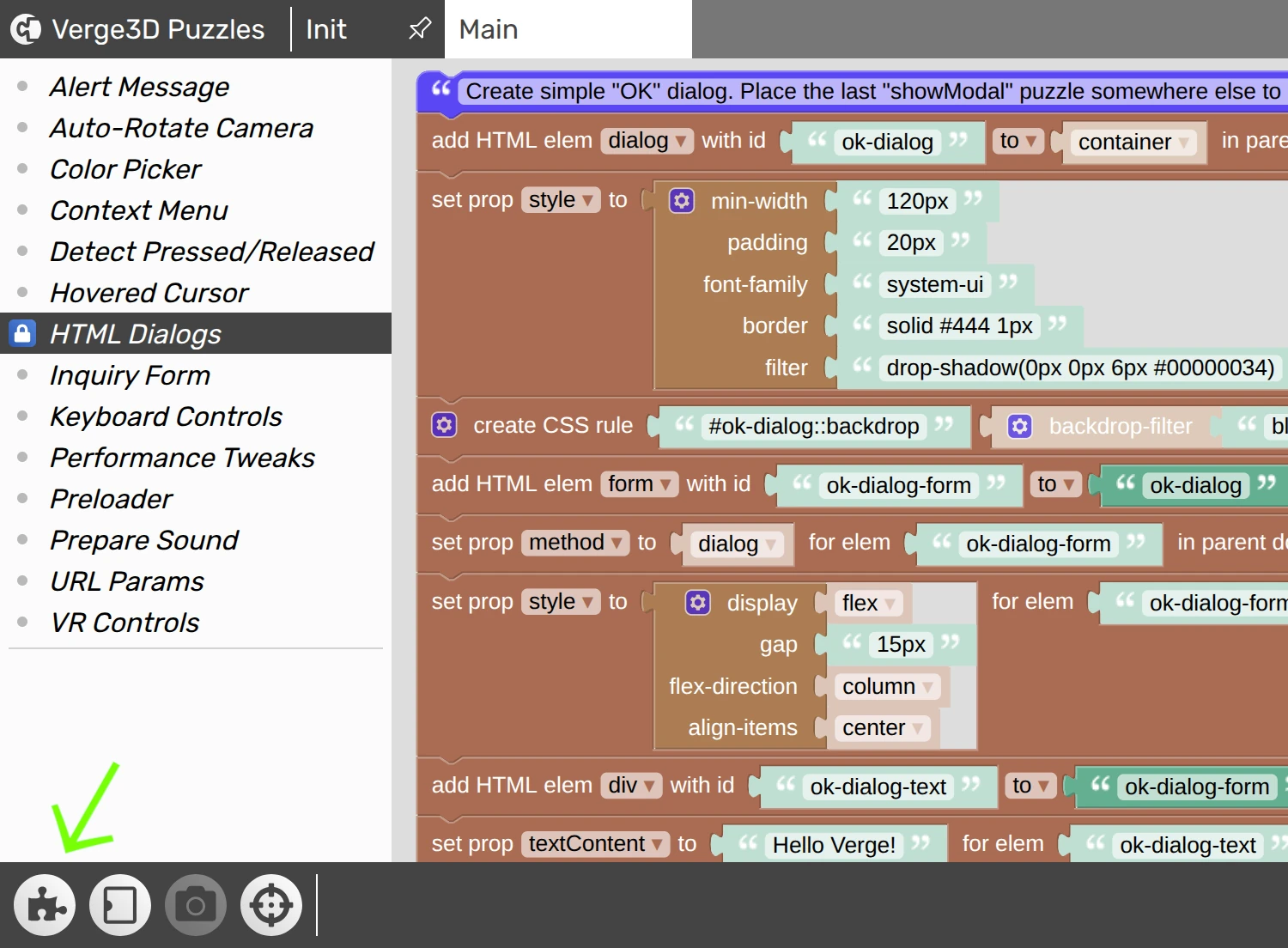
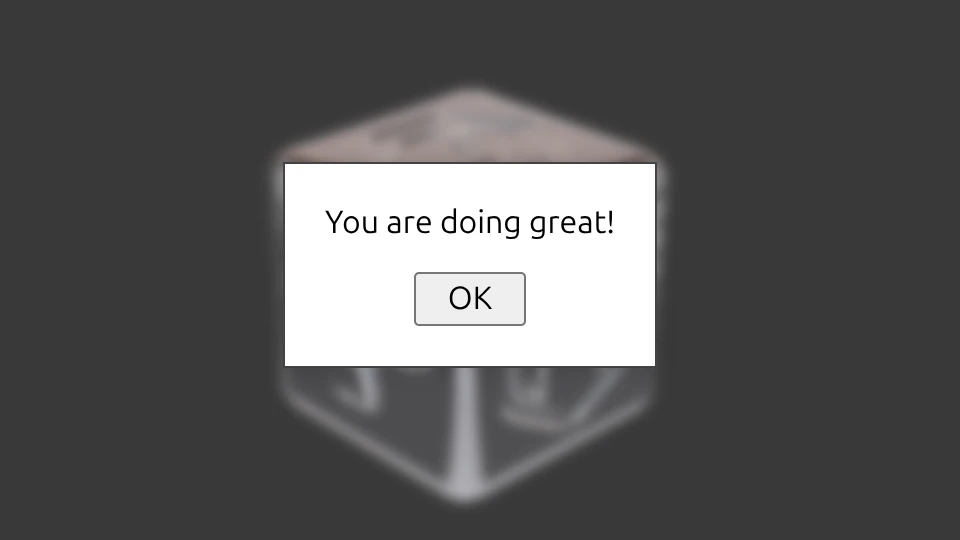
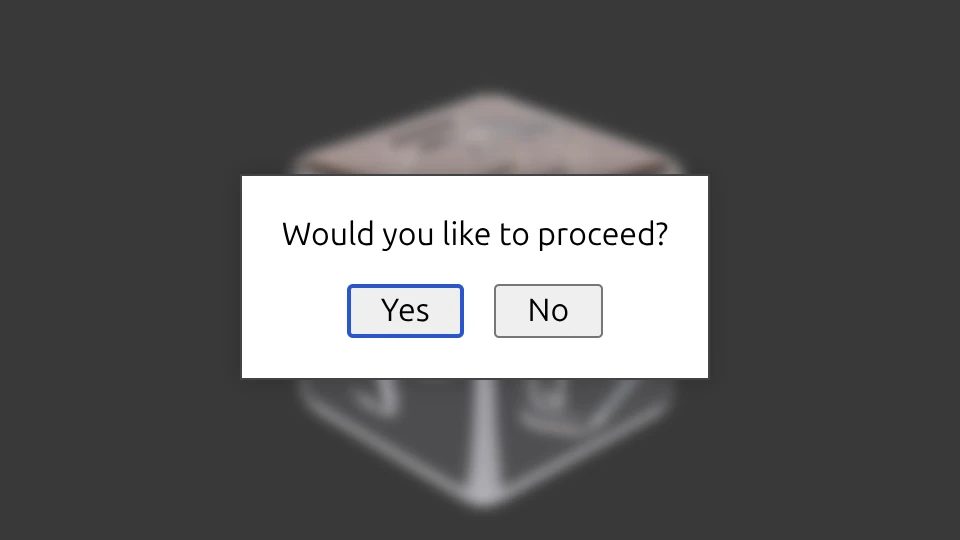
First of all, we added a new entry, HTML Dialogs, to quickly add standard HTML-based UIs to your app. There are 3 separate groups of puzzles there which you can use individually, namely the OK message:
Yes/No dialog:
and a simple login form:
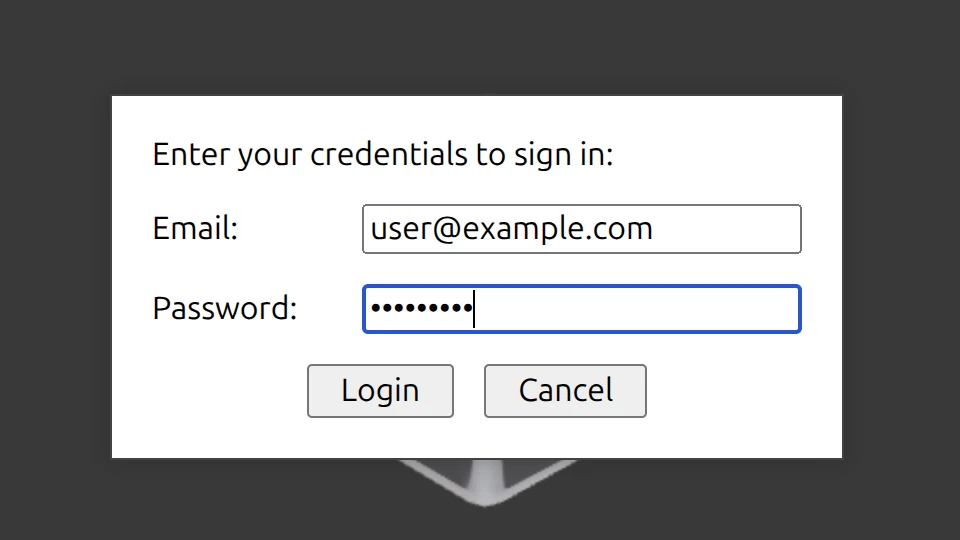
You can use those for quick UI prototyping or even in production, to provide feedback or guide the user through your app. The dialogs intentionally supplied with simplistic system-like styles so that you can easily extend them to your liking.
Another entry is called Auto-Rotate Camera and it enables a typical behavior: when the user is inactive for some time (2 seconds by default), the camera starts rotating so that your models are shown from different angles automatically.
The Preloader set allows you to enable the same preloader as from the startup screen (either default or custom) for loading additional scenes. Add it to make the user patiently wait while you are loading new content and appending it to your main scene.
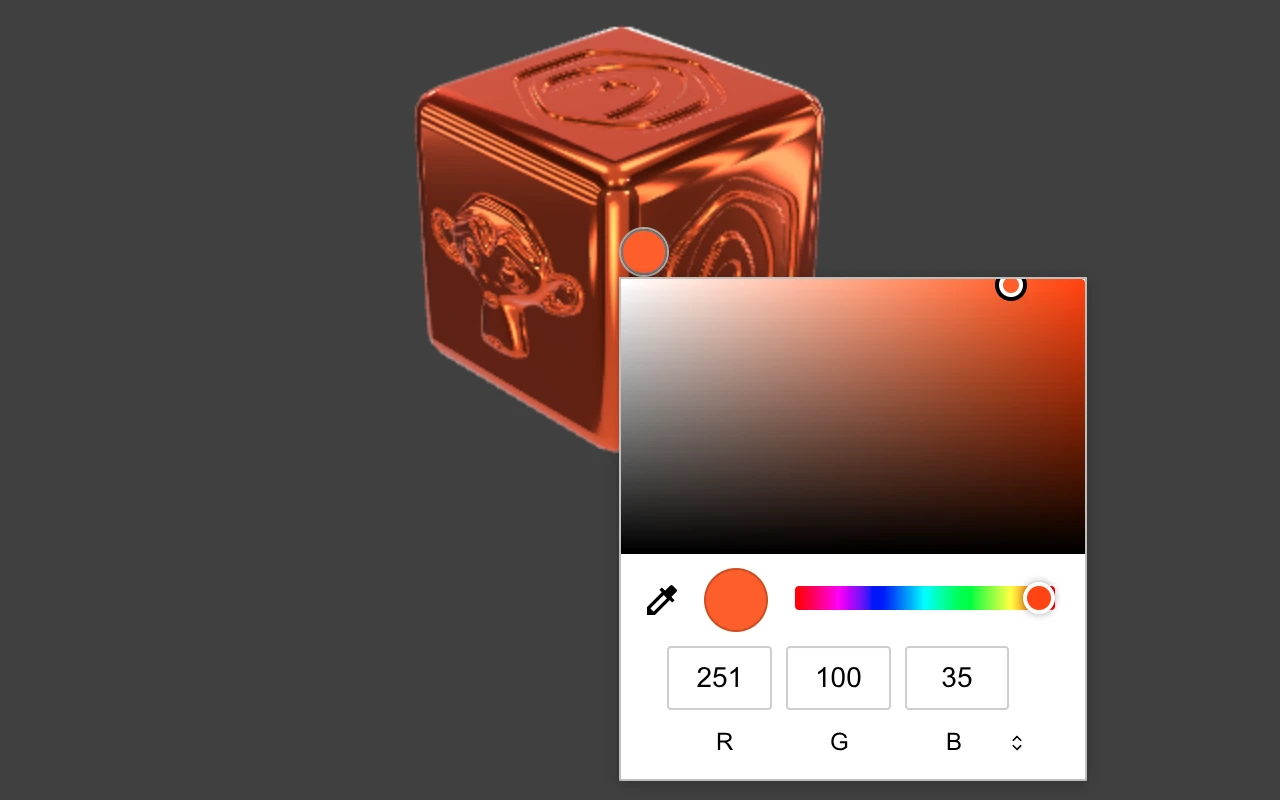
The Color Picker set provides the user with the possibility to select the color for a model. The actual look of the color picker panel may vary for different browsers.
The last but not least is the URL Params. With it you can save/restore values to URL parameters to preserve the application state, such as product configuration, user preferences, contact info, etc. The modified web address can be bookmarked for accessing it later, emailed to other people, or shared by any other means.
Also we modified the puzzles library for using with the default cube scene in 3ds Max and Maya out of the box, without the need to change any names in it. In addition, we set the rest of library entries to use the native system font instead of Arial for more modern and cleaner look, and added other smaller improvements to most of them.
Puzzles
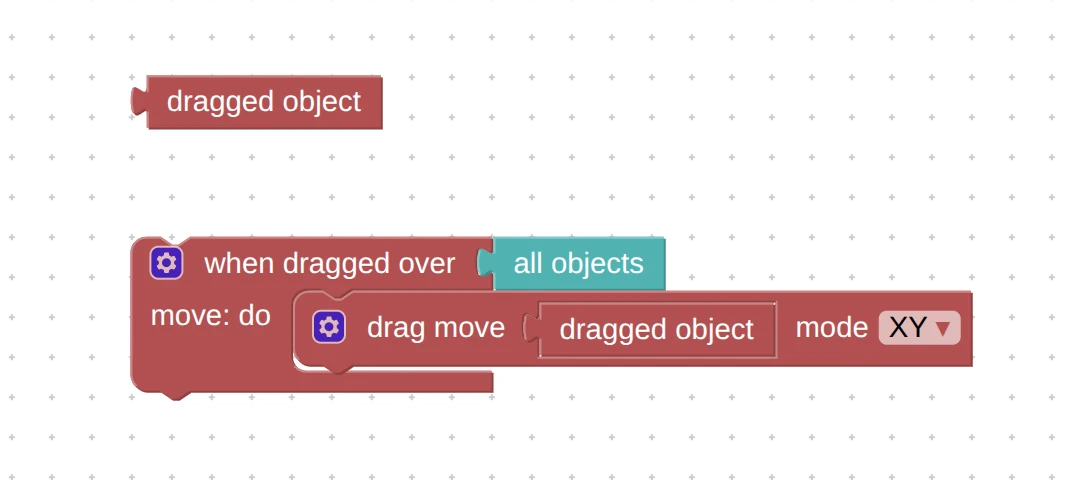
We introduced a new puzzle, dragged object. It works similar to picked object and hovered object, allowing you to get the name of the object over which the mouse cursor moved when dragging. It is intended for use with the drag move, drag rotate, or drag scale puzzles when the “dragged over” object itself should be moved.
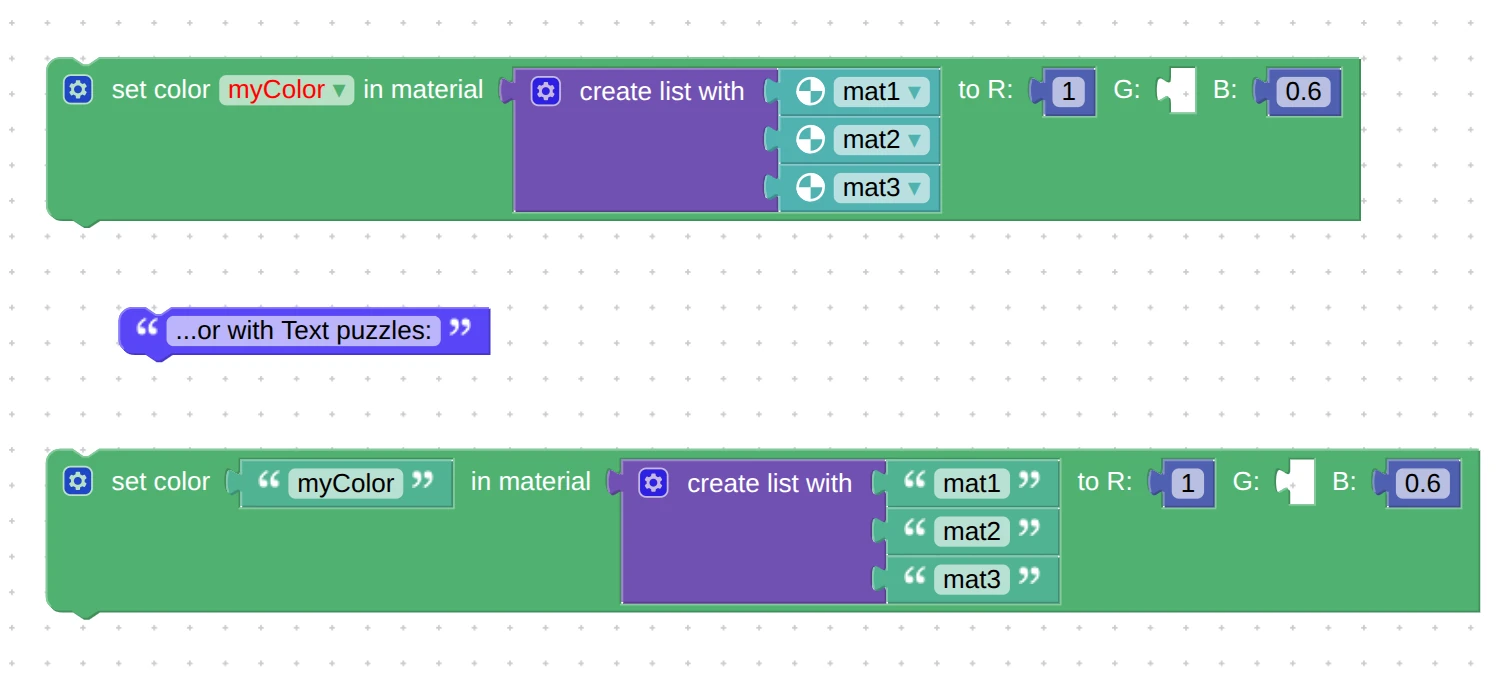
You can now use lists of materials in the puzzles set material color and set material value. Naturally, it expects that the color or value inputs are named similarly in the materials.
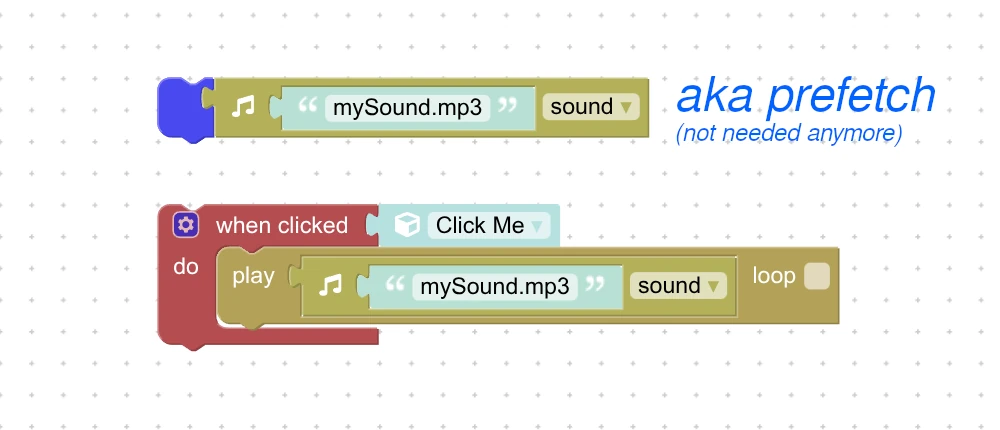
Here another great improvement related to audio. Sound sources can now be set up for playing even before the file is fully loaded. Before this update you had to always prefetch all the files at application startup and wait some time before you could use sounds, which was unreliable. Now it works more stable and easier to grasp.
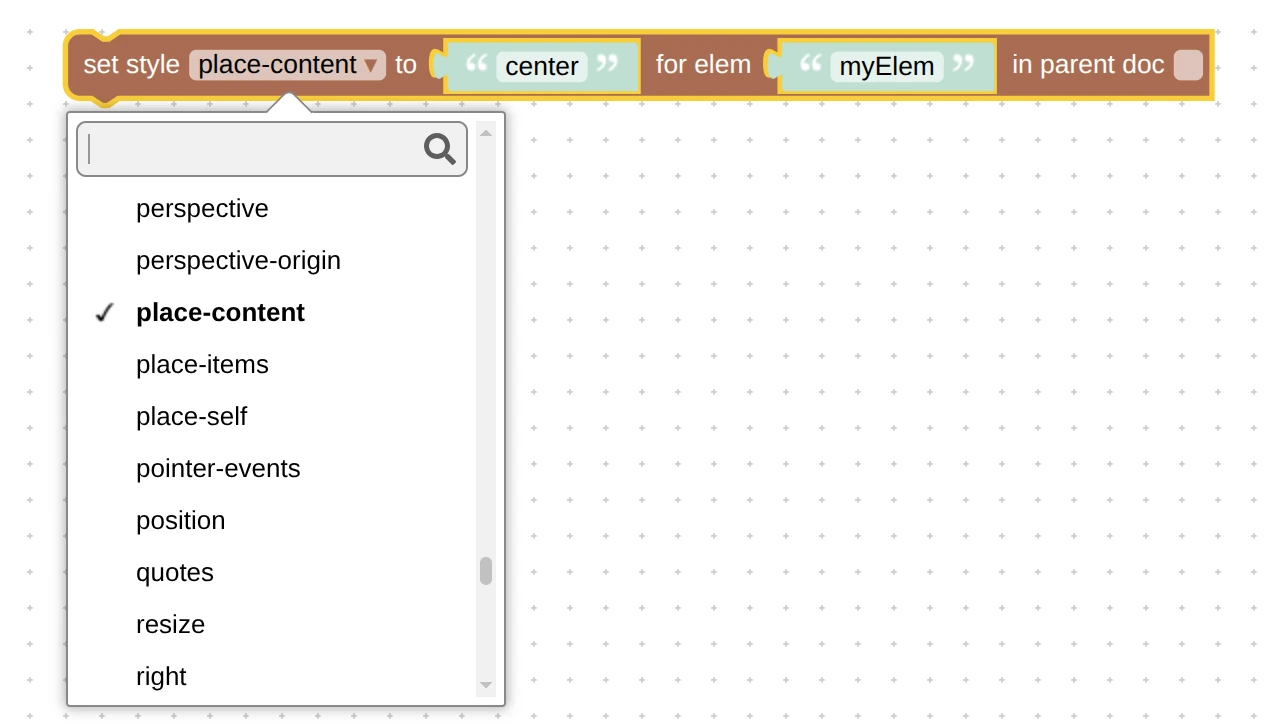
We added new CSS properties to get/set style puzzles from the HTML category. The accent-color can be used to override the color of checkboxes or radio elements. The aspect-ratio forces the specified aspect ratio for an element. Properties inset, place-content, place-items, and place-self will be useful for centering elements on the screen.
Finally, we added more hardware to the check performance puzzle.
3ds Max Integration
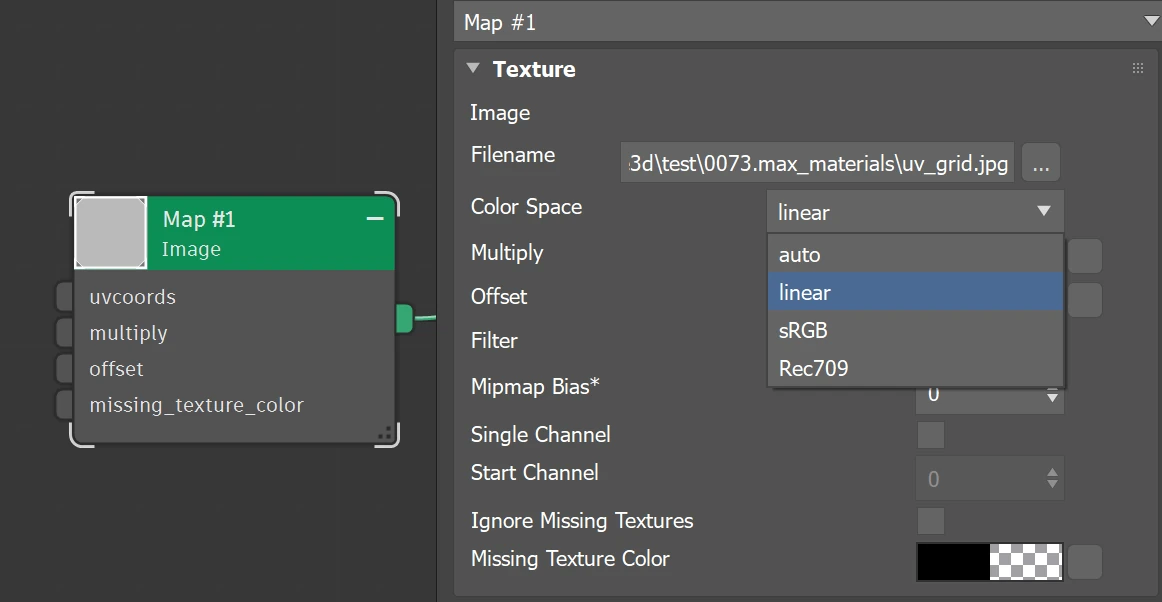
For this update we supported the Color Space param in Arnold’s Image map. We also fixed crash when there is no texture in this map, and supported its Missing Texture Color input.
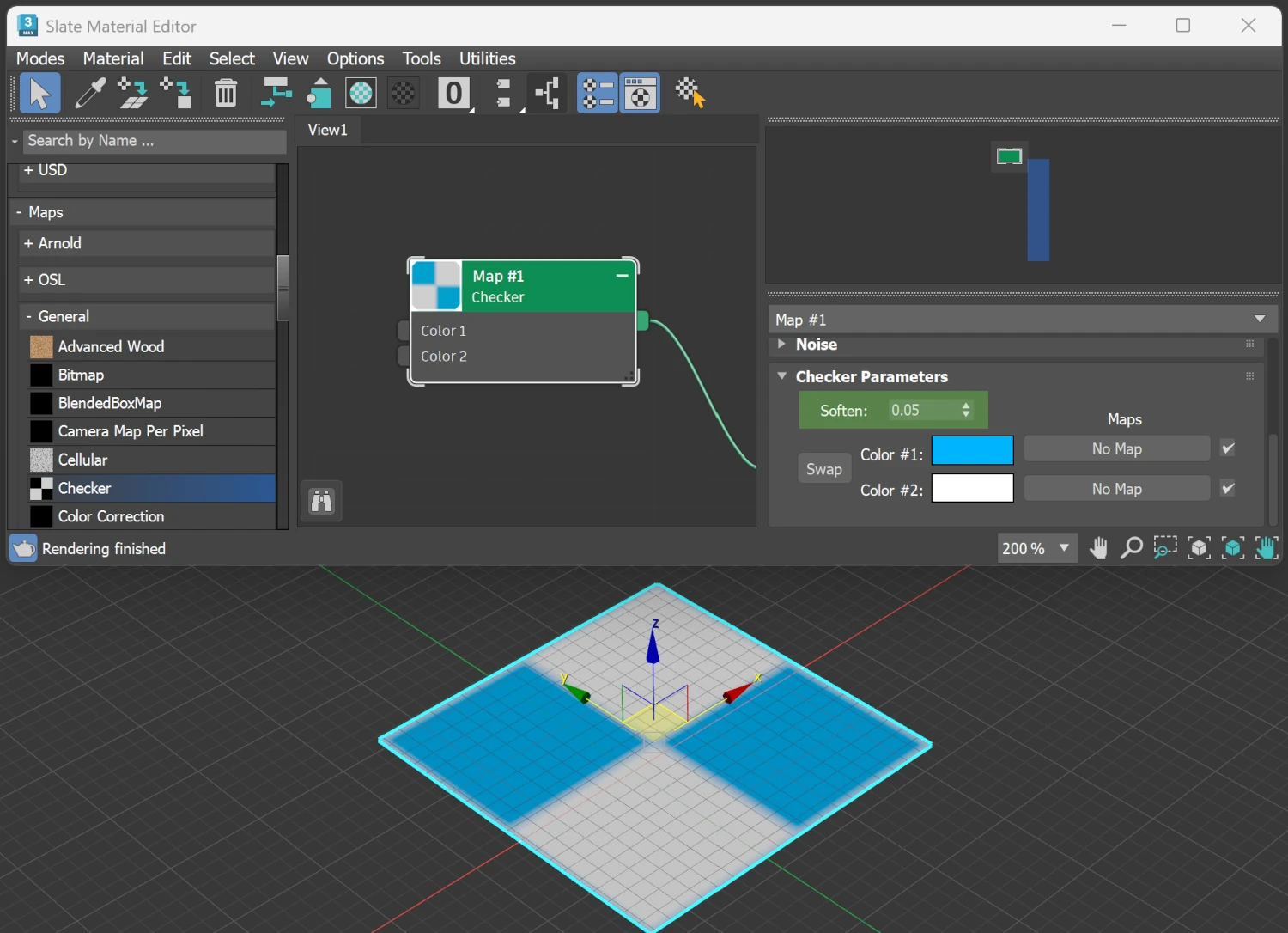
In other news, we supported the Checker map with its parameter Soften.
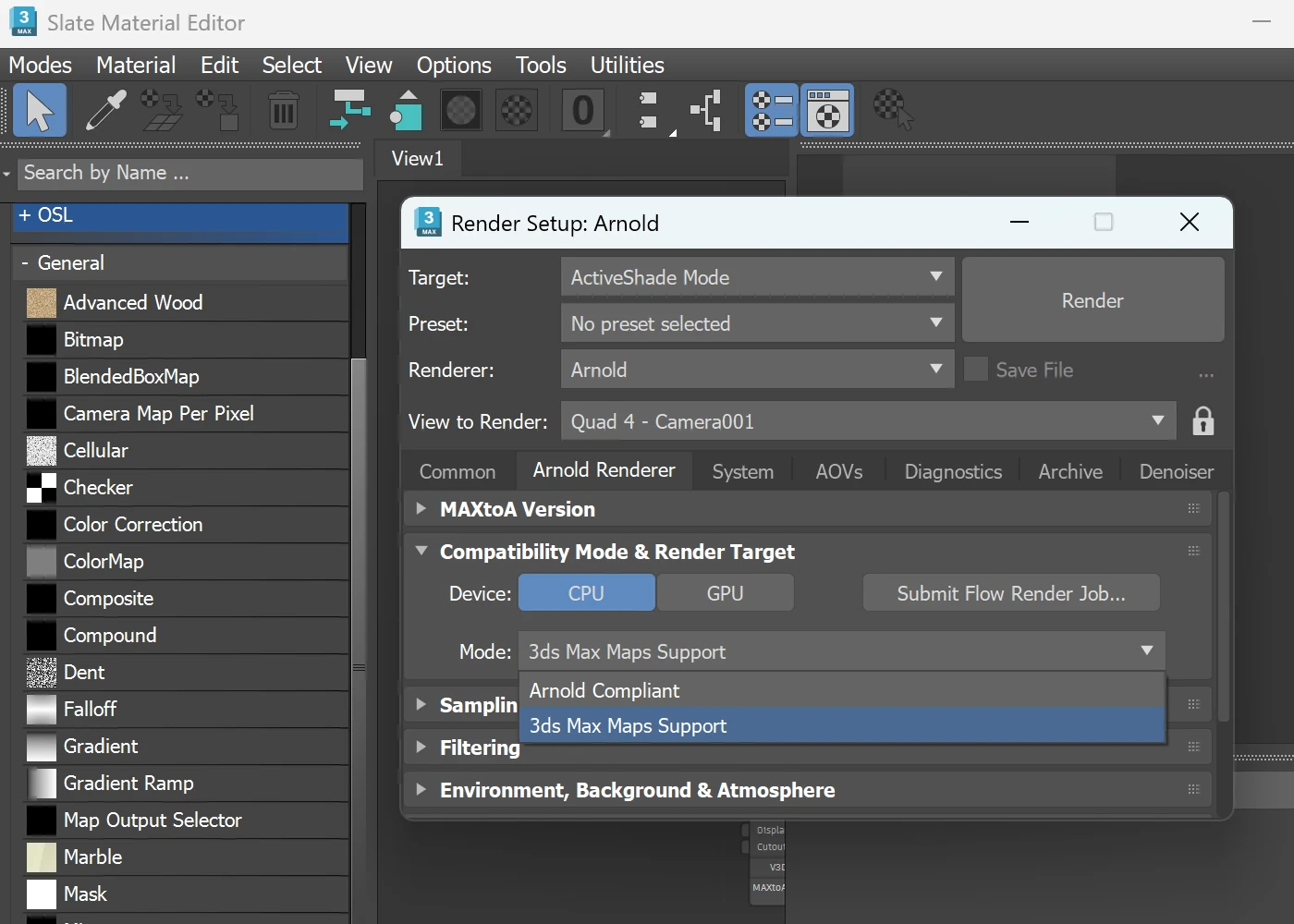
In the default cube scene, we have enabled the 3ds Max Maps Support compatibility mode instead of Arnold Compliant. This reveals more General maps in 3ds Max most of which has always been supported by Verge3D.
Also, in some demos we tweaked the camera range settings to improve the user experience.
Maya Integration
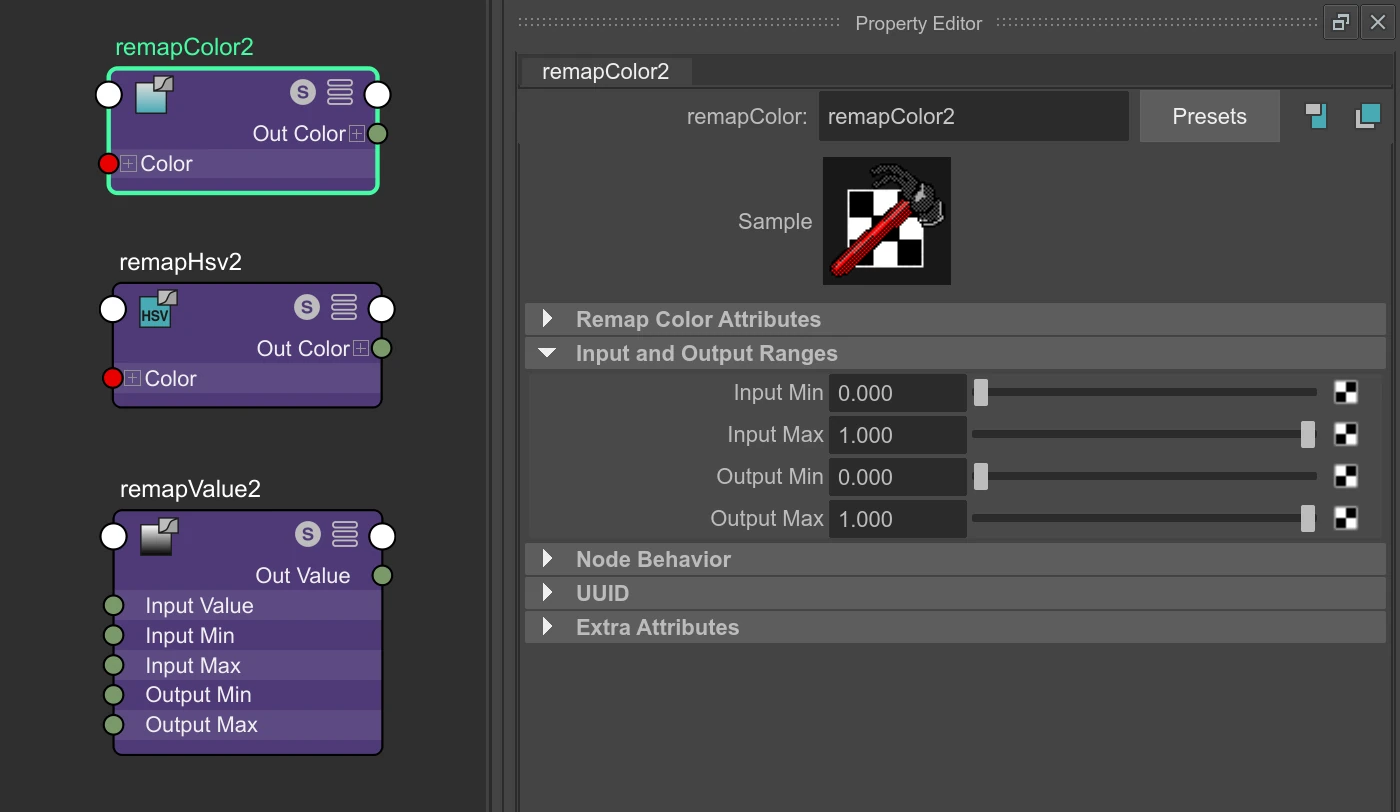
For this update we partially supported the remapColor, remapHsv, and remapValue nodes (only with their inputMin, inputMax, outputMin, and outputMax params, i.e curve-based params are not supported yet).
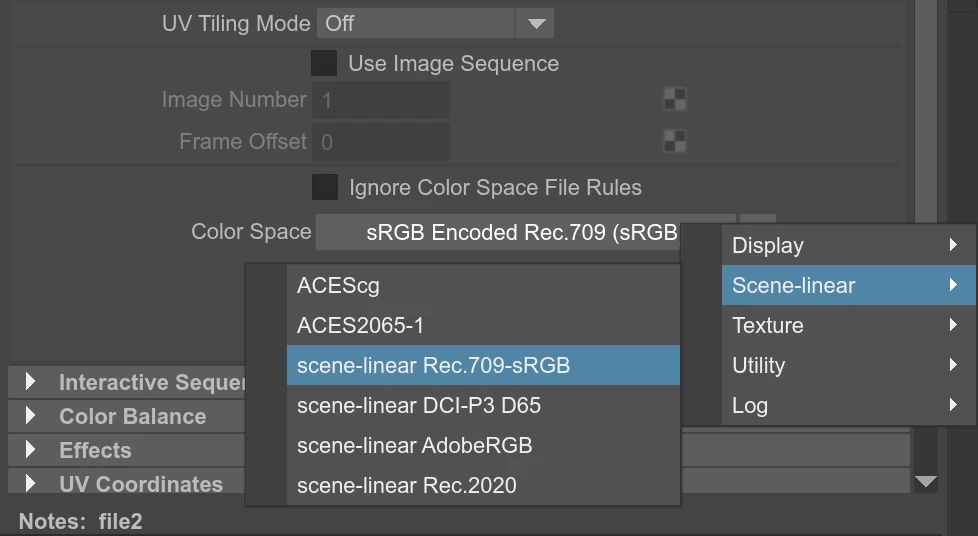
We also supported more Color Space options in Maya’s file node.
The default values for ambient occlusion now work properly. We also made these params work no matter what system measurement units are used (centimeters, meters, etc).
The texture UV now works correctly when the node place2dTexture’s U or V are connected but not both. Animation in the Teapot Heater demo works again.
Finally, we significantly expanded the Materials, Textures, and Utility Nodes chapter and supplied it with more usage examples.
Puzzles Editor
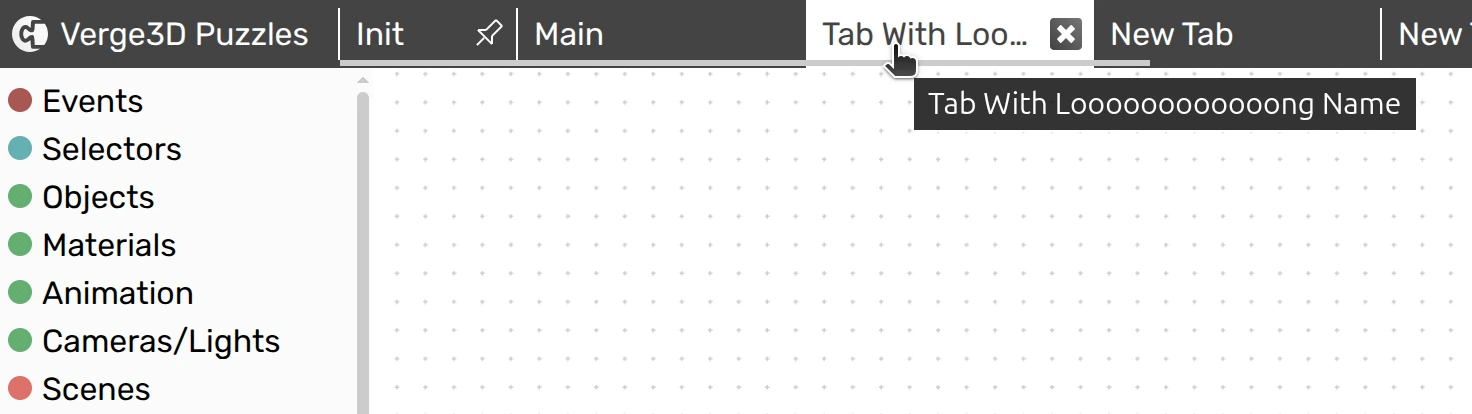
You can now scroll the tabs panel (when there are too many tabs) with the more natural horizontal swipes. This is especially important for laptop touchpads. On Macs, this feature uses the native scrolling for smooth experience. Also, if a tab name is very long, you can still see it in a pop-up shown when hovering the cursor over it.
Next, if you rename visual_logic.xml or create more files with additions in the filename like visual_logic2.xml or visual_logic_mytag.xml, those will still be consumed by the Puzzles Editor.
Finally, the Puzzles’ save file has become more lightweight thanks to reduced cluttering of XML namespaces. This should speedup loading your scenarios in the Puzzles Editor a bit.
Mobile Support
This update improves usability on iPhones by making various tweaks in the startup templates. Particularly, in the landscape mode the rendering area will stretch to full width. In some cases this can cause the iPhone notch to occlude some parts of the UI but you can fix this as suggested under this FAQ question. We also updated all the demos to work perfectly on modern iPhones.
On the other hand, we tweaked the camera zoom to work better on touch devices.
Verge3D Network
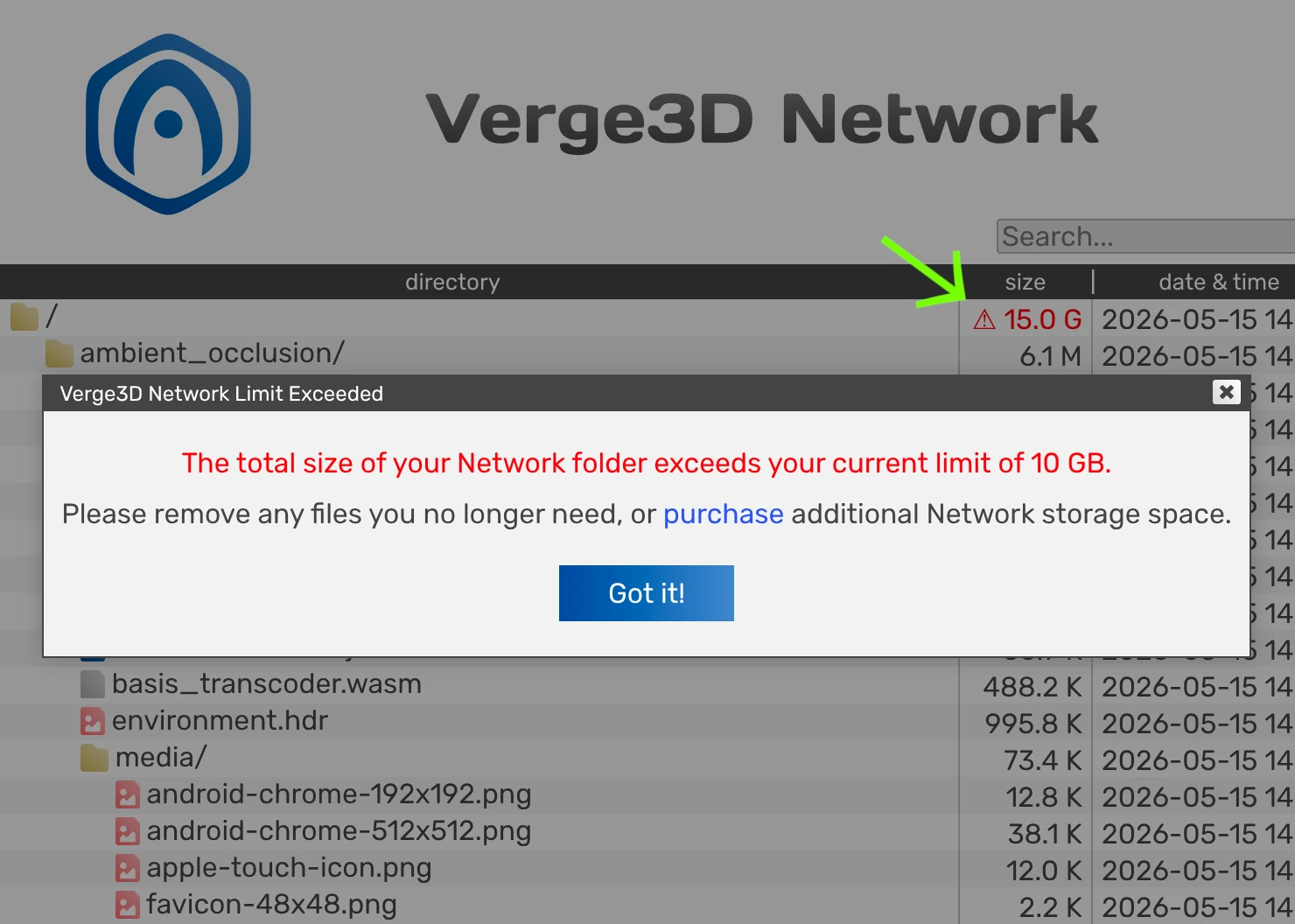
The user will now be alerted if the current usage of Verge3D Network storage exceeds the license quota. The warning sign can be clicked for more details.
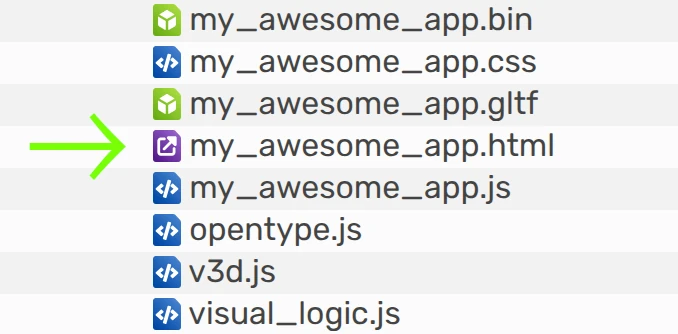
Also the runnable .html files obtained a distinctive icon to help you find those faster in the Network directory.
App Manager
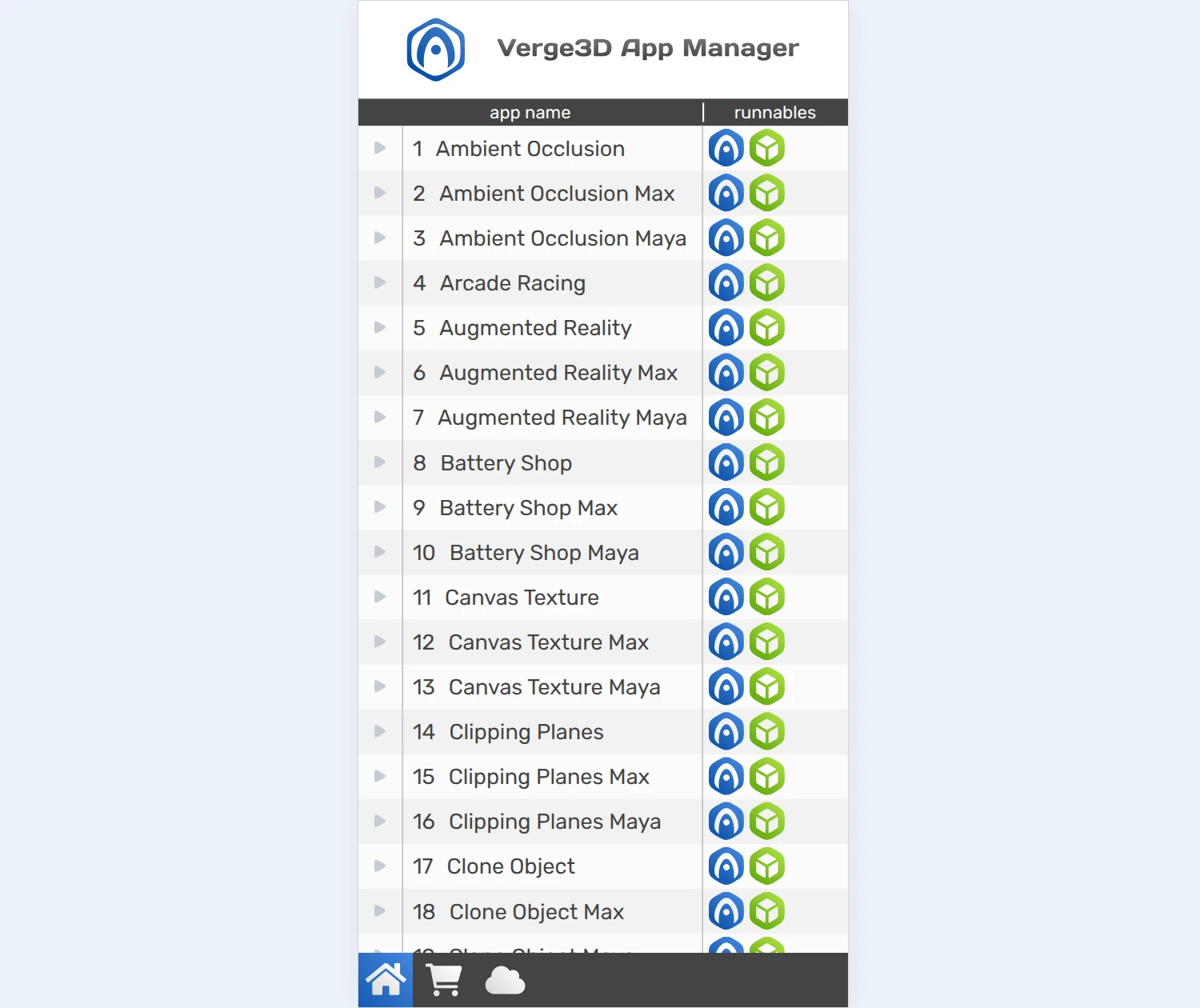
Here we introduce a simplified UI for running the App Manager on mobile. This allows you to easily test your app on hand-held devices and to share your projects with your colleagues or managers via the local network of your organization.
Besides, we implemented a fail-safe mechanism for the Asset Store. Before downloading demos, there will be a compatibility check, and a warning message popped up if your Verge3D version is not compatible with the demo. This helps prevent various nasty issues due to outdated version of the 3D tool, the Puzzles Editor, the engine runtime, etc.
Other Improvements
We managed to make a drastic draw-call optimization when the shadows and ambient occlusion are both enabled, which happens quite often.
The puzzles set/get material value now work with opacity for glTF-compatible materials. Thanks for bringing this up on the forums.
The API method WebGLRenderer.clippingPlanes used for “global” clipping planes is now deprecated. We also deprecated the unused class ShadowMaterial as its functionality can easily be implemented with node materials.
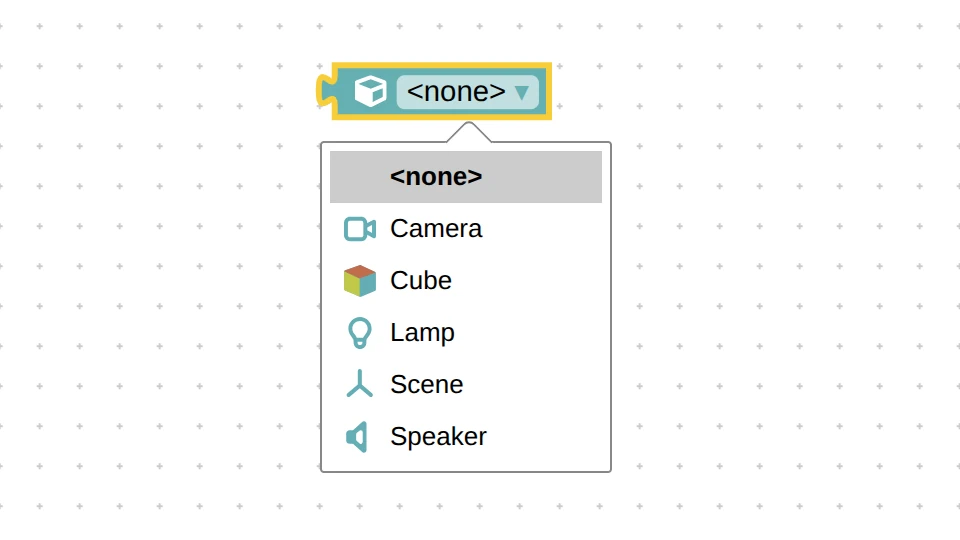
Multi-materials objects obtained distinctive icons each in the Object selector.
The performance profiler now more correctly handles the cascaded shadows and shadows cast by point lights.
We tweaked the default cube scene for more consistent naming.
We fixed the 404 error printed in the Dev Tools console of the latest browsers when running apps from the App Manager.
The exported glTF format have seen some minor cleanups.
We slightly adjusted the design and captions of some puzzles for more clear look, and did some minor UI tweaks in the App Manager and Puzzles Editor here and there.
The Spinner demo was greatly simplified and a howto article was added to the Wiki (must read!). Also some older demos – First Person Camera, Ring, Transparency, Teapot Heater, Physics, and Scroll Animation – have seen various smaller improvements and fixes.
We updated npm dependencies for Verge3D Developer Kit.
Finally, we ensured the compatibility of the Verge3D plugin with the latest WordPress 7.0.
Fixed Bugs
The banding artifacts observed with ambient occlusion on Android devices (mostly with Mali GPU) have been handled. Thanks for bringing this up on the forums.
We fixed the resizing issue with the multi-line text puzzle in Safari browser.
We fixed the crash when using quotes in any values of the style constructor puzzle, e.g. when attempting to set font-family to “Times New Roman”.
When changing shadow map filtering using the set light param puzzle, shadows used to disappear, but not anymore.
We fixed an old issue with ambient occlusion and clipping planes so that both now play nicely together. Thanks for reporting this on the forums here and here. We also fixed artifacts caused by clipping planes intersecting a hidden object.
There was an issue when deleting puzzle procedures could cause really strange issues – it now works properly.
We fixed the bug when a same texture node / map had different Color Space or Anisotropy params.
Finally, the Spot and Directional (Sun) lights are now cloned correctly via puzzles. This issue was reported via the Enterprise support channel.
Documentation
The Puzzles Reference has received many improvements, with more examples provided. Also we updated the FAQ section and the API Reference. In particular, we reviewed the help page for the WebGLRenderer class.
AI Considerations
As we are now living through an AI boom, some people from the community suggested adding AI capabilities to Verge3D. We tried some popular AI tools to get the idea how they can assist with building Verge3D apps and got mixed results. Perhaps this is due to Verge3D’s visual approach to creating application logic on the one hand, and insufficient information available for AI training on the other hand.
We realized that the first thing we must do is make our existing documentation and wiki more structured and clear for understanding by humans and AI bots alike. We also realized that we need way more howto tutorials in text-based form so that the LLMs had more training data, benefiting humans at the same time. Our current position therefore is to move this way in the near future before doing anything more radical (such as adding an AI prompt). Feel free to share your thoughts or experience with building Verge3D apps using AI frameworks!
Update Now!
Get the new version of Verge3D from the downloads page. Let us know how it works for you, or suggest new features for implementation on the forums. We’d be happy to hear your feedback!