
Home › Forums › Bug Reports and Feature Requests › AR gives me a strange error
- This topic has 7 replies, 2 voices, and was last updated 1 month, 2 weeks ago by
 NaxosCG.
-
AuthorPosts
-
2026-09-03 at 3:34 pm #88361
 NaxosCGCustomer
Hello there,
An old customer (Billard and soccer tables) asked me to change a small detail (logo) in their apps.
So i’ve opened the max files, changed the logo and exported back.
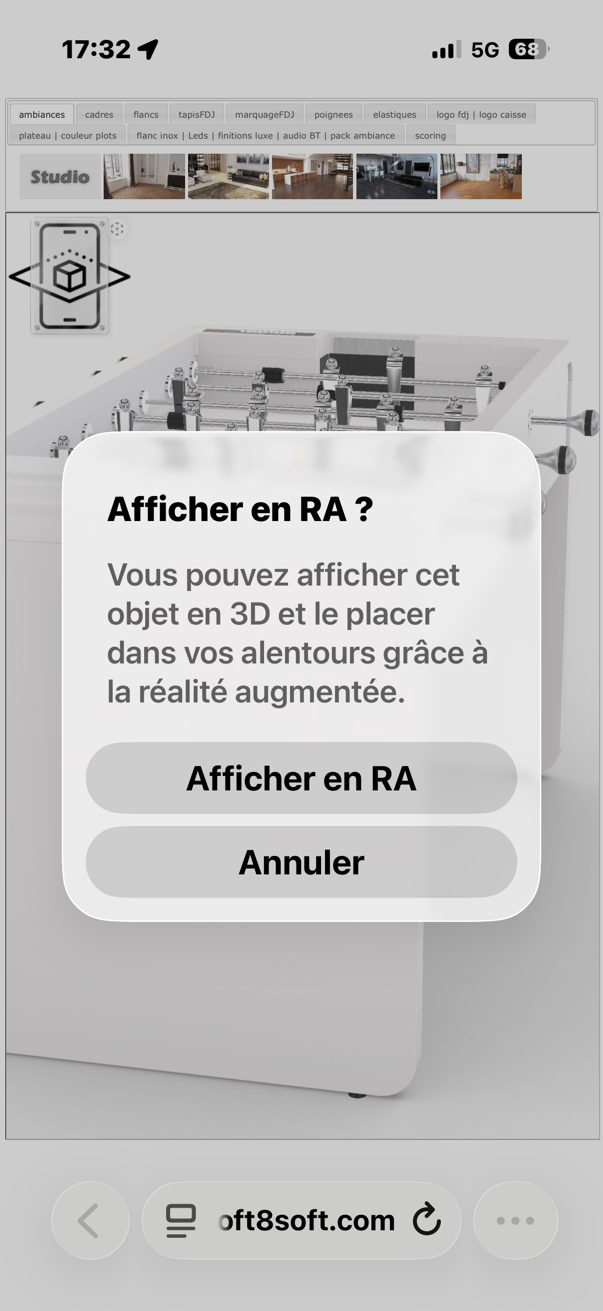
All works but the AR : it was not going into AR (on iOS).
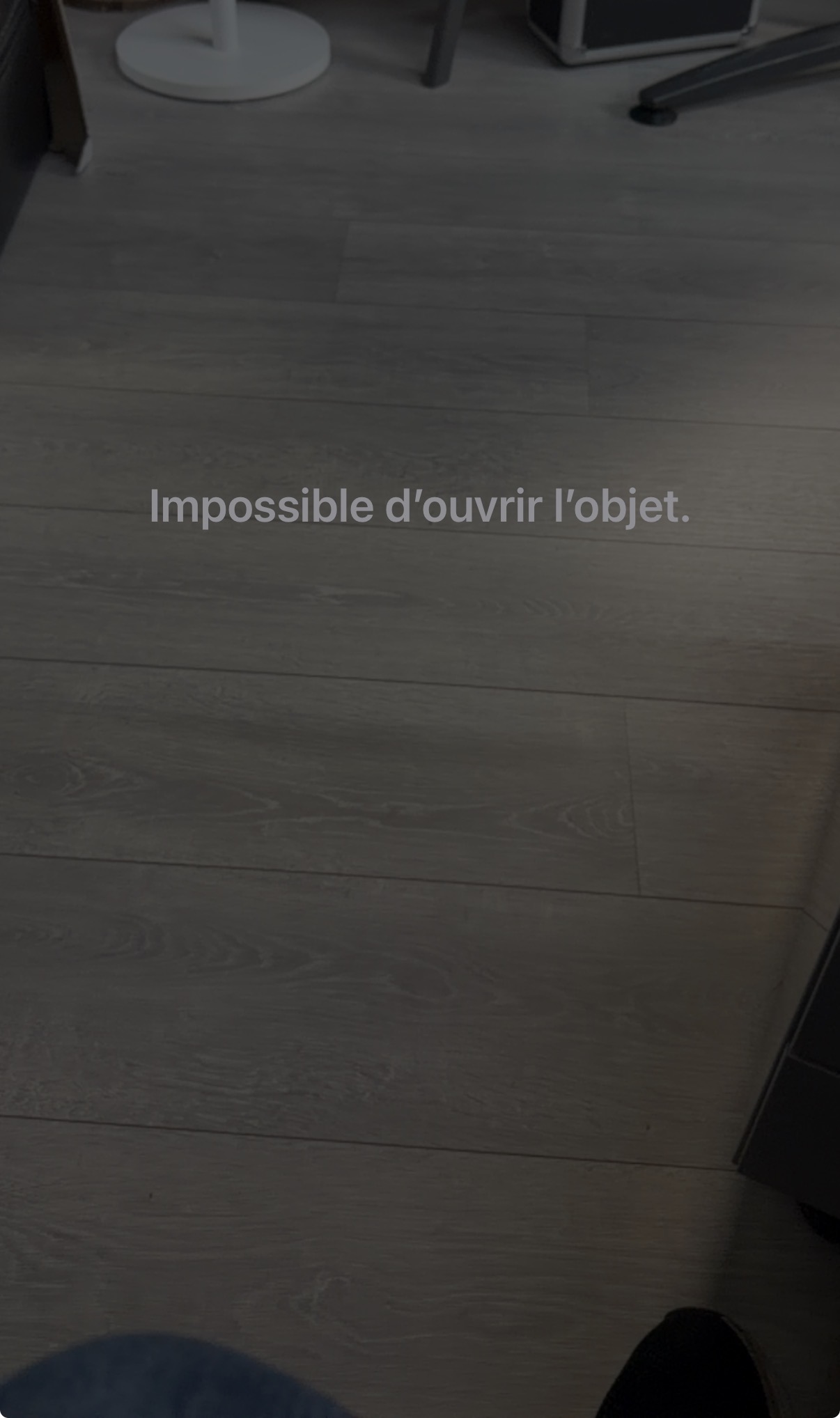
So i tried to update the app, as it was made with an old verge3D release, but exported with the last verge3D plugin in 3dsmax.Not it goes into AR, but i get : “Impossible to open object”.
see screenshots.
Any help would… help !-
This topic was modified 1 month, 2 weeks ago by NaxosCG.
Attachments:
"1+1=3... for large values of 1"
2026-09-03 at 9:09 pm #88368NaxosCGCustomerhere is the test app :
before updating the app using green round arrow : https://v3d.net/1i7h
after updating app : https://v3d.net/1i7j
-
This reply was modified 1 month, 2 weeks ago by NaxosCG.
"1+1=3... for large values of 1"
2026-09-04 at 2:30 pm #88370NaxosCGCustomerI could install a tool to read console from iOS web browser, and no error in it.
I mean, there was an error for the not-updated one, that is understandable, but no error within the updated one… Still with this strange error in AR
"1+1=3... for large values of 1"
2026-09-04 at 5:55 pm #88371 Alexander KovelenovStaff2026-09-04 at 8:01 pm #88372NaxosCGCustomer
Of course, i did not tell that, but the apps used to work before, juste opened max, change a mesh, exported. No code change, but opened puzzles and saved again
"1+1=3... for large values of 1"
2026-09-06 at 2:03 pm #88373Alexander KovelenovStaffHi,
We managed to find the cause of this issue and are going to fix it in the upcoming Verge3D update. Meanwhile, you can rename the following camera objects, removing the hyphen “-” symbol from their names (or replacing it with an underscore “_”).
“CamBaby_01-Hausmanienne”
“CamBaby_02-Classique”
“CamBaby_03-Contemporaine”
“CamBaby_04-Moderne”
“CamBaby_05-Loft”This should make the generated USDZ assets compatible with Apple AR Quick Look.
-
This reply was modified 1 month, 2 weeks ago by
 Alexander Kovelenov.
-
This reply was modified 1 month, 2 weeks ago by Alexander Kovelenov.
2026-09-06 at 6:13 pm #88376NaxosCGCustomerMeny thanks, Alexander. I really don’t know how you guys, magical coders, can find that…
Anyway, i’ll test it asap."1+1=3... for large values of 1"
2026-09-06 at 6:18 pm #88377NaxosCGCustomerCould not wait until tomorrow : tested and you neiled it !!
"1+1=3... for large values of 1"
-
This topic was modified 1 month, 2 weeks ago by
-
AuthorPosts

- You must be logged in to reply to this topic.