
- This topic has 8 replies, 3 voices, and was last updated 9 months, 1 week ago by
 c4cc.
c4cc.
-
AuthorPosts
-
2025-12-04 at 8:47 am #85614
 c4ccParticipant
How do I play this animation in verge3d? It works in Blender
Procedural nodes:
https://postimg.cc/N522xWN4Yet the animation won’t play in verge3d? How do I do this?
https://postimg.cc/ZBLCWm5JVerge3d files as attached
-
This topic was modified 9 months, 1 week ago by c4cc.
Attachments:
FPS trialproduct 20.9.25 https://postimg.cc/gallery/LMM5vkQ/af43346e
2025-12-04 at 9:20 am #85621 Mikhail LuzyaninStaff
You need to do it like this.
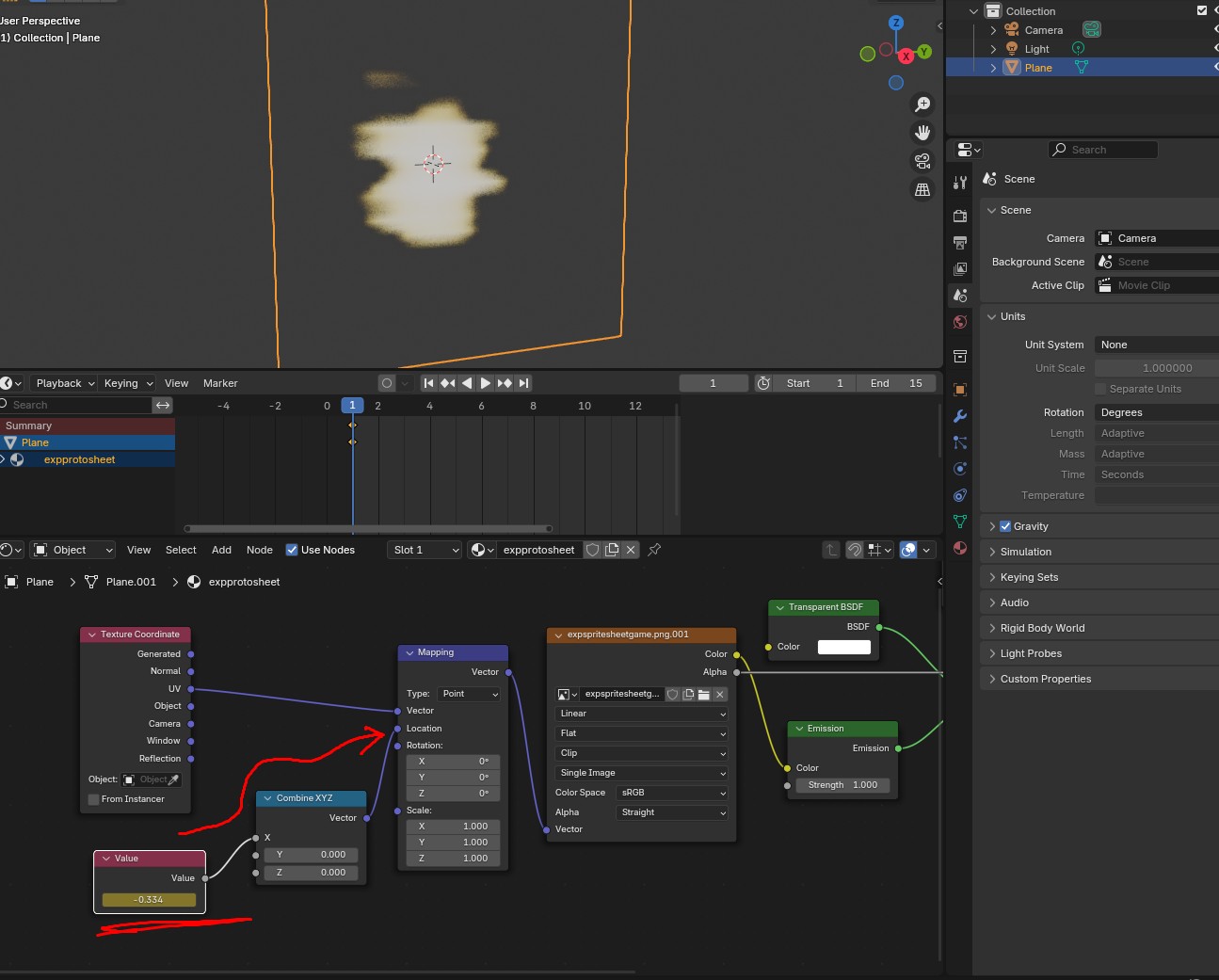
Using value node instead of direct Mapping node animation.-
This reply was modified 9 months, 1 week ago by
 Mikhail Luzyanin.
-
This reply was modified 9 months, 1 week ago by Mikhail Luzyanin.
Attachments:
Co-founder and lead graphics specialist at Soft8Soft.
2025-12-04 at 3:05 pm #85632c4ccParticipant2025-12-04 at 3:23 pm #85636c4ccParticipantI tried, but the sprite sheet instead ran right to left like a slideshow:
How to get the sprite sheet to animate instead of running?
FPS trialproduct 20.9.25 https://postimg.cc/gallery/LMM5vkQ/af43346e
2025-12-04 at 3:52 pm #85638 xeonCustomer
Try this…. Chapter 2
Xeon
Route 66 Digital
Interactive Solutions - https://www.r66d.com
Tutorials - https://www.xeons3dlab.com2025-12-04 at 3:55 pm #85639c4ccParticipantWhat do you mean, chapter 2?
FPS trialproduct 20.9.25 https://postimg.cc/gallery/LMM5vkQ/af43346e
2025-12-04 at 5:01 pm #85641xeonCustomerChapter 2 starts at 6:30
Xeon
Route 66 Digital
Interactive Solutions - https://www.r66d.com
Tutorials - https://www.xeons3dlab.com2025-12-04 at 5:08 pm #85642xeonCustomerBe sure to review the important step at 18:38. That is often overlooked by many trying to do sprite sheets in V3D.
Xeon
Route 66 Digital
Interactive Solutions - https://www.r66d.com
Tutorials - https://www.xeons3dlab.com2025-12-08 at 5:32 am #85661c4ccParticipantOn second thought, I now can play spritesheets in browser.
While this works, what Mikhail forgot to mention was an intepolation as here, as kdv mentions below
You need to do it like this.
Using value node instead of direct Mapping node animation.one more thing I feel essential part of this animation is to make the interpolation between keyframes constant
Looks like you didn’t notice that moment in both videos…
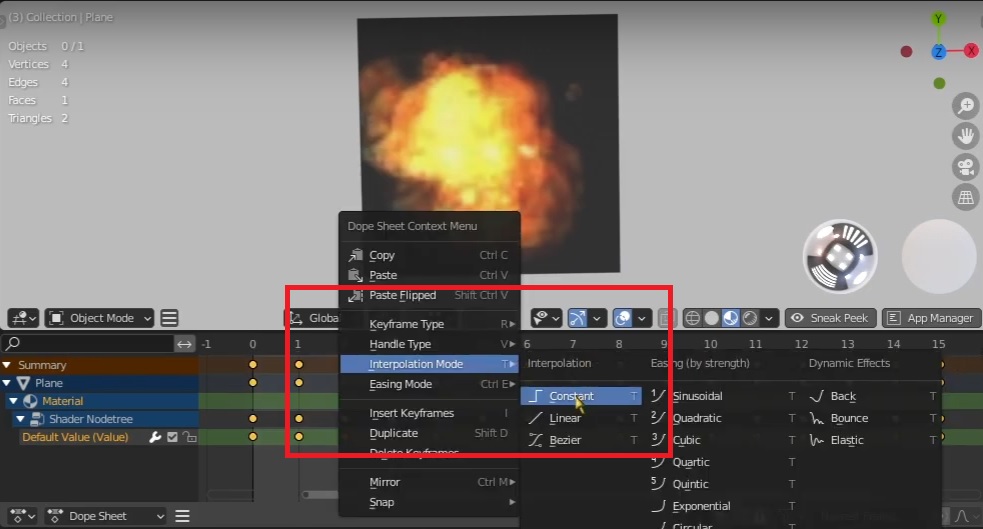
by doing these steps
1)
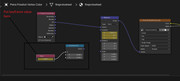
https://postimg.cc/67VkRGgrkeyframe values while clearing keyframes under location, mapping
2)
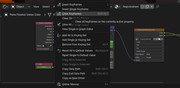
https://postimg.cc/7C6zJjKN3)
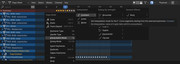
Interpolate constant while all keyframes are selected-
This reply was modified 9 months, 1 week ago by c4cc.
-
This reply was modified 9 months, 1 week ago by c4cc.
-
This reply was modified 9 months, 1 week ago by c4cc.
-
This reply was modified 9 months, 1 week ago by c4cc.
FPS trialproduct 20.9.25 https://postimg.cc/gallery/LMM5vkQ/af43346e
-
This topic was modified 9 months, 1 week ago by
-
AuthorPosts
- You must be logged in to reply to this topic.