
Home › Forums › General Questions › Video texture upload from local path
- This topic has 9 replies, 4 voices, and was last updated 5 years, 8 months ago by
 Avier3D.
-
AuthorPosts
-
2020-07-05 at 7:30 pm #29689
vivekt478
ParticipantHi, there is an example of video texture, but the video is playing trough link, i tried replace texture wiwith open file HTML puzzle, but nothing happen can someone help me, i want to replace video, as we replace image from some materials.
2020-07-06 at 8:54 am #29703 Yuri KovelenovStaff
Hi,
i tried replace texture wiwith open file HTML puzzle
you can just use relative file path instead of the URL link.
2021-01-04 at 9:11 am #37069 Avier3DCustomer
Hello,
In the video texture app demo, I can’t get relative path to work.
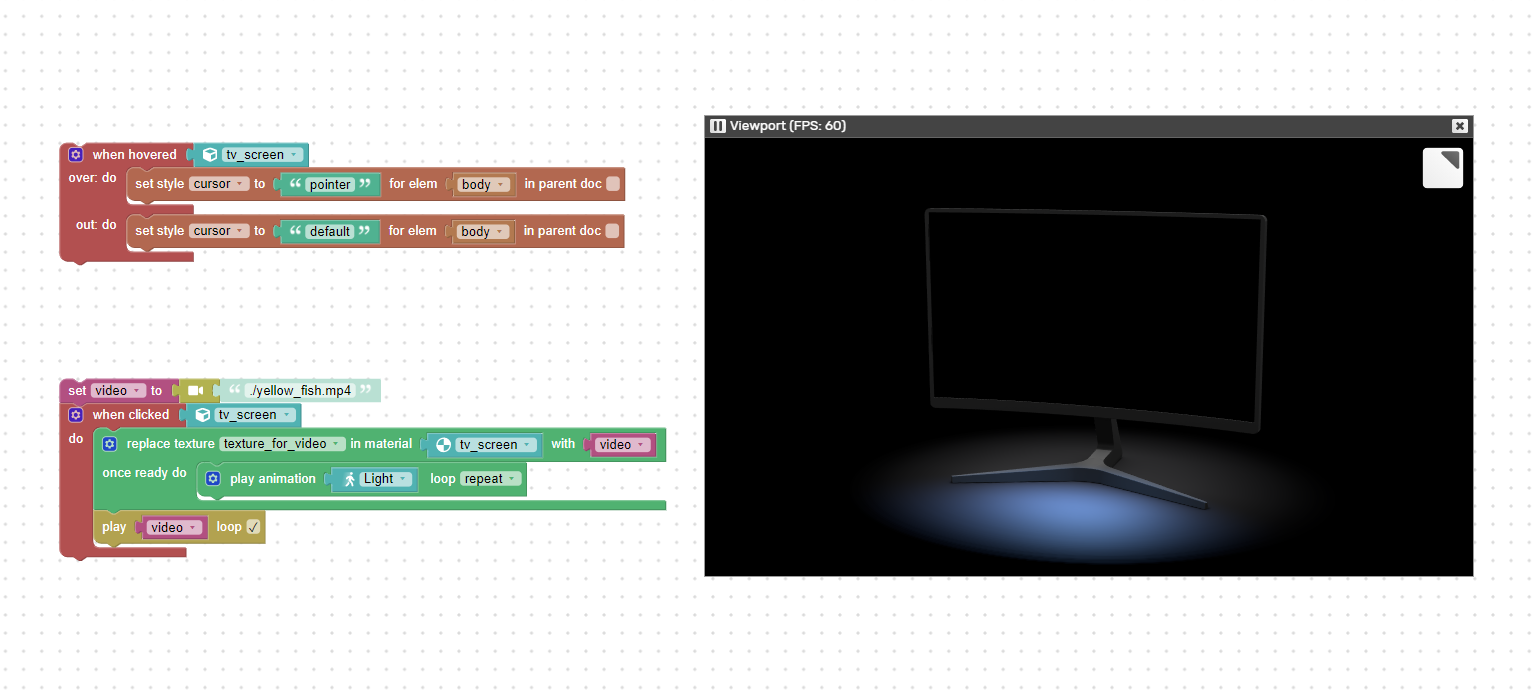
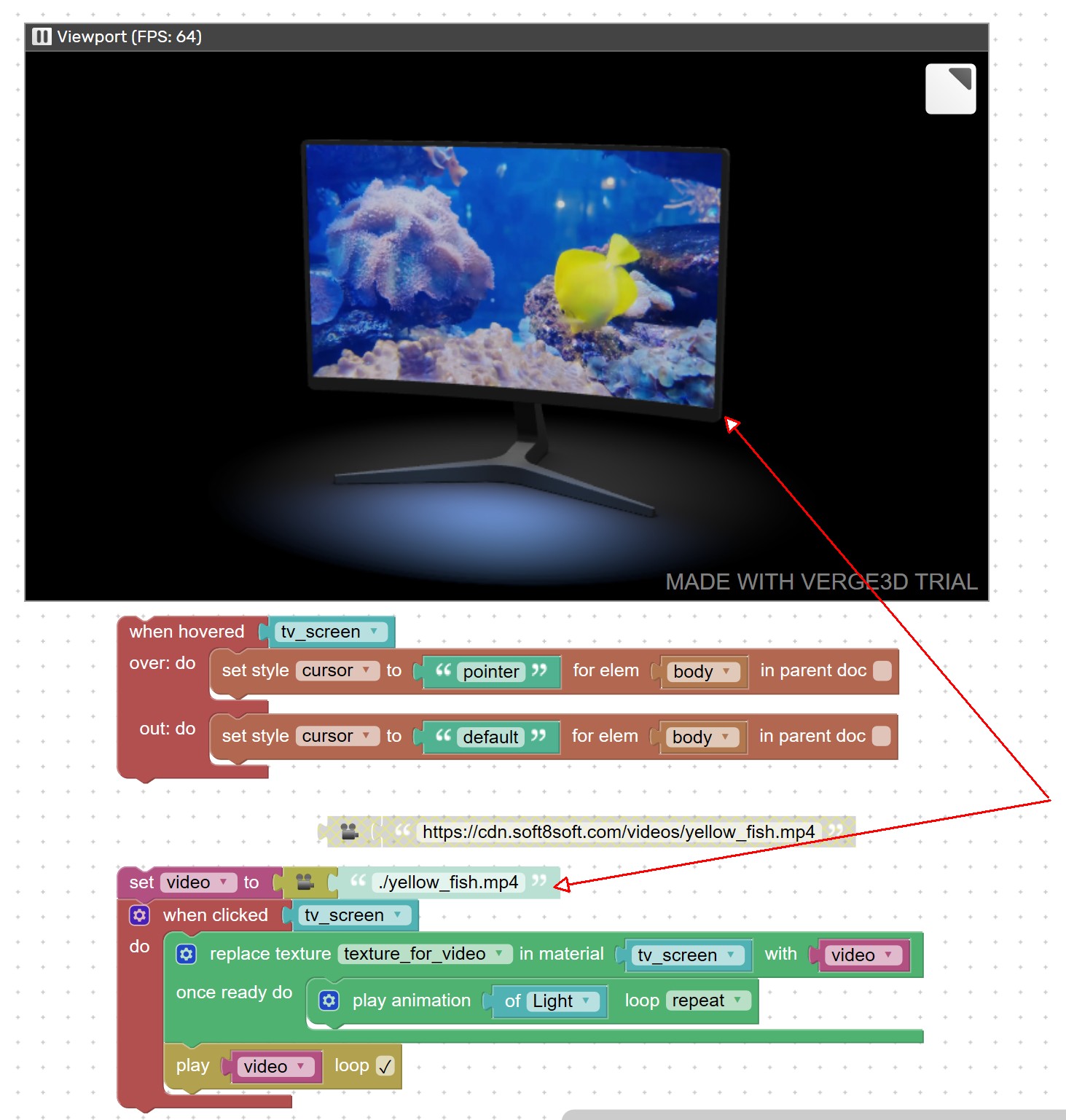
I placed a copy of the video in the URL at the root of the project, but when replacing the address to that relative path, it does not seem to read it.Something is quite obvious but I’m missing it?
Attachments:
2021-01-06 at 12:48 am #37118Avier3DCustomerup
2021-01-06 at 9:26 am #37132 visualizerParticipant
Hi
Avier3Dcan u share a example file?
Actually it works for offline video too.
Pl. check the exact name in puzzles ( case sensitive as well )Regards
V2021-01-06 at 10:13 am #37134Avier3DCustomerHi,
Thanks for reply.
No example file, it is the same video texture example that comes with verge3D, anyone can replicate it. The attached screenshot explains it well.Like I mentioned above, I placed the online video file locally, in the application root folder, and change the path to ./yellow_fish.mp4
Not a case sensitive problem.
Tried different workstations, and different locations (locally, not on my studio network)Does not load.
A mate tried on his setup and is having the same issue.Where is the issue being generated, local path syntax?
2021-01-07 at 7:12 pm #37148visualizerParticipantHey
It works at my side pretty well.
are you sure you setting up all things right?Cheers
Attachments:
2021-01-08 at 12:44 pm #37170Avier3DCustomerHey,
Yes, that is the strange thing, I have the same setup but video does not seem to load after the change. Same video file in the root folder, hence the “./yellow_fish.mp4”, but does not load.
I tried different browser too.anyone else running into the same issue? Seems to be something dumb but can’t find it :/
2021-01-08 at 7:14 pm #37181visualizerParticipantStrange !
May be try using a slightly different version of V3D. May be a bug or something.2021-01-12 at 7:58 pm #37322Avier3DCustomerI’ve managed to get it to work but there is something going on with browsers (chrome/opera) where the local copy does not get cached/loaded. sometimes after a full system restart it will work. So weird.
-
AuthorPosts
- You must be logged in to reply to this topic.