
- This topic has 19 replies, 2 voices, and was last updated 5 years, 4 months ago by
 Petro.
-
AuthorPosts
-
2021-01-19 at 11:09 am #37487
 PetroCustomer
Nothing else than defining a mesh object (corner of a room) as static and 3 cubes dynamic. Scene reload shows the 3 cubes normally sitting in the corner of the room falling from somewhere above… Any ideea what is happening and why the cubes are not left in the corner as I expect and it was before?
2021-01-19 at 11:20 am #37488 Mikhail LuzyaninStaff
Please, share the project so we can find the issue and describe what you want to achieve in more details.
Co-founder and lead graphics specialist at Soft8Soft.
2021-01-19 at 1:08 pm #37494PetroCustomerHere it is Michael.
As You can see in the image link provided below with the disabled puzzle create rigid body dynamic, for the 3 wooden cubes, the scene is correct as you can see here:
https://pasteboard.co/JKmzHdl.pngIf I enable the create rigid body, the cubes are placed somewhere above the walls and they are start falling when I refresh the scene, from somewhere above. Is the location set different when create rigid is set in the puzzles Mikhail ?
2021-01-19 at 1:10 pm #37495PetroCustomerI want cubes staying as in the image link in the corner even if I enable dynamic rigid body for them
2021-01-19 at 1:20 pm #37496PetroCustomerIf I enable create rigid body only for the second cube I get https://pasteboard.co/JKmFWIC.png
2021-01-19 at 5:26 pm #37501PetroCustomerPlease see in the attached zip file the physics issue I am experiencing. Enable disable dynamic rigid body creation to see that without it the boxes are sitting correctly in the corner.
Please advise me where I do wrong ?
2021-01-20 at 7:24 am #37517PetroCustomerAny idea on what is it wrong with this ?
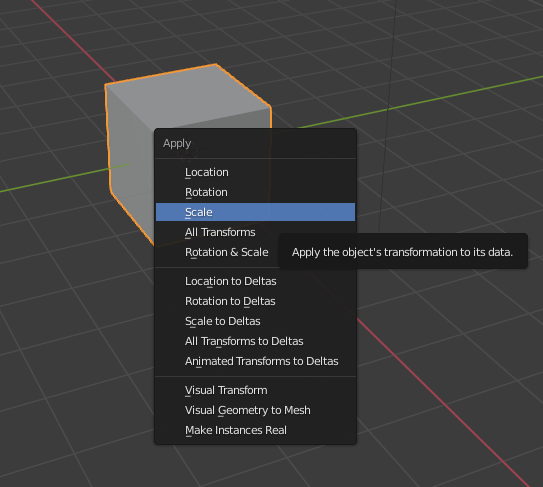
2021-01-20 at 7:56 am #37518Mikhail LuzyaninStaffYou need to apply scale for all objects in the scene before apply physics.
Co-founder and lead graphics specialist at Soft8Soft.
2021-01-20 at 3:24 pm #37553PetroCustomerDid you mean like this Mikhail https://pasteboard.co/JKwUNou.png ?
Probably not, as I get the same result… 2021-01-21 at 6:05 am #37568PetroCustomer
is the above what you mean ?
2021-01-21 at 6:46 am #37569Mikhail LuzyaninStaffThis way: ctrl+a => Scale
Attachments:
Co-founder and lead graphics specialist at Soft8Soft.
2021-01-21 at 8:09 am #37583PetroCustomerI did try but no success… please maybe check the attachment:
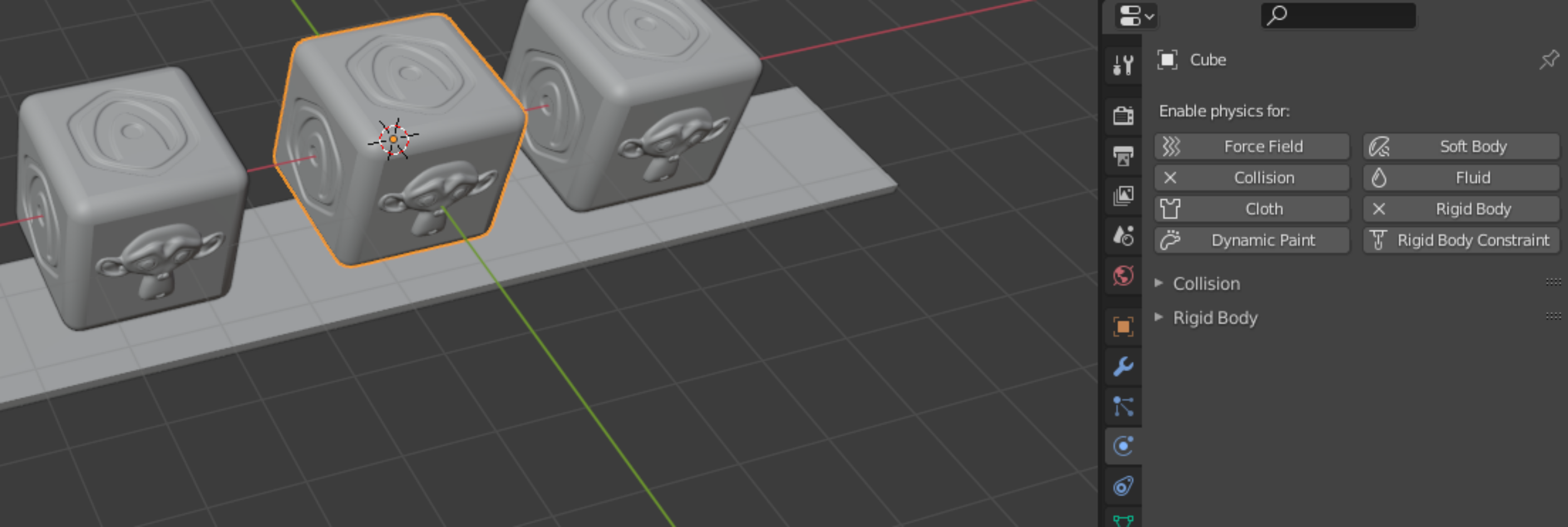
Do I need to setup something in blender too ?I’ve attached a zip file with a copy of the cubes which also fall through the box panel bellow.
 2021-01-21 at 8:21 am #37590Mikhail LuzyaninStaff
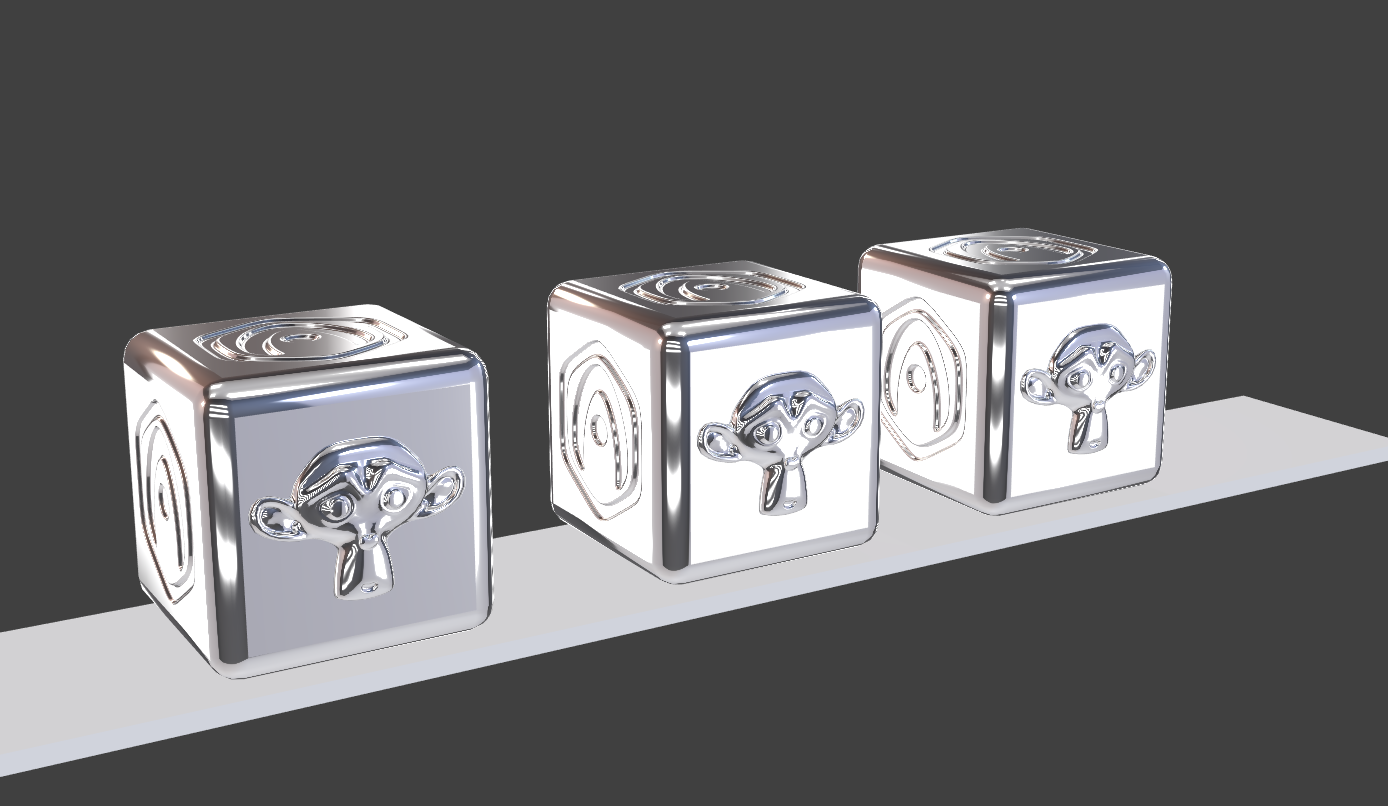
You need to apply scale FOR ALL OBJECT THAT USES PHYSICS not only for cubes.
Attachments:
Co-founder and lead graphics specialist at Soft8Soft.
2021-01-21 at 8:31 am #37593PetroCustomer thx2021-01-21 at 8:37 am #37594PetroCustomer
but first attachment still not works with this trick… I use there 3 already scaled cubes, maybe that is the issue ?
Object remain hanged after a short fall!
https://pasteboard.co/JKDIxs0.png -
AuthorPosts


- You must be logged in to reply to this topic.