
- This topic has 5 replies, 2 voices, and was last updated 10 months, 2 weeks ago by
ing11.
-
AuthorPosts
-
2025-10-30 at 8:05 pm #85176
ing11
ParticipantHello,
I am trying to follow this video
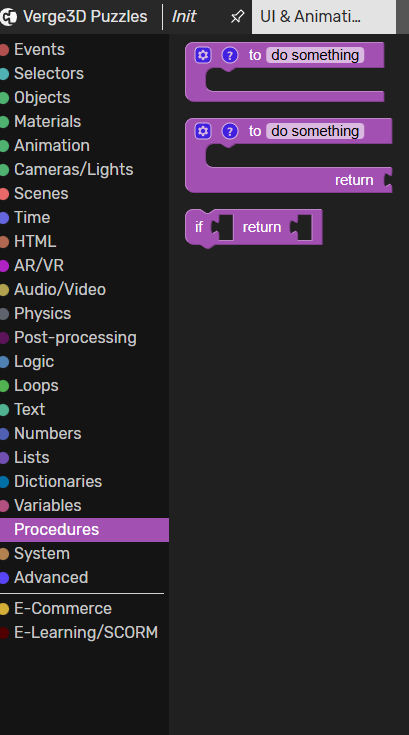
I see you are using map range puzzle from the library as well as the map range procedure.I can’t find either of these items in the latest version of the software.
Do you have a work around I can use please?
Attachments:
2025-10-31 at 7:38 am #85180 Alexander KovelenovStaff2025-10-31 at 3:25 pm #85185Participant
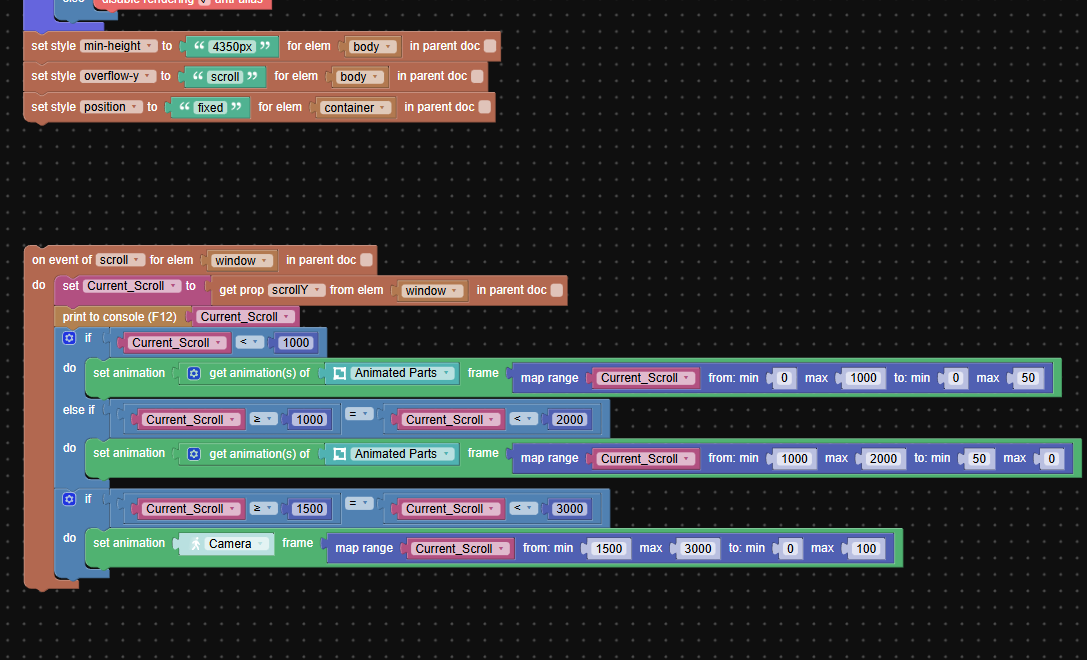
Great i found it, i have set things up according to the video and also created the animation and exported it however when i test nothing happens, the files is scrolling and the numbers are changing when i check console but the animation doesn’t play.
I’ve attached an image of my puzzle
Attachments:
2025-10-31 at 3:33 pm #85187Alexander KovelenovStaffHere is how you can debug it.
1) Try to play animation automatically (Auto Start setting in Blender) to see if it works.
2) If it does, play it with basic play animation puzzle to see if works.
3) If it does, place some “print to console” info near the play animation in your own code and check the browser console to see if the actual code is being executed.If 1 does not work, there is something with how the animation is prepared in Blender. If 2 does not work, perhaps the object or the animation name is not correct. If 3 does not work, review your Puzzles logic.
2025-10-31 at 4:12 pm #85188ParticipantHello,
1) Try to play animation automatically (Auto Start setting in Blender) to see if it works.
When i turn on auto play, the animation is playing but only the camera rotating around the project is playing
The parts aren’t moving apart
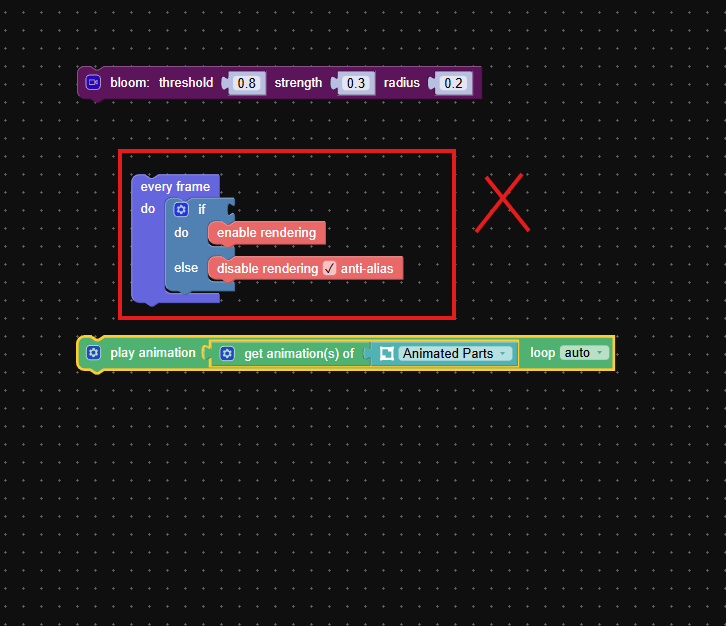
2025-11-01 at 9:59 am #85190ParticipantI found the error, at the start of the video, the anti-alias puzzle doesn’t have a condition to result against.
When I deleted it the animation worked fine, I noticed you then added the variable condition at the end of the video when I added that back everything works without any issues.
It would be good to have a write up with the changes since the training video was done 5 years ago and a lot as changed. Unless the issue is only happening with me.
Attachments:
-
AuthorPosts
- You must be logged in to reply to this topic.