
Home › Forums › Bug Reports and Feature Requests › New Color Mix Node in Blender wreaking havoc in Verge
- This topic has 13 replies, 4 voices, and was last updated 3 years, 7 months ago by
 Alexander Kovelenov.
-
AuthorPosts
-
2023-03-09 at 5:09 pm #60957
 samuraijkmCustomer
Hi Devs,
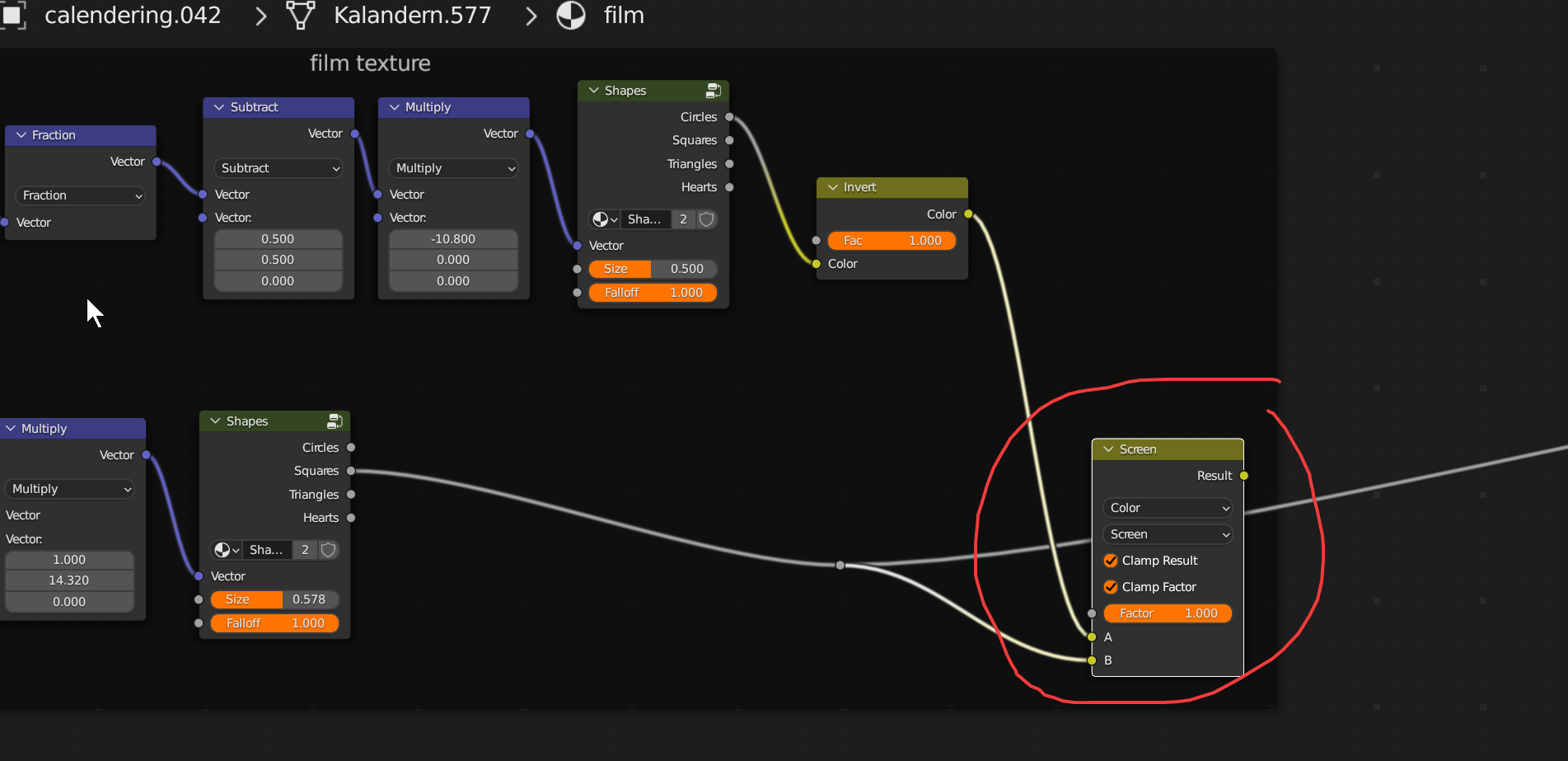
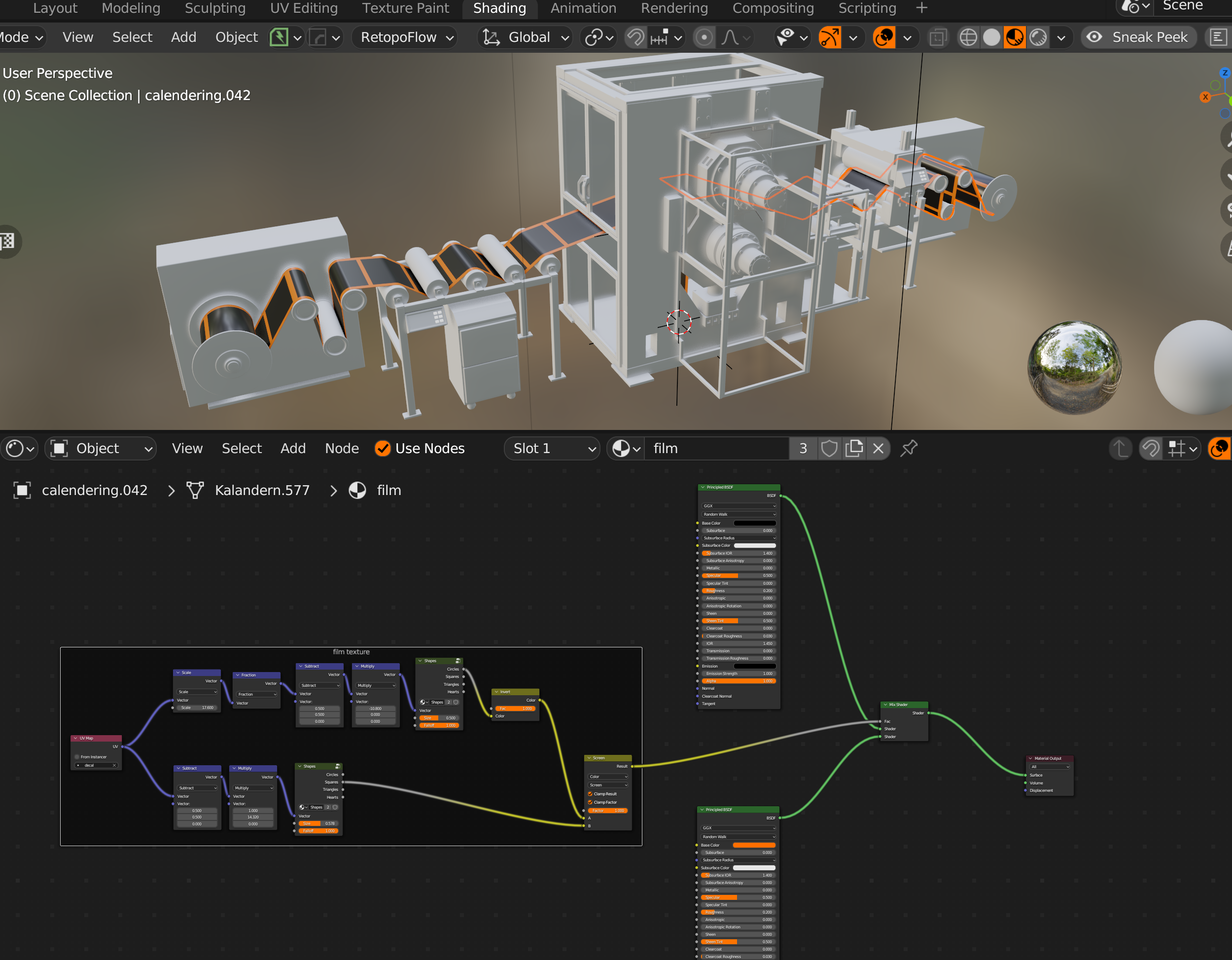
Recently had an issue editing an older application I built in Verge. It was working right before and when I re-exported it after making a small edit, the gltf would not load at all. I found out that Verge doesn’t like the new color mix node at all. If I bypassed and disabled it, the application exported fine but at the loss of my texture map being right. Please help fix this bug please. I need the color mix node (old mix RGB) to work.

Sincerely,
JasonPs- On the latest Blender 3.4.1 and 4.3.0 Verge
Attachments:
2023-03-09 at 9:27 pm #60969kdv
ParticipantFast fix: use Blender 3.3. Looks like there is an issue with the nodes previously named
Separate RGB,Combine RGBandMix RGBPuzzles and JS coding. Fast and expensive.
If you don’t see the meaning in something it primarily means that you just don’t see it but not the absence of the meaning at all.
2023-03-10 at 11:10 am #60983 Yuri KovelenovStaff2023-03-10 at 6:26 pm #60994samuraijkmCustomer
Hi Yuri,
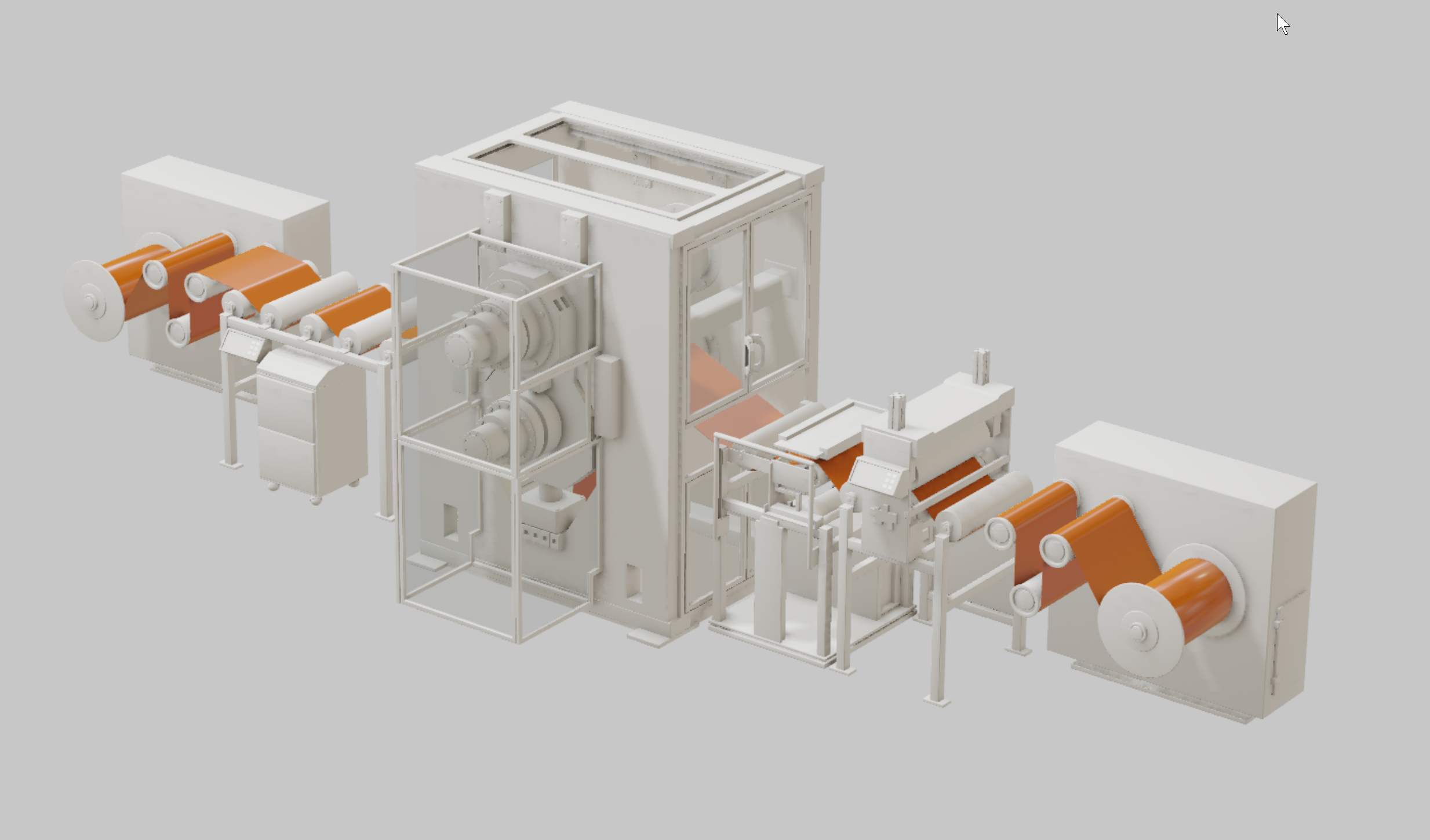
Here is a sample of the file. I ripped out the texture maps to get the file size down, but the material that is in question is called film. It should look like this when in verge – see attachment screen shot.
-Jason
2023-03-11 at 3:04 am #60998ParticipantExported from Blender 3.4.1. See no problems
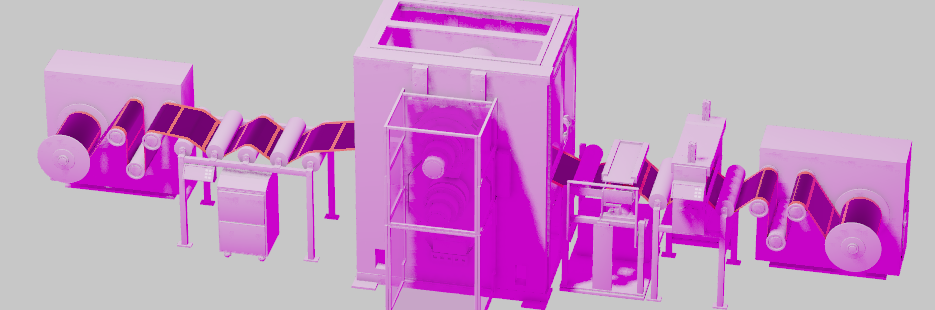
Puzzles and JS coding. Fast and expensive.
If you don’t see the meaning in something it primarily means that you just don’t see it but not the absence of the meaning at all.
2023-03-11 at 3:11 am #61000samuraijkmCustomerInteresting, mine does not work at all. What is your verge 3D version ?
2023-03-11 at 3:18 am #61001Participant4.2.0
Btw, is there any specific reason to use this a little bit complicated shader with numerous nodes instead of just one small repeating texture? It looks like just a black square with orange borders…Puzzles and JS coding. Fast and expensive.
If you don’t see the meaning in something it primarily means that you just don’t see it but not the absence of the meaning at all.
2023-03-13 at 7:29 am #61012 Alexander KovelenovStaff2023-03-13 at 2:10 pm #61026samuraijkmCustomer
kdv, I used that setup to avoid uv unwrapping that film piece of the machine and to keep from adding an image map.
2023-03-13 at 2:11 pm #61027samuraijkmCustomerThanks Alex, I’ll get the Verge3D 4.3 pre3 when it comes out!
 2023-03-13 at 4:18 pm #61028Participant
A shader with only one image map is much faster ))) And you have that film mesh already unwrapped.
Puzzles and JS coding. Fast and expensive.
If you don’t see the meaning in something it primarily means that you just don’t see it but not the absence of the meaning at all.
2023-03-13 at 8:09 pm #61029samuraijkmCustomerkdv,
You’re probably right. However, I didn’t see that much of a difference with or without that material enabled. If I have time I might go back and redo it. Thanks for the input!
 2023-03-14 at 7:03 pm #61080samuraijkmCustomer
Hi Devs,
I installed the latest version of verge (Verge3D 4.3 pre3) on Blender 3.4.1 and am still not getting the correct output. The color mix node is not working at all. I’m getting nothing of the pattern but just a solid color in verge. Although, I can probably bake the texture out, this is disconcerting that a node setup that used to work does not anymore. I feel like there must still be a bug with this.
 Please advise…
Sincerely,
JasonAttachments:
2023-03-15 at 9:23 am #61087Alexander KovelenovStaff -
AuthorPosts
- You must be logged in to reply to this topic.