
Home › Forums › Graphics / Maya › Rotation axis problen in maya
Tagged: rotation problem pivot aniamtion
- This topic has 10 replies, 5 voices, and was last updated 6 years ago by
 Yuri Kovelenov.
-
AuthorPosts
-
2020-09-13 at 6:00 pm #32811
abrhman
ParticipantI have problem animating a bycycle chain WITH GEAR in maya. Its animating fine in maya but when i review it in browser Objects are not rotating around thier pivot points instead thet rotate around origin.
any help please2020-09-14 at 7:18 am #32830 Yuri KovelenovStaff2020-09-14 at 11:53 am #32846
mdsn
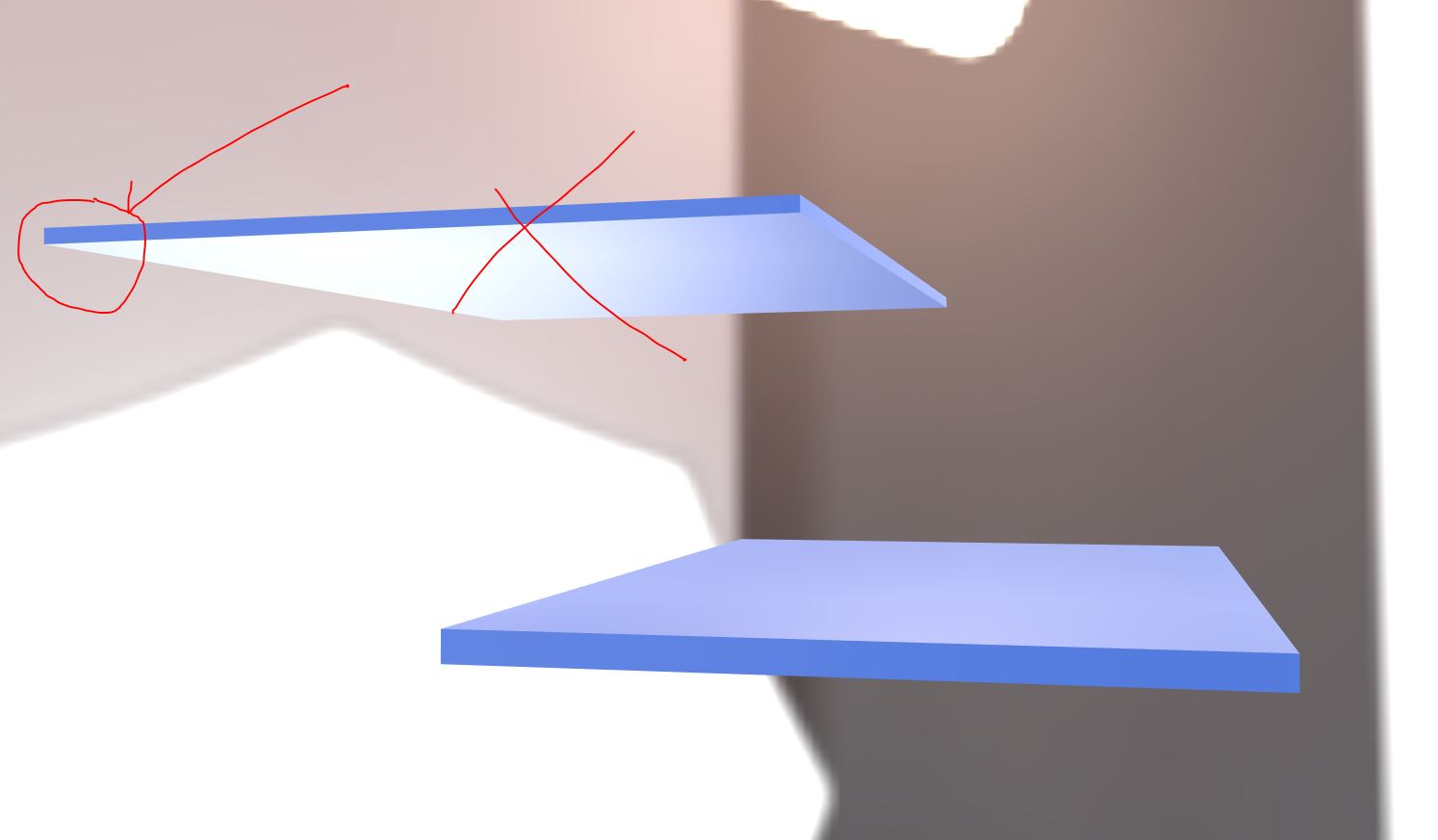
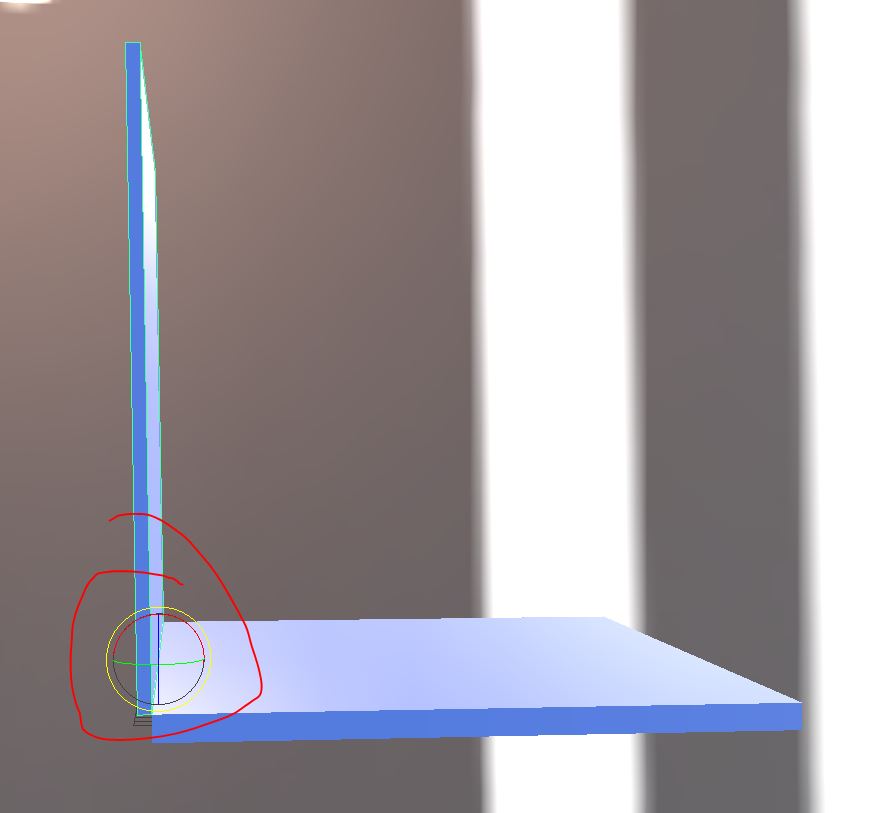
ParticipantHi Yuri, I’m having a similar issue with a laptop. In Maya the Laptop’s display opens and closes correctly, but in the application, it appears to be rotating around the center of the object (or original pivot) NOT where the pivot is actually positioned in Maya. As a test I created a dummy object just using cubes. My suspicion is that it does not respect “modify Pivot” where I placed the new pivot and is just using it’s original from creation. I also did a test where I deleted history and freezed transforms but it doesn’t help. I followed the Swiss Army Knife example and all the tools rotate from their pivots, but unsure if anything special was done to get them there. Perhaps the same solution will work for me and abrhman.
My Maya file is attached.
Thanks!
2020-09-14 at 3:11 pm #32862 Alexander KovelenovStaff2020-09-14 at 3:17 pm #32863Participant
My apologies! Correctly saved file is attached.
2020-09-14 at 6:36 pm #32869ParticipantHere is my maya scene please take a look.
https://we.tl/t-KQqlFpn85S
thanks2020-09-15 at 5:19 am #32875John Ramirez
CustomerHi all, not going to say this is the best solution as I hope it would just work by animating it and then replicating what Maya is doing from an animation standpoint BUT
Depending on your needs you can “Bake Pivot” within Maya and then animation will work around the object center.
2020-09-15 at 6:43 am #32877Alexander KovelenovStaffHi,
Indeed this type of animation around pivot point is not supported in Verge3D yet. There are some difficulties in supporting this. For now, you can bake you pivot as John proposed. Anyway, I’m putting this task in our TODO list.2020-09-15 at 7:10 am #32879Participantthanks
2020-09-15 at 11:55 am #32890ParticipantThanks, Bake Pivot worked. Maybe just add this to the Animation section of the Maya Artists Guide that you need to bake modified pivots.
2020-09-16 at 7:51 am #32914Yuri KovelenovStaff -
AuthorPosts

- You must be logged in to reply to this topic.