Hi all,
Is there any solution to using different product components with the same variables puzzles? I’m planning to create different scenarios in my Composite product. This means I will have many of the same components where only the price is different. So depending on the other selections in the product those components will appear or disappear. Each product component has a different component id.
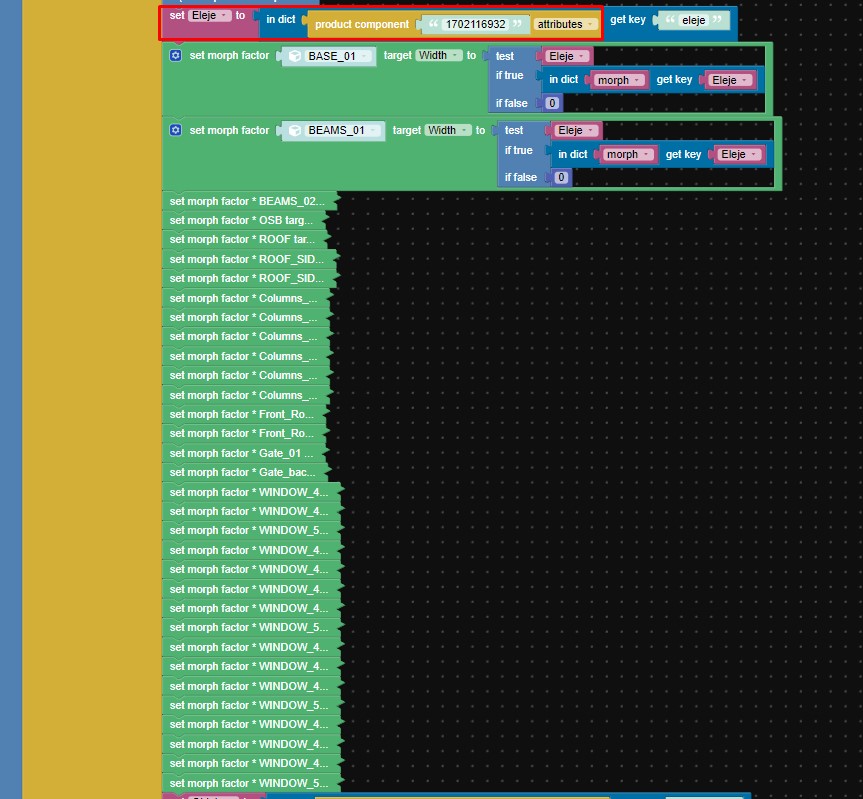
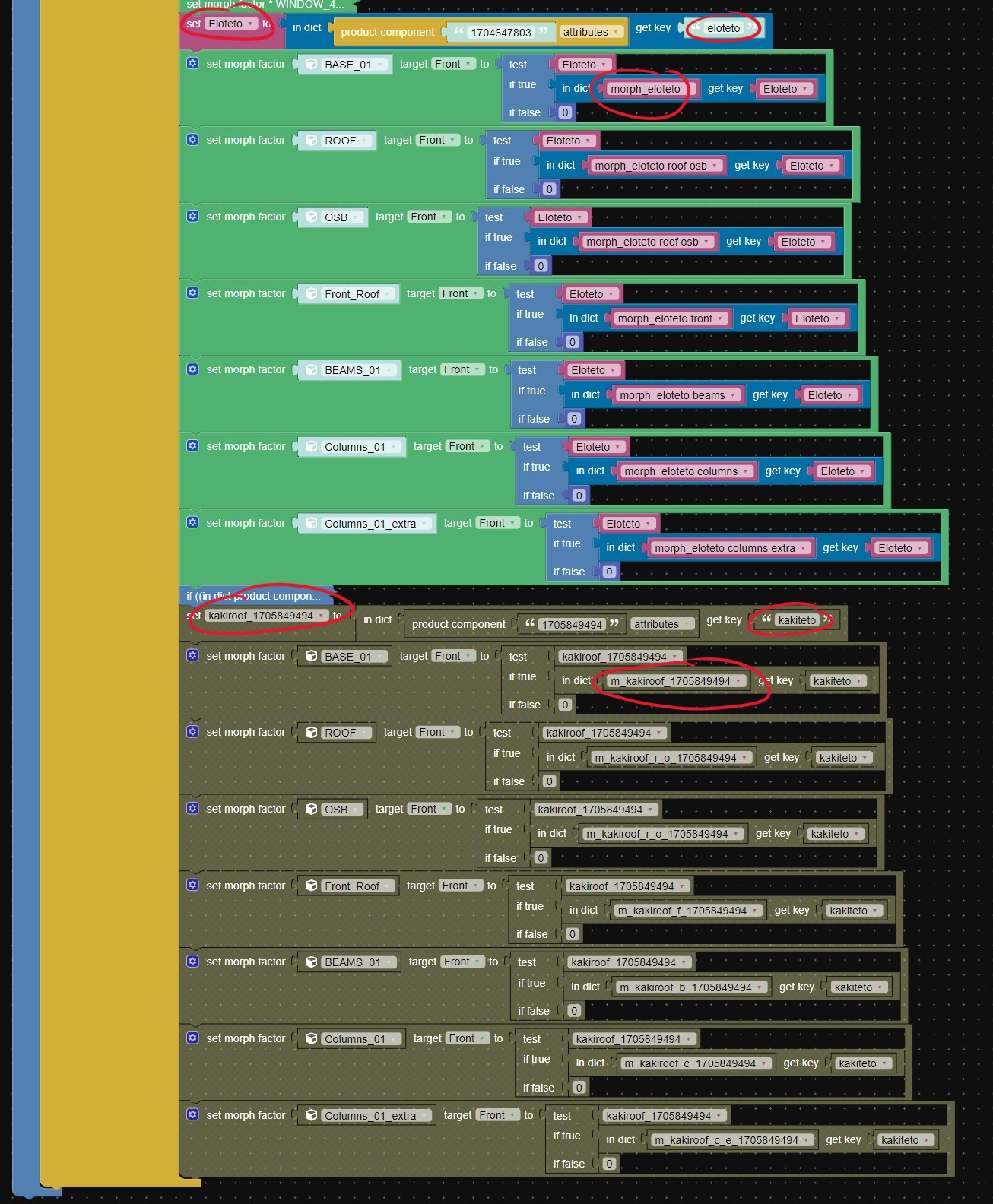
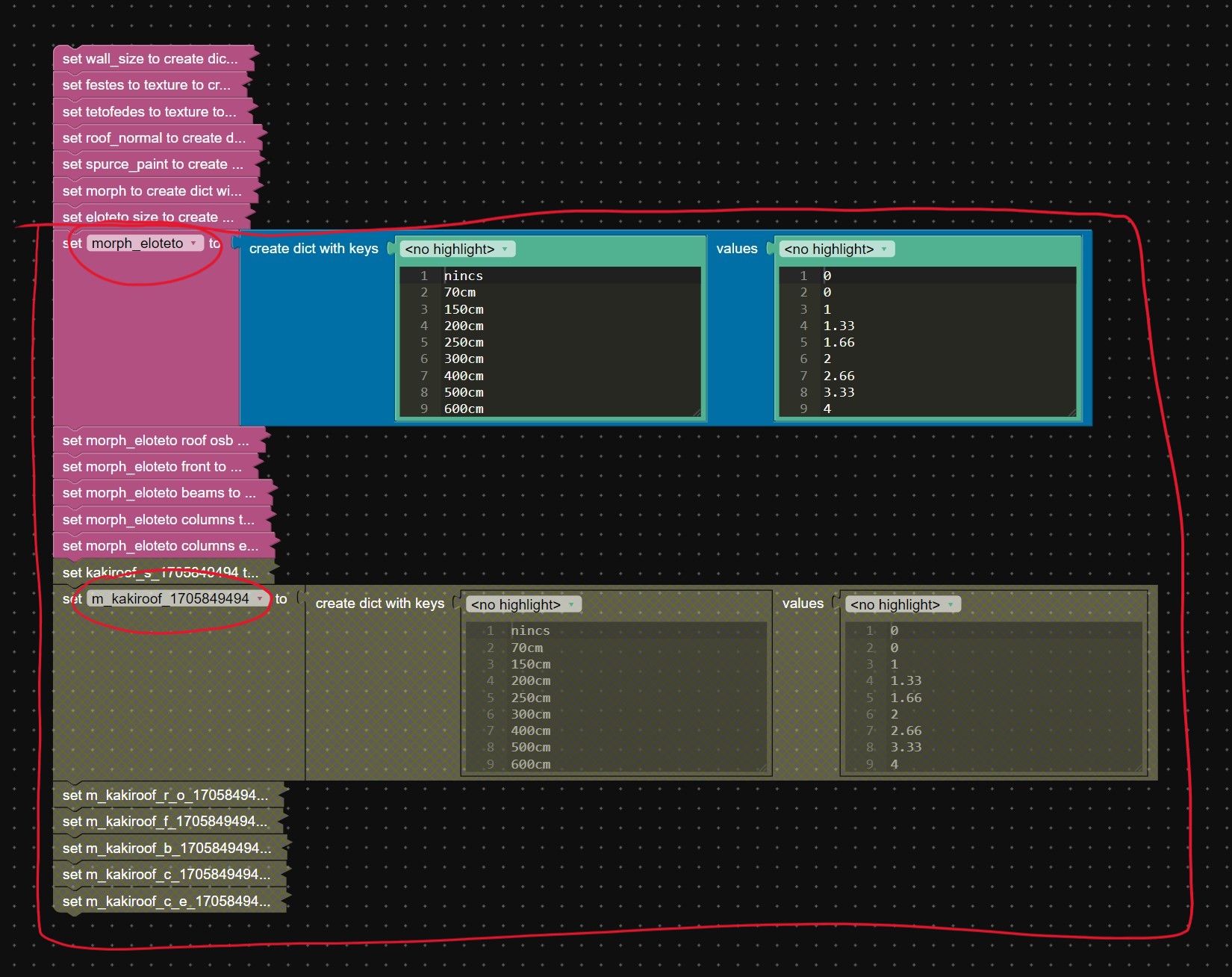
As you can see in the attached image, I use the components id’s in the product component puzzle but I need to use these same variable setups with my other components id’s. If I simply duplicate the puzzle and change the product component id, it doesn’t work, can’t handle one variable with different components. The only solution that was working for me was to create separate variable sets with unique names for each product component but this solution made it too chaotic for puzzles. If anyone has a better simple solution, please let me know. :)
ps.: As you can see in the attached image I have many objects with the same variable sets, I believe this is also could be much simpler. I tried with groups but that doesn’t handle morph targets. If you have any ideas, please let me know.
Best regards,
Peter
.