
Home › Forums › Bug Reports and Feature Requests › Application crashes on iPhone
- This topic has 6 replies, 4 voices, and was last updated 1 year, 10 months ago by
eabrosius.
-
AuthorPosts
-
2022-08-26 at 9:50 am #55307
Mariusz
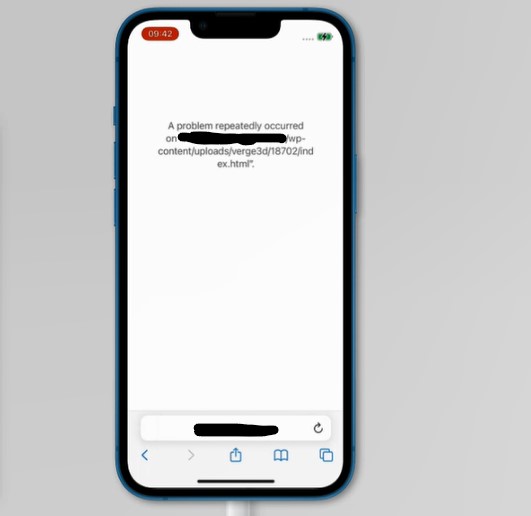
CustomerHi, I published the application, and it works fine on desktop and on mobile Android. But it crashes on iPhones iOS.
The application loads, and even runs for 1 second, but then an error occurs: “A problem repeatedly occurred on https://my-website-address.com”.
It happens on 3 physical devices and on the online test.
I have no idea why this happens, any suggestions?
Attachments:
2022-08-26 at 10:39 am #55309kdv
Participantno suggestions untill you show the real url to the app…
Puzzles and JS coding. Fast and expensive.
If you don’t see the meaning in something it primarily means that you just don’t see it but not the absence of the meaning at all.
2022-08-26 at 11:42 am #55310 Alexander KovelenovStaff
Hi, as suggested, app link would be really helpful. Also, please check whether the Scooter app works on your iPhones: https://v3d.net/s
2022-08-26 at 11:58 am #55311CustomerHi, here is the link: —
The Scooter works properly on Browserstack, unfortunately, my application gets this error.
2022-08-26 at 12:31 pm #55312ParticipantBig textures can crush iPhones, espesially if width and height are not the power of two (5702×2376) + your app prints to the browser console the app’s statistics frequently.
Puzzles and JS coding. Fast and expensive.
If you don’t see the meaning in something it primarily means that you just don’t see it but not the absence of the meaning at all.
2022-08-26 at 12:50 pm #55313CustomerThank you! I switched off the “print to console” puzzle – apparently, it was causing problems. The application loads now. Thanks! Unfortunately, it looks like a mess now, but I’m going to improve the textures and see if it helps. :)
2024-07-30 at 2:27 pm #76275eabrosius
CustomerFound this thread because I’m experiencing this exact issue on iOS all of a sudden.
Running Verge 4.7. App is updated. Working fine on desktop.
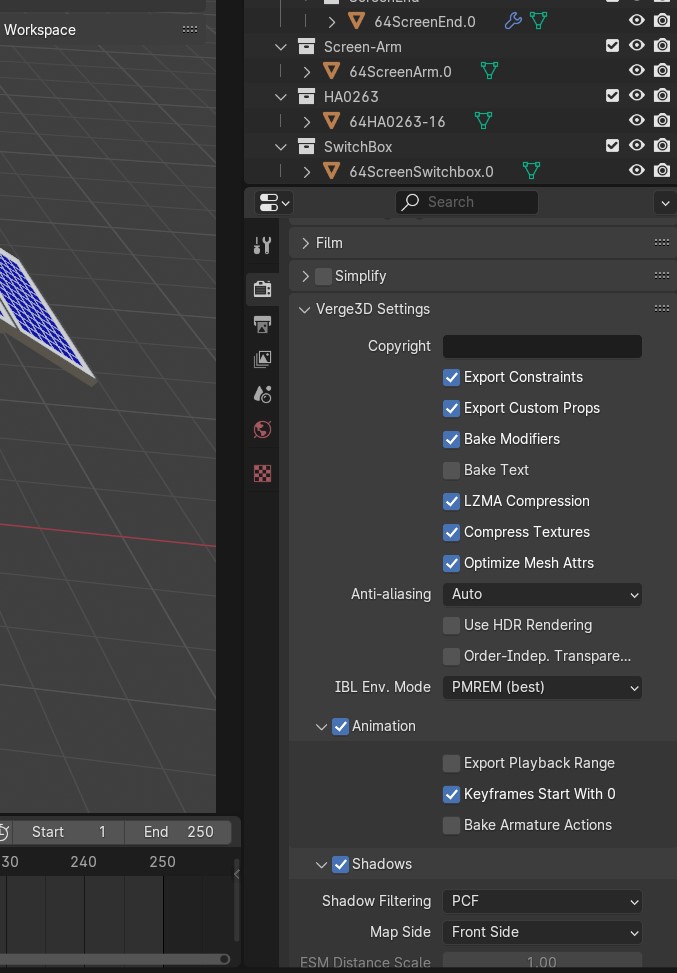
I have disabled almost all of my “print to console” prompts. I have deleted all Camera and Light objects out of all of my Blender models. I have the “Compress Textures” box checked in the Verge3D Settings on Blender for all my Blender models.
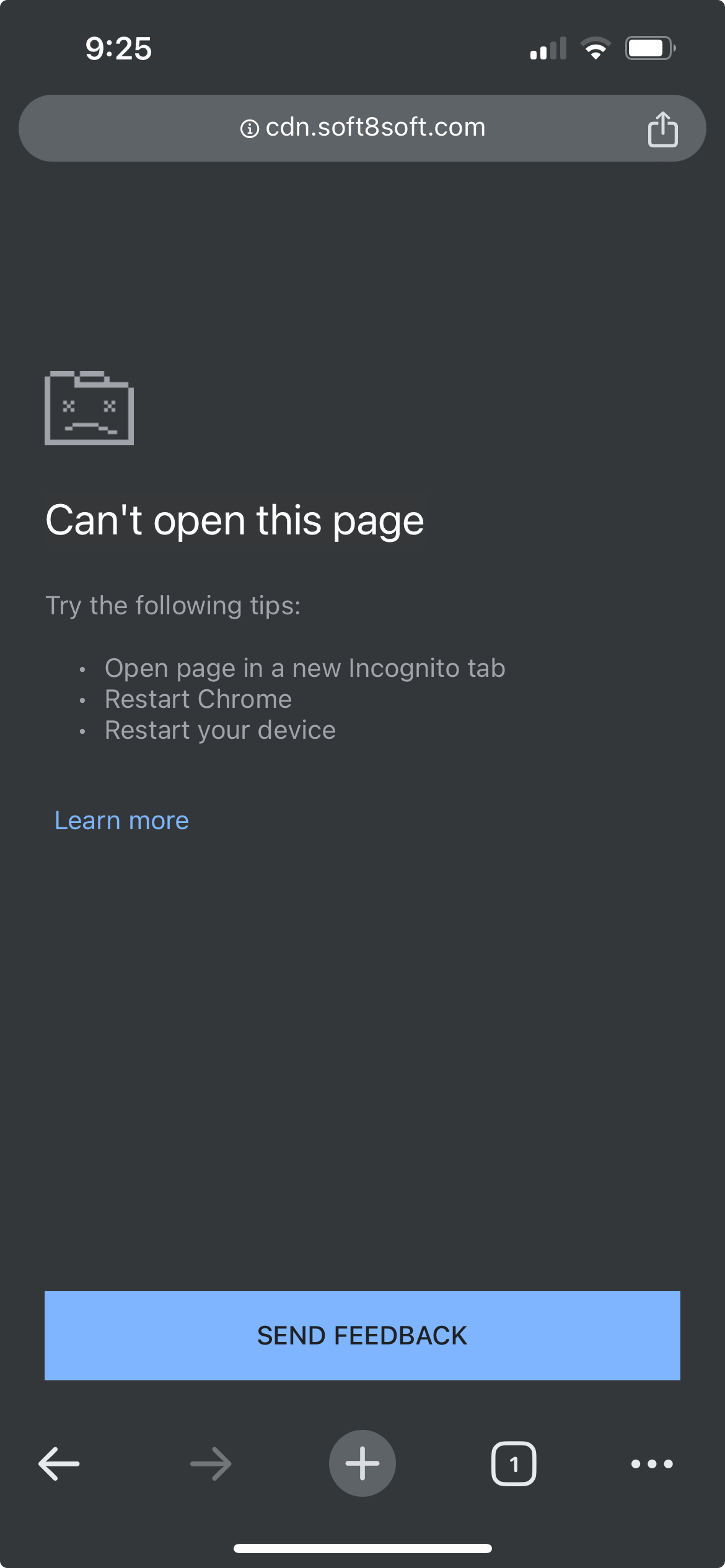
I have cleared my iPhone’s entire browser history on both Safari and Chrome, still getting this error message (“A problem repeatedly occurred…”).
Link to app: https://v3d.net/54d
Screenshots attached.
App zip file is 207MB so I can’t attach to this post. -
AuthorPosts

- You must be logged in to reply to this topic.