
Home › Forums › Graphics / Blender › problem with transparencies in blender
Tagged: transparencies blender
- This topic has 8 replies, 4 voices, and was last updated 7 months, 3 weeks ago by
alexanblender.
-
AuthorPosts
-
2025-01-30 at 2:24 pm #80031
michele tamborino
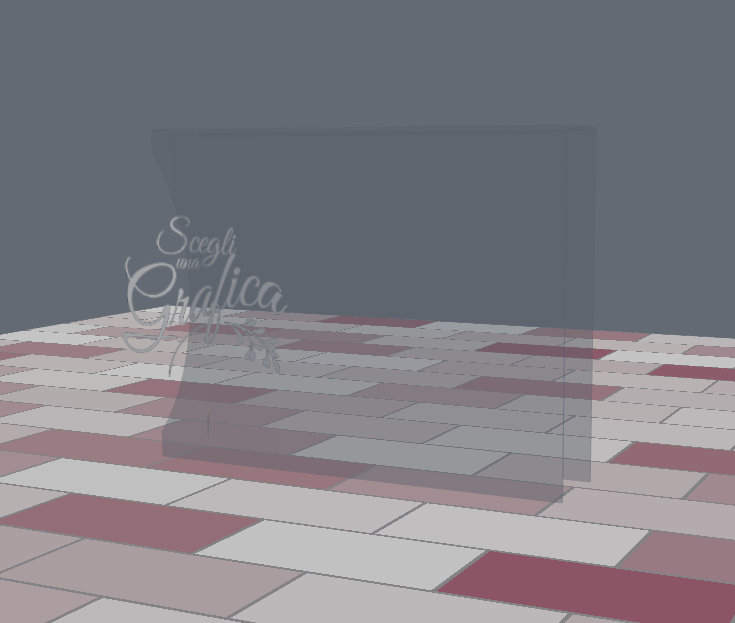
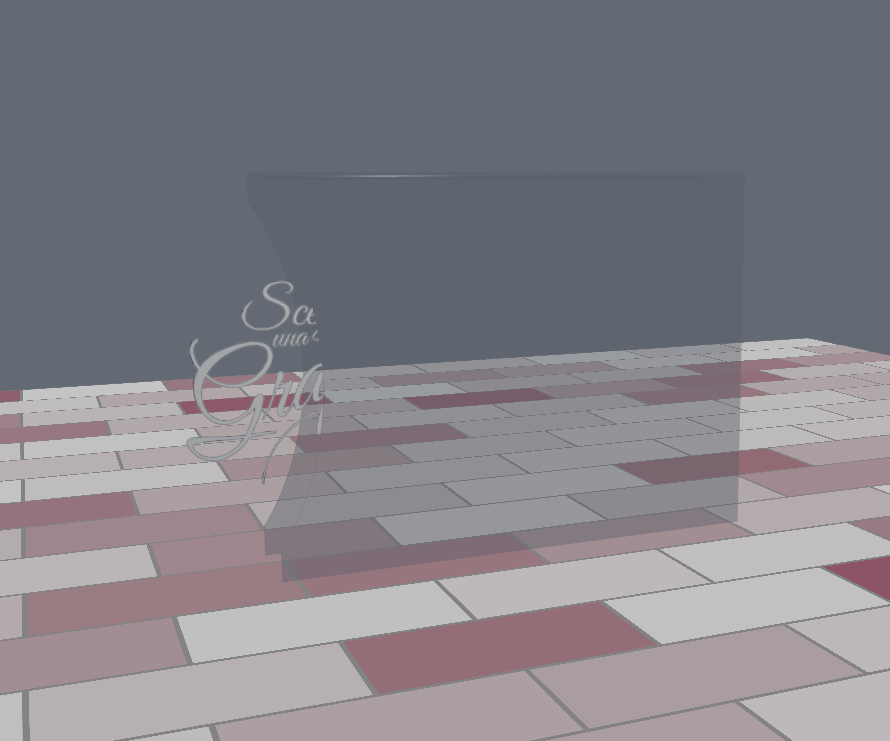
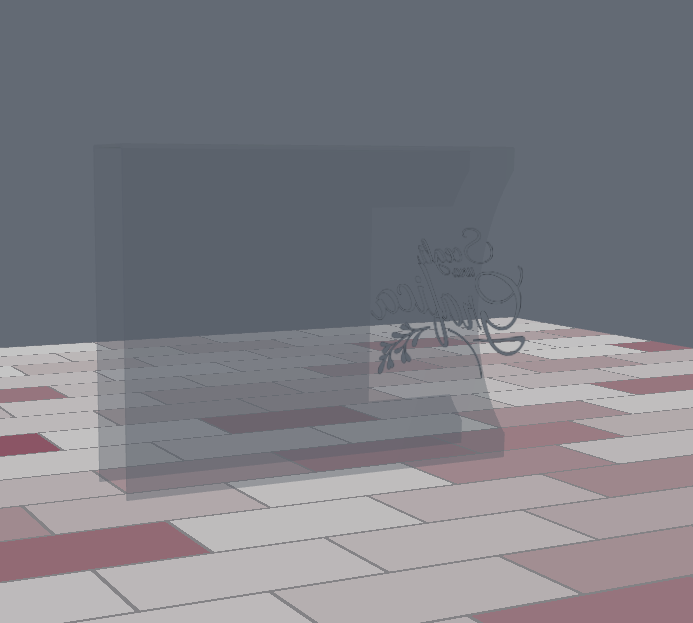
CustomerHi i need help to solve a problem with transparencies in blender 4.2. in this link https://v3d.net/178f you can see that if i rotate the view the image that is in the middle of the transparent object depending on the angle disappears or creates an artifact (this can be seen if i place the view on the back) how can i solve it? Thank you
ps:this happens when there are two intersecting objects that have transparency effects
none of this happens with blender 3.5
2025-01-30 at 5:02 pm #80037 xeonCustomer
You may find that turning on Order-Indep. Transparency will help. Its located in the Render/Render Properties panel under Verge3D Settings.
Xeon
Route 66 Digital
Interactive Solutions - https://www.r66d.com
Tutorials - https://www.xeons3dlab.com2025-01-31 at 4:00 am #80044kdv
Participant1. Disable Depth Write for both materials (Material parameters in Blender)
2. Increase render order for the outer part by 1 (Object parameters in Blender)the result should be like in this video
Puzzles and JS coding. Fast and expensive.
If you don’t see the meaning in something it primarily means that you just don’t see it but not the absence of the meaning at all.
2025-01-31 at 7:32 am #80045Customerwow
 it works thank you2025-01-31 at 8:14 am #80046Customer
Unfortunately, however, in the console I have this looping message:
v3d.WebGLOITRenderer: render target size mismatch in v3d.WebGLOITWeighted.2025-01-31 at 8:16 am #80047ParticipantOIT rendering is a buggy feature. In your simple case it’s not needed.
Puzzles and JS coding. Fast and expensive.
If you don’t see the meaning in something it primarily means that you just don’t see it but not the absence of the meaning at all.
2025-01-31 at 8:24 am #80048Customerthank you this is the solution without having other problems
2026-01-16 at 7:25 pm #85994alexanblender
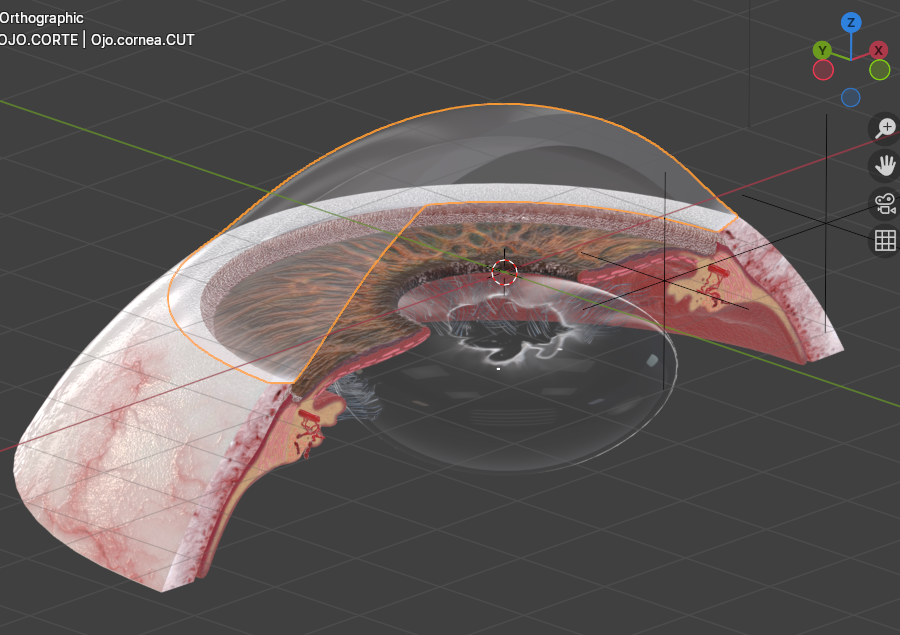
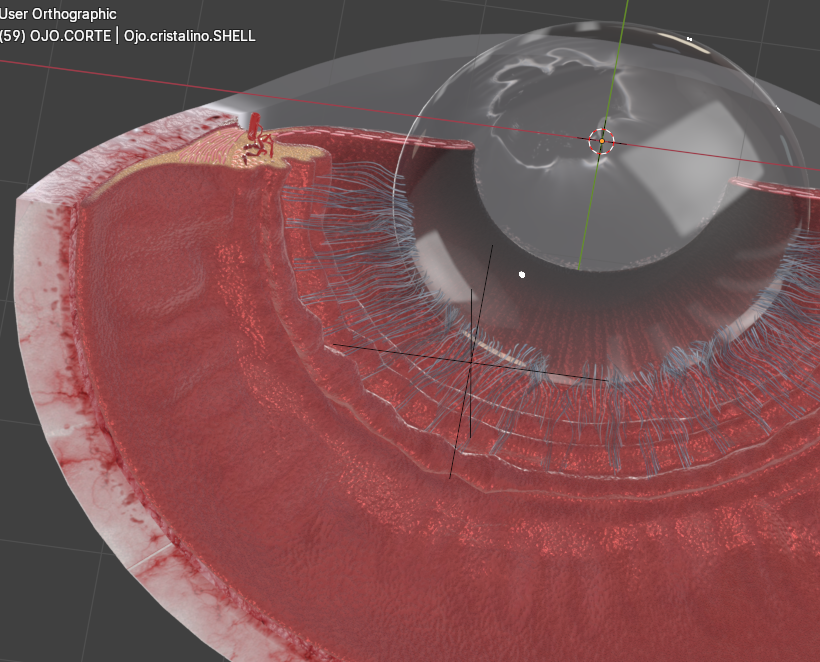
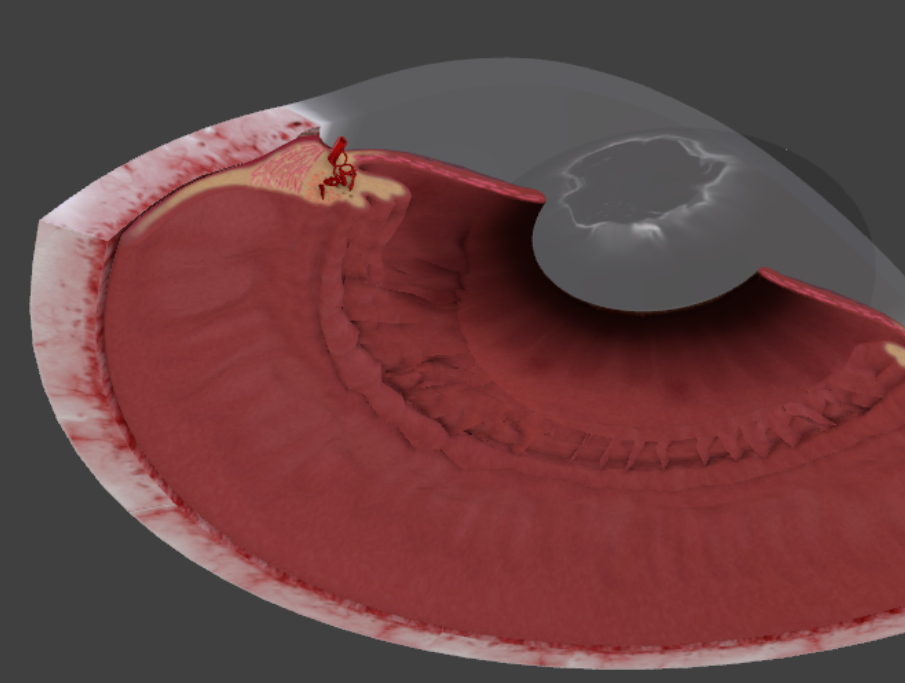
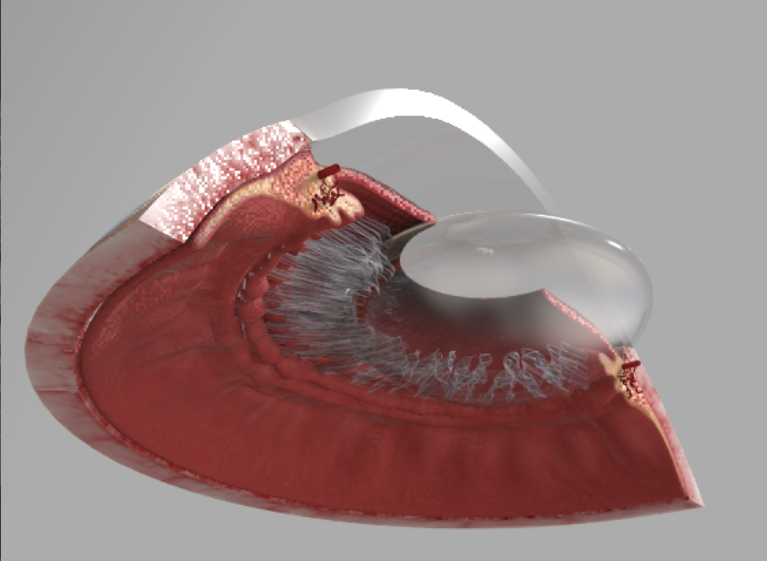
ParticipantHello, I am having a related problem with transparencies from Blender to Verge. Images below show both views (Blender is the desired one).
I feel lost in the mud of parameters, deactivated depth write, used order-independent render, activated transparency overlap and tried hundreds of combinations with no clear result…
Could you please help me in understanding what I am doing wrong? Thanks.2026-01-20 at 4:52 pm #86012ParticipantFollow up:
Managed to get it working by trial and error…
-Did not activate “Order Independent Rendering”, because it made every object as see-trhough.
-Activating “Depth write” in some objects, gave the same see-through result, but not always (?).
-Tweaking “Rendering Order” is tied to the object´s Origin position and NOT its actual geometry. (Changing the object´s origin will yield a different rendering order, even if the actual geometry was not moved).
Cheers!Attachments:
-
AuthorPosts
- You must be logged in to reply to this topic.