
Home › Forums › Bug Reports and Feature Requests › Feature request – enable procedural flames
- This topic has 18 replies, 4 voices, and was last updated 2 years ago by
 c4cc.
c4cc.
-
AuthorPosts
-
2024-09-03 at 4:18 am #77166
 c4ccParticipant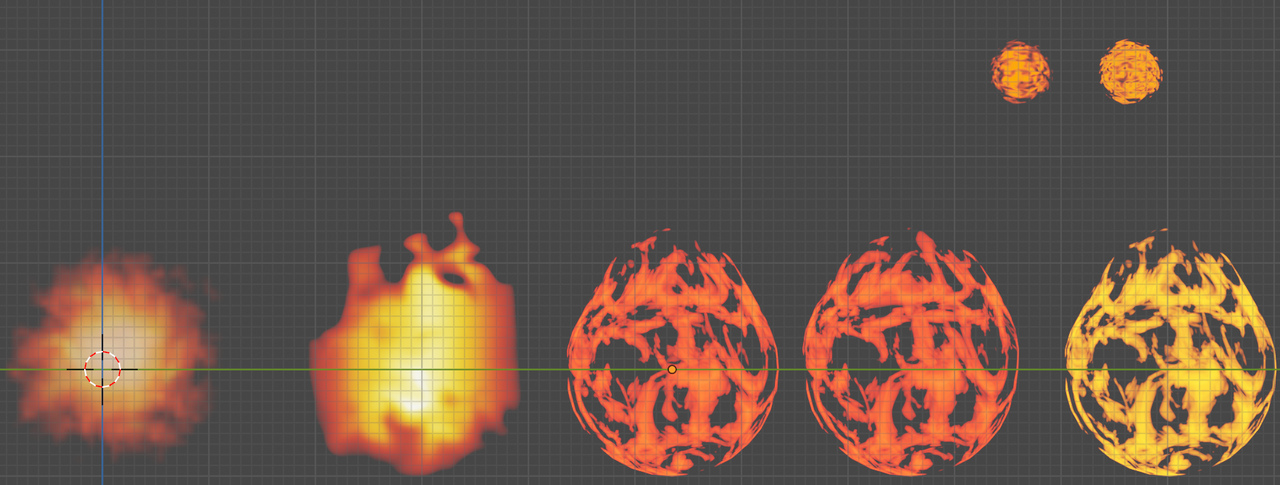
procedural flames shading examples:
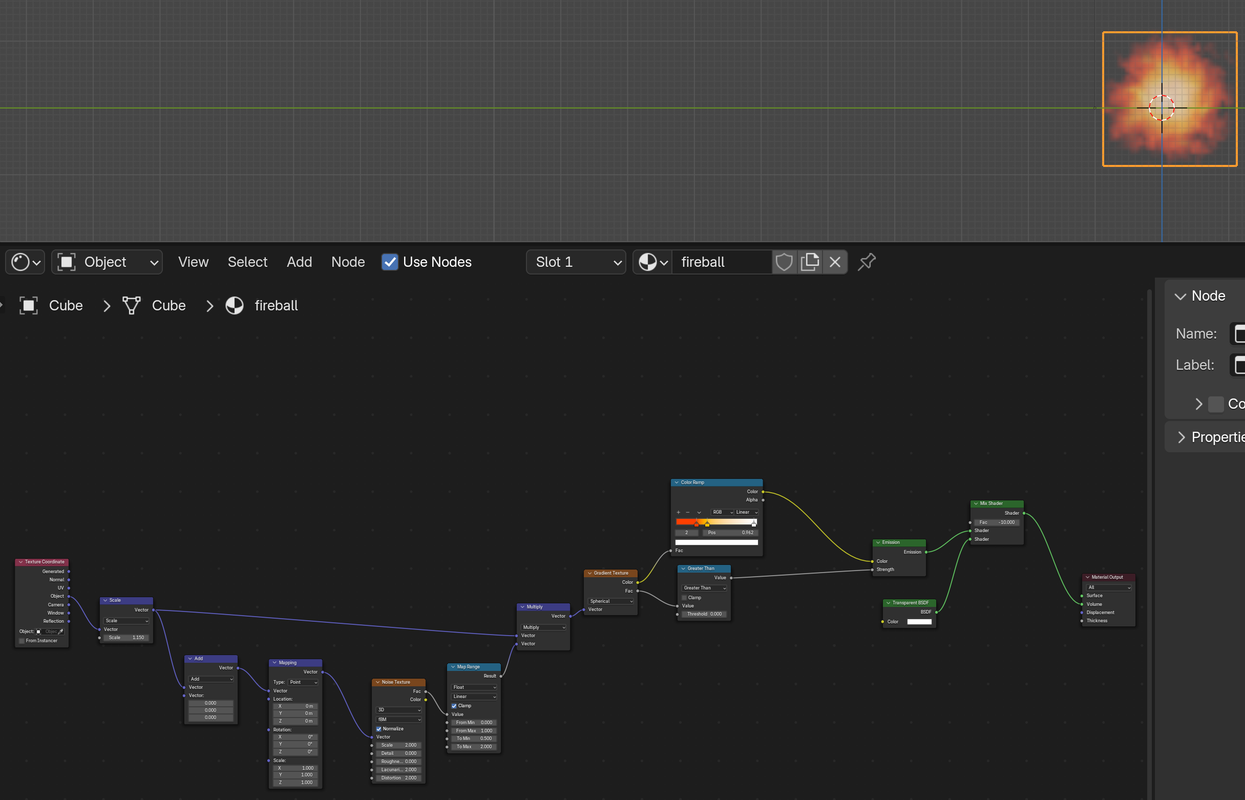
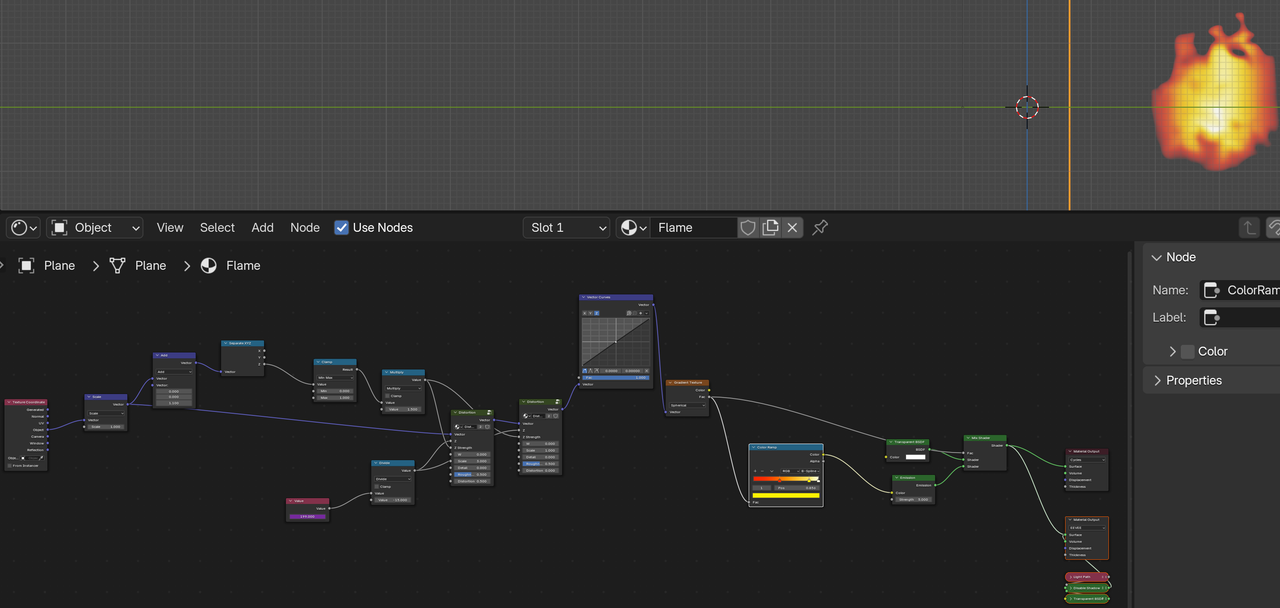
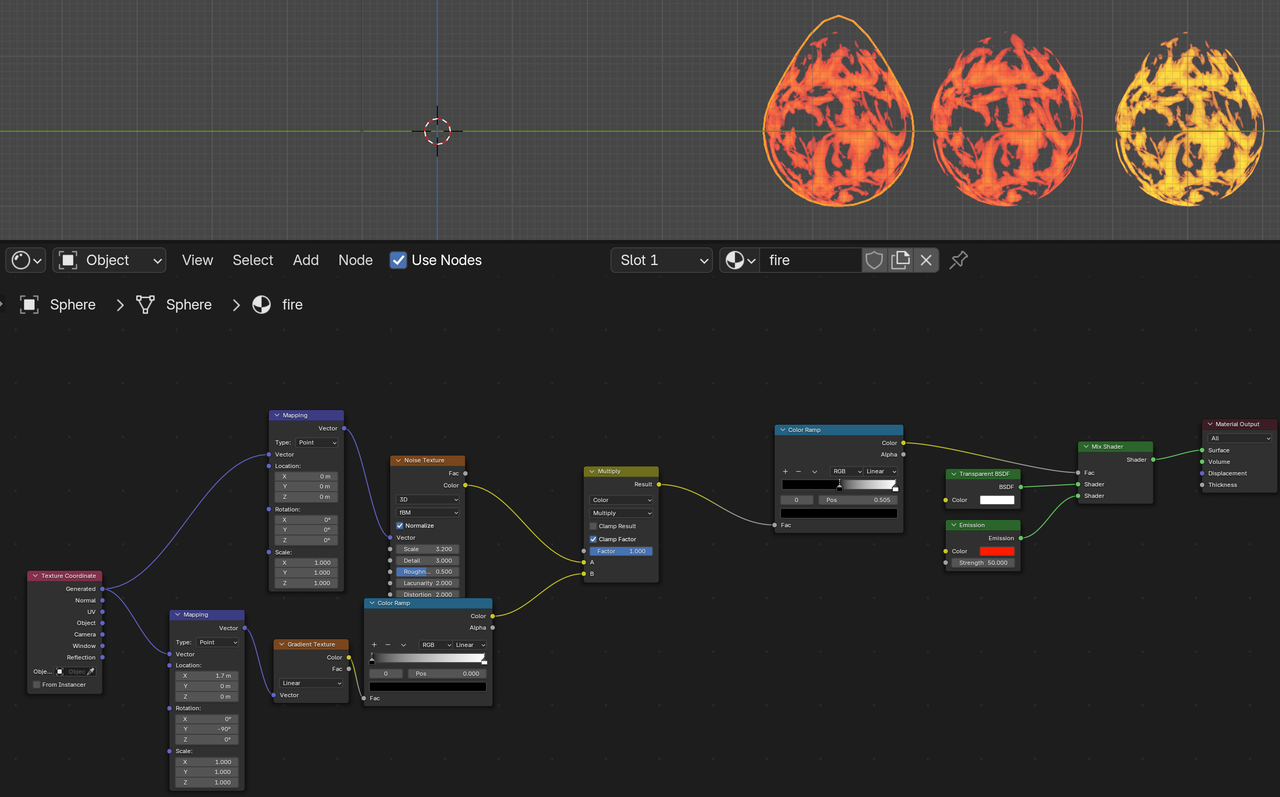
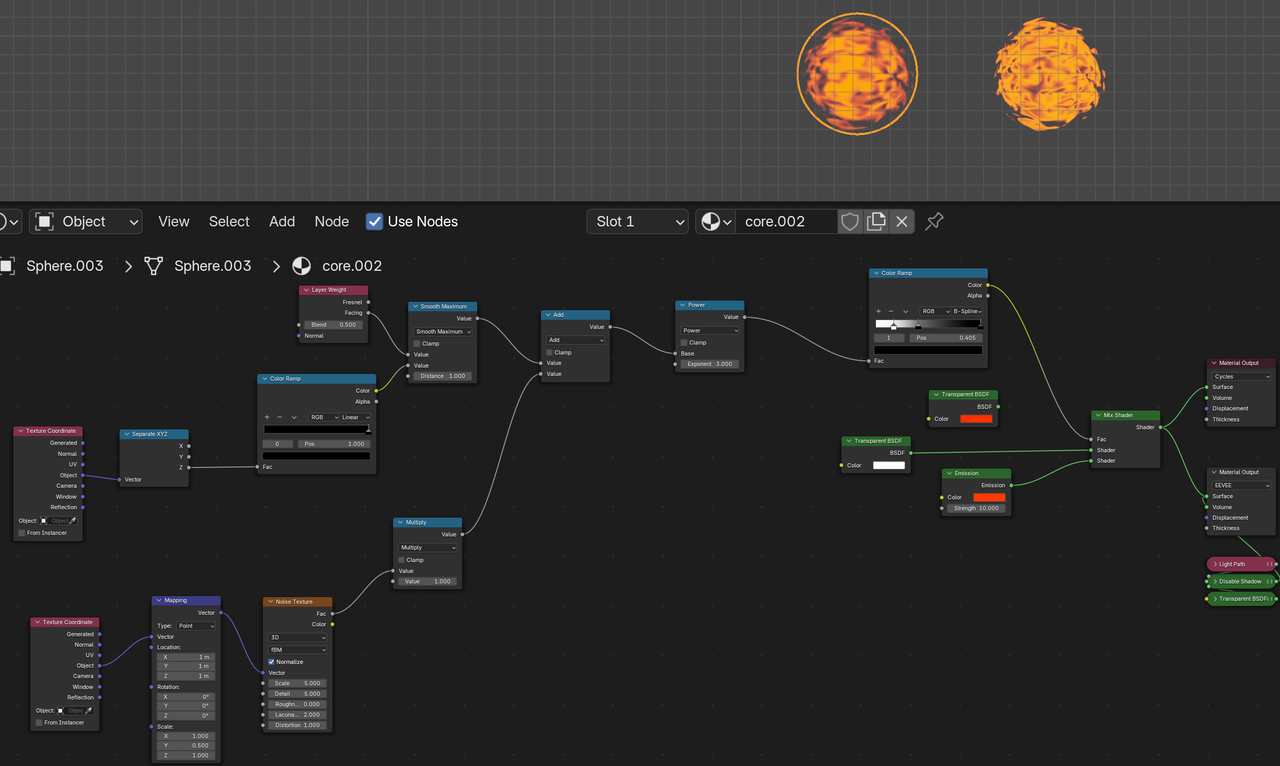
FPS trialproduct 20.9.25 https://postimg.cc/gallery/LMM5vkQ/af43346e
2024-09-03 at 5:26 am #77167 Yuri KovelenovStaff2024-09-03 at 6:05 am #77168c4ccParticipant2024-09-03 at 8:37 am #77172
 Mikhail LuzyaninStaff
Have you tried to export this shader to the engine? Seems like it must works without any problem. On first look all nodes that used for this shader already supported.
Co-founder and lead graphics specialist at Soft8Soft.
2024-09-03 at 8:55 am #77173c4ccParticipantexport this shader to the engine
What do you mean?
Yes, I checked in sneak peak:
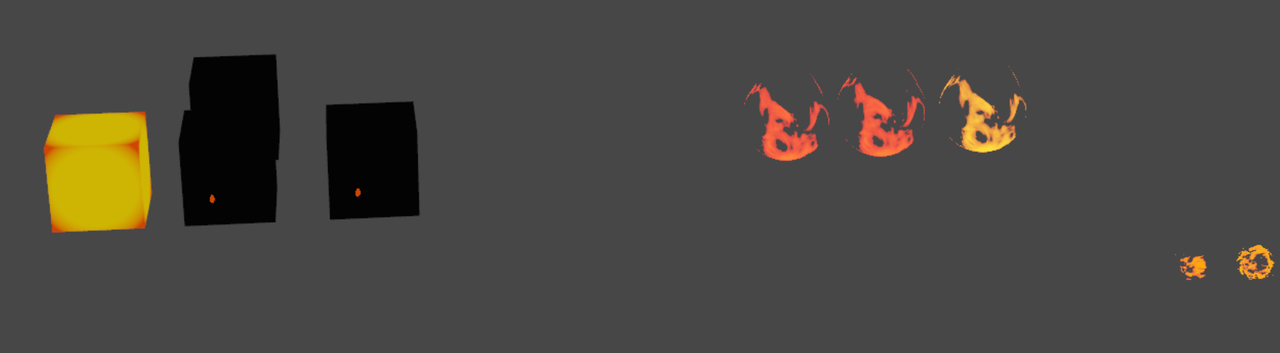
FPS trialproduct 20.9.25 https://postimg.cc/gallery/LMM5vkQ/af43346e
2024-09-03 at 7:14 pm #77187c4ccParticipantHi c4cc,
You might check out this tutorial
Also, at 10:46 for that tutorial, I can’t set the “Alpha Blend” and “None” as I’m using Blender 4.2
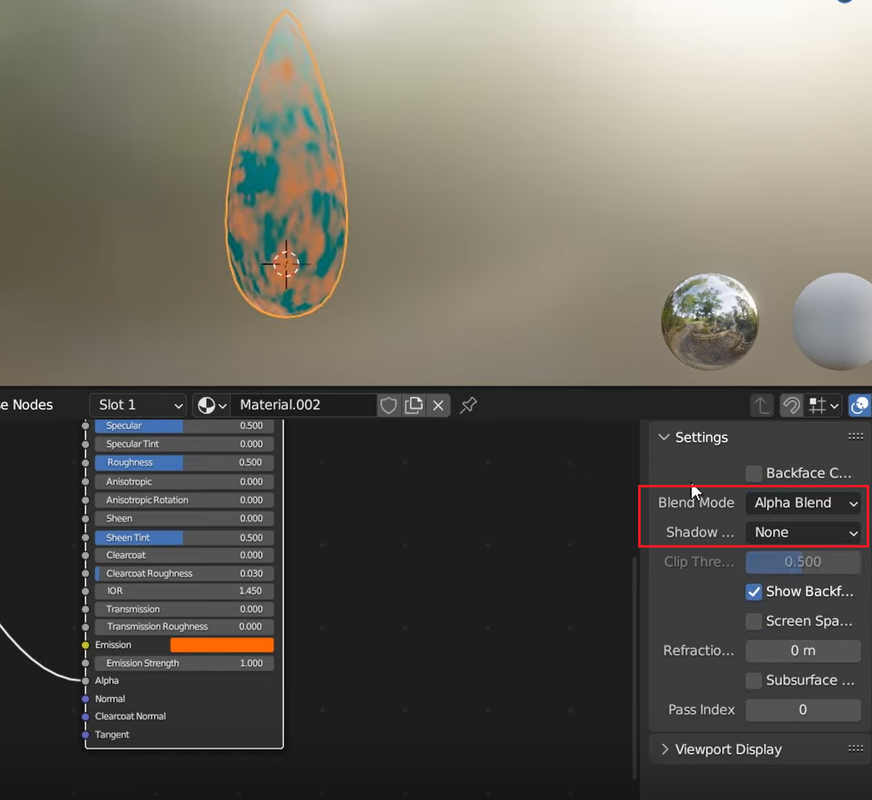
FPS trialproduct 20.9.25 https://postimg.cc/gallery/LMM5vkQ/af43346e
2024-09-04 at 9:43 am #77201c4ccParticipantWhere does it say here the options do I set in place of “Alpha Blend” and “None”, in the material settings?
FPS trialproduct 20.9.25 https://postimg.cc/gallery/LMM5vkQ/af43346e
2024-09-04 at 5:24 pm #77210c4ccParticipantAlso, does verge3d support transparent animated images or video textures, as here?
https://www.youtube.com/watch?v=E1COCn
FPS trialproduct 20.9.25 https://postimg.cc/gallery/LMM5vkQ/af43346e
2024-09-04 at 6:32 pm #77213Mikhail LuzyaninStaffCan you share the shader in blend file, I’ll try to figure out why it doesn’t work properly.
Co-founder and lead graphics specialist at Soft8Soft.
2024-09-04 at 6:54 pm #77214c4ccParticipantMy file. Also, when I try to adjust my emission at https://www.youtube.com/watch?v=puVRWSoRhrA to get that emission effect, my emission has a white emission instead?
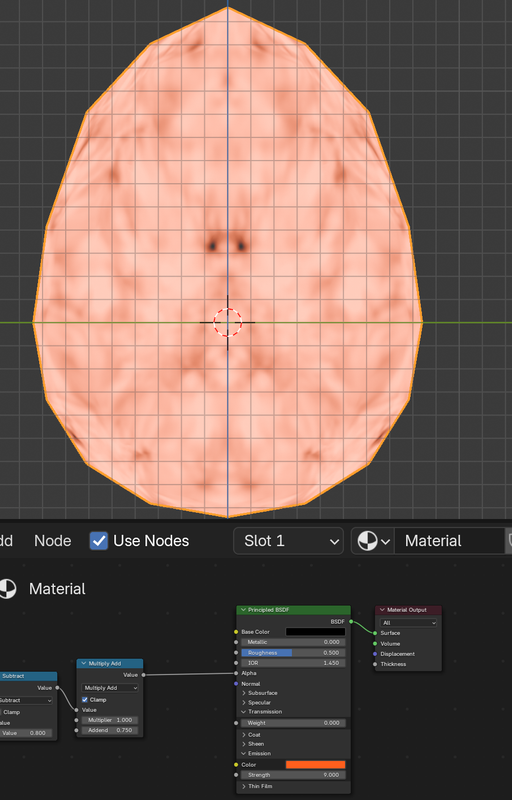
Attachments:
FPS trialproduct 20.9.25 https://postimg.cc/gallery/LMM5vkQ/af43346e
2024-09-05 at 9:41 pm #77223 Pavel KotovStaff
Hey,
I will also look into it! An interesting issue indeed, maybe we can make it work with via the “Smoke particles” way!Especially now it will be easier as now we can copy Puzzles from one project to another

https://v3d.net/nf1
https://www.youtube.com/@Contret
https://x.com/_Contret
https://www.behance.net/Contret
https://www.artstation.com/contret
https://vimeo.com/user1750839462024-09-06 at 3:20 am #77225c4ccParticipantHow do I know which option to use in place of alpha blend/clip and none, as here?

FPS trialproduct 20.9.25 https://postimg.cc/gallery/LMM5vkQ/af43346e
2024-09-06 at 3:10 pm #77234Pavel KotovStaffSo here is an answer to the question about emission color:
(may take some time to process the vid)
It looks a bit different in new Blender, but if we follow all the steps from tutorial, it will still work just the same!https://v3d.net/nf1
https://www.youtube.com/@Contret
https://x.com/_Contret
https://www.behance.net/Contret
https://www.artstation.com/contret
https://vimeo.com/user1750839462024-09-07 at 8:13 am #77248c4ccParticipantThanks for your answer, it seems to work. However it seems that verge3d is a little blurry compared to blender.
My file for references
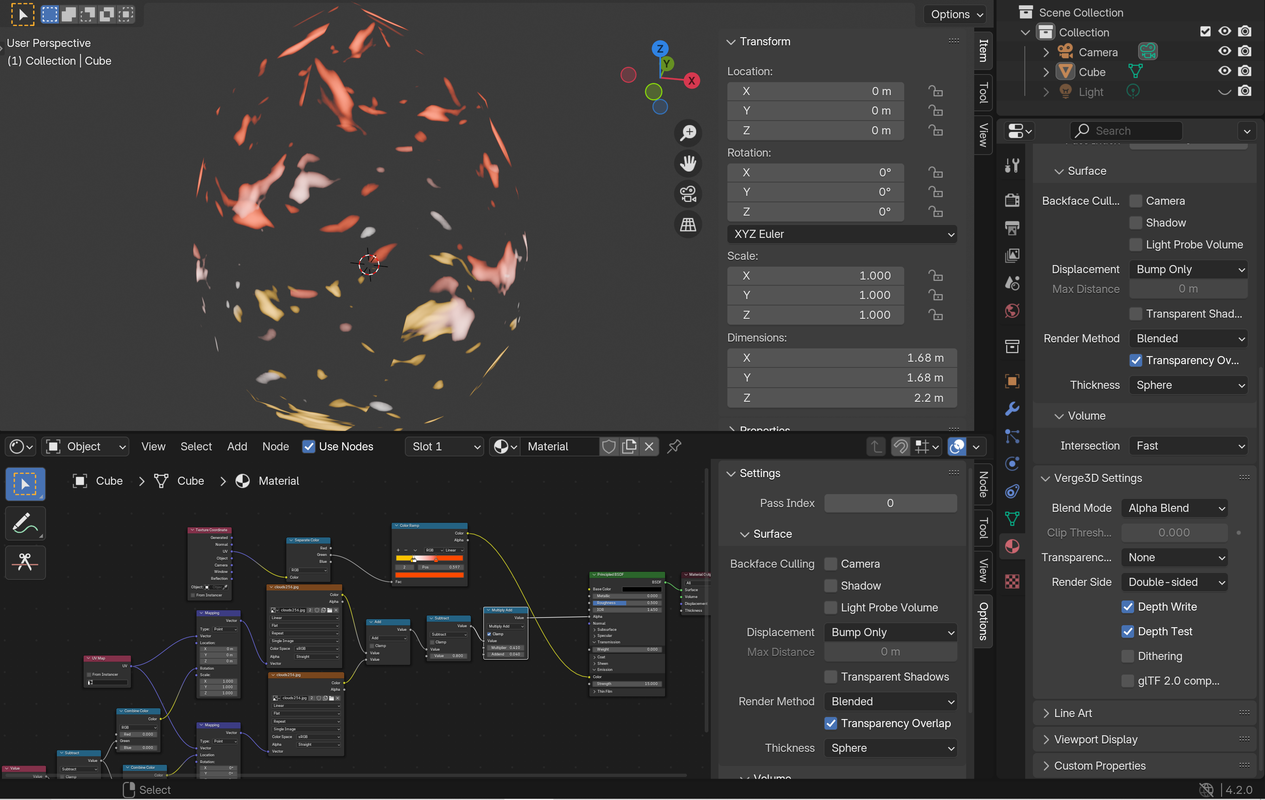
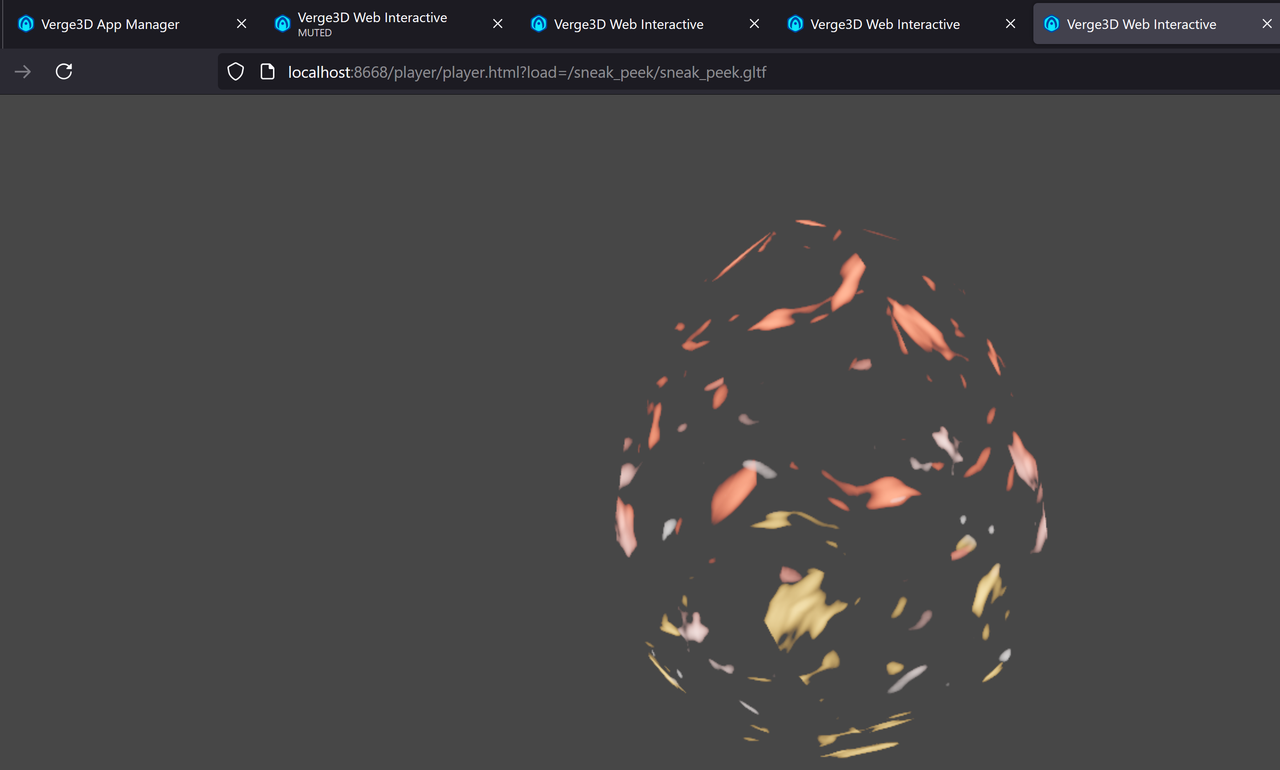
Attachments:
FPS trialproduct 20.9.25 https://postimg.cc/gallery/LMM5vkQ/af43346e
2024-09-07 at 9:38 am #77250c4ccParticipantThat’s certainly a good tutorial, however, notice these flames are “whole”, not comprised of clumps, as opposed to the one in the tutorial
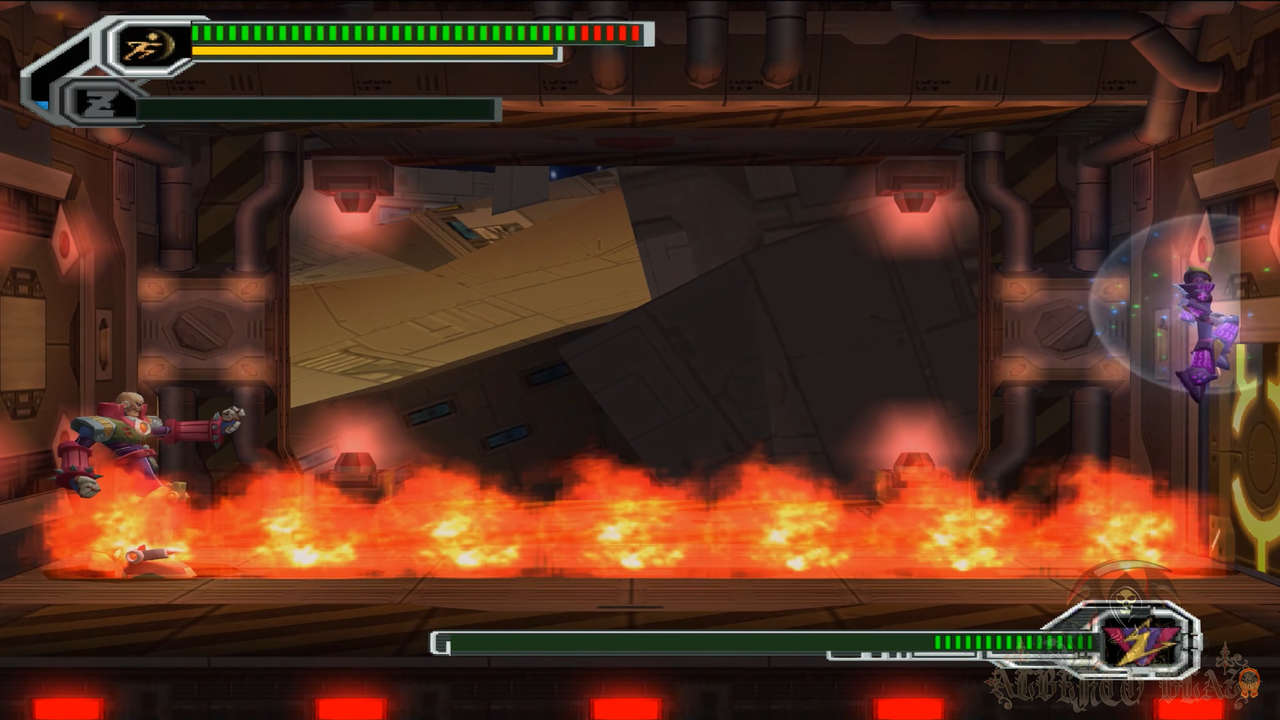 navigate to closest petrol station[/url]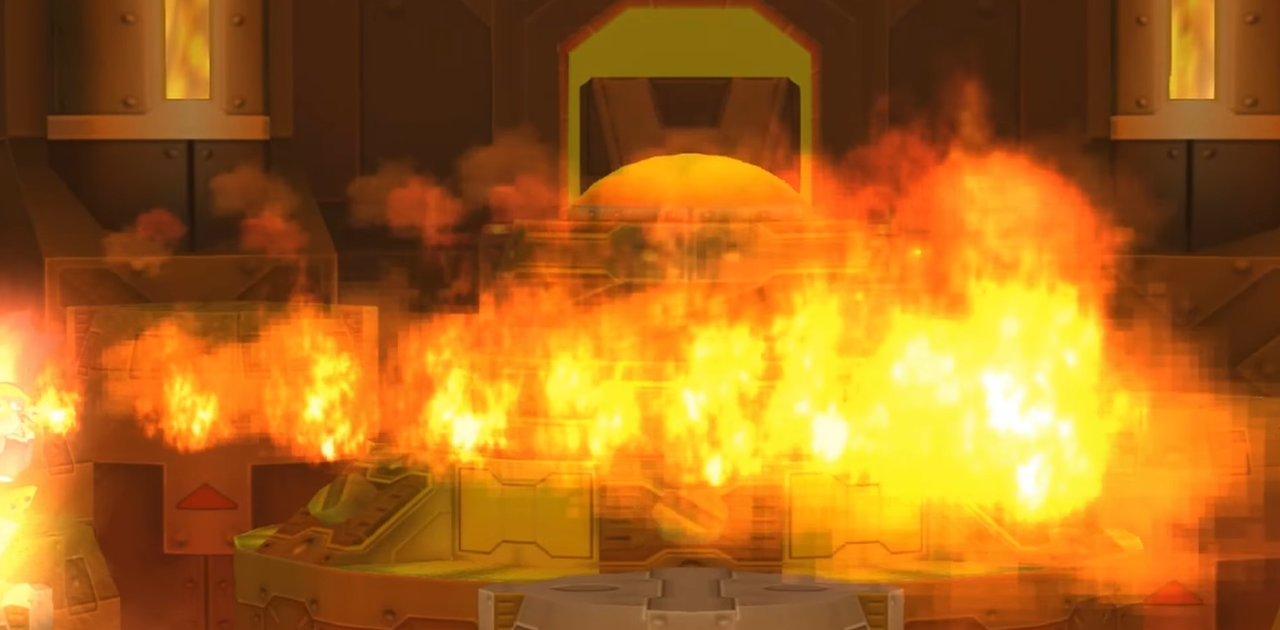
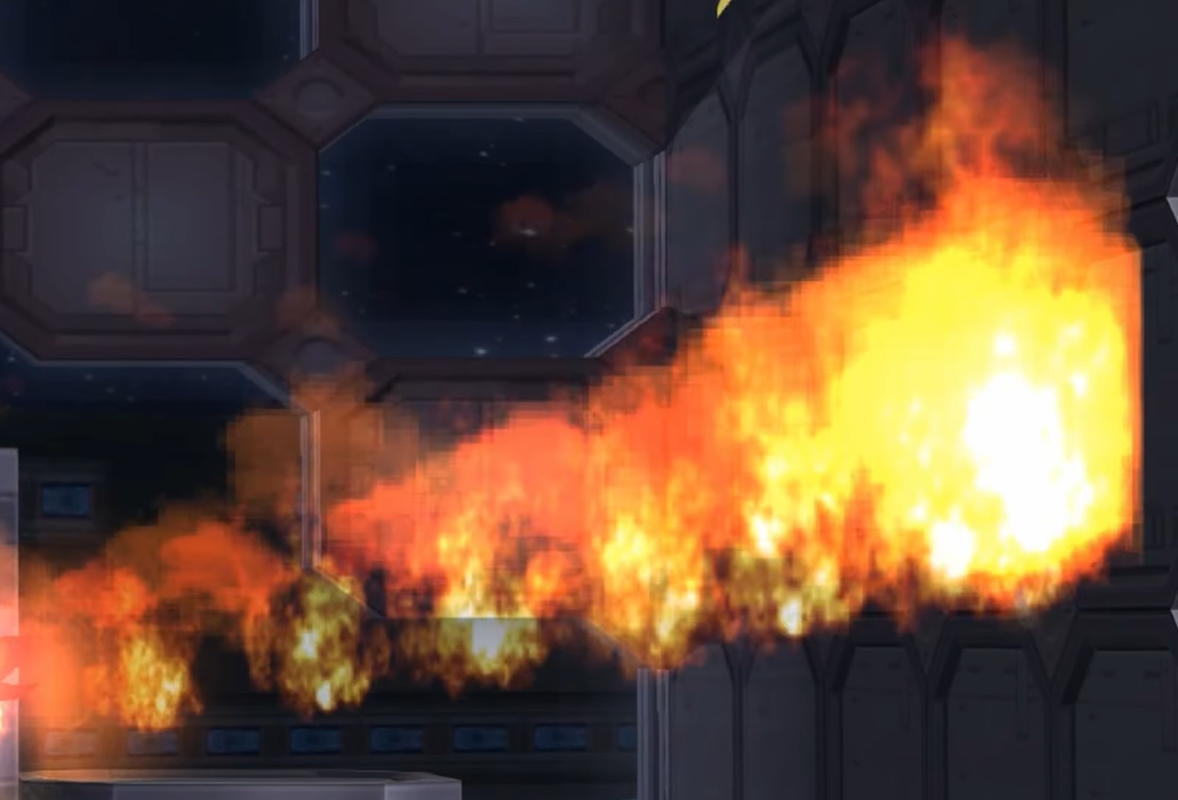
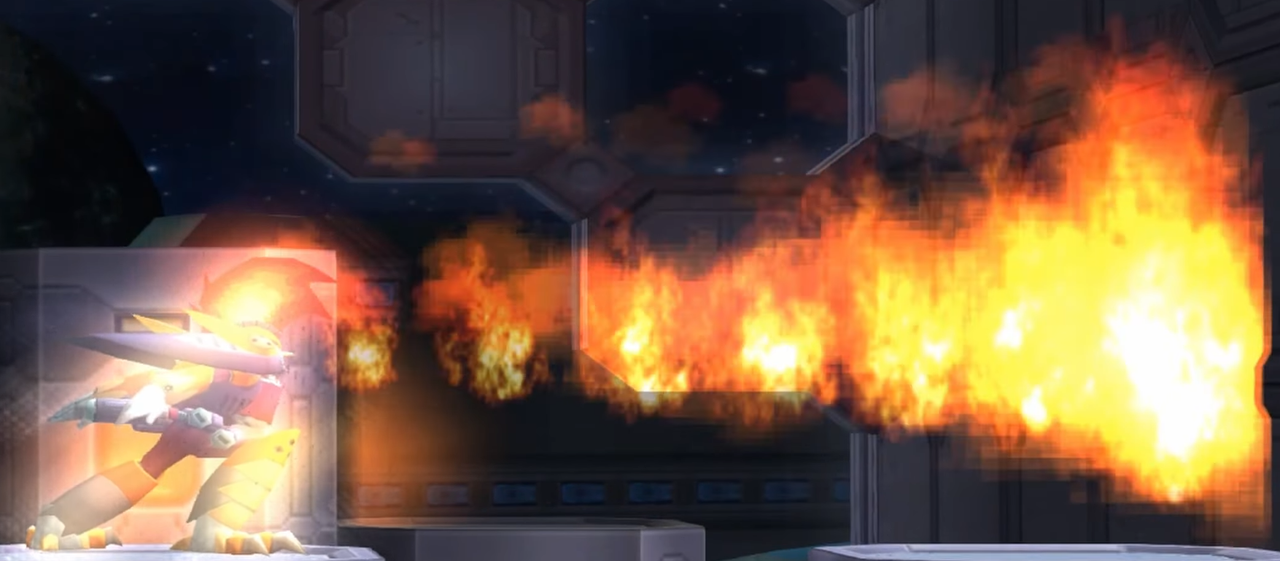
Also, how nice if procedural flames like this was also enabled in verge3d as well
FPS trialproduct 20.9.25 https://postimg.cc/gallery/LMM5vkQ/af43346e
-
AuthorPosts
- You must be logged in to reply to this topic.