We use cookies to ensure that we give you the best experience on our website. If you continue to use this site we will assume that you are happy with it.

Z-fighting when running on certain configurations

Home Forums Graphics / Blender Z-fighting when running on certain configurations

Viewing 3 posts - 1 through 3 (of 3 total)
  • Author
    Posts
  • #46978
    dragosburian
    Customer

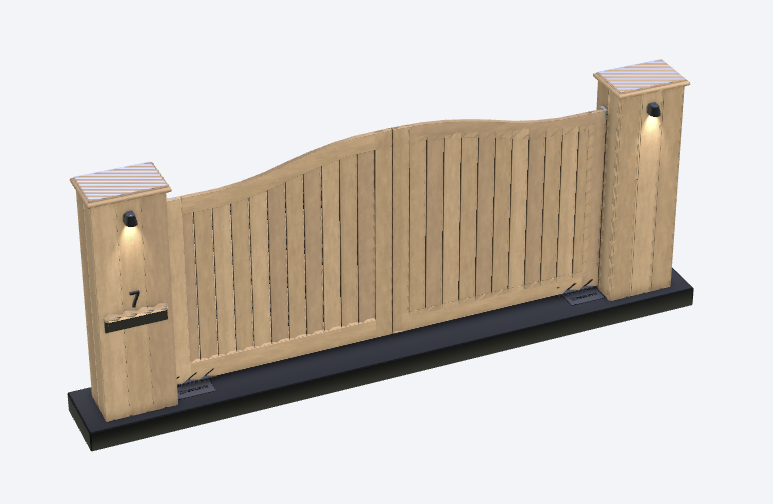
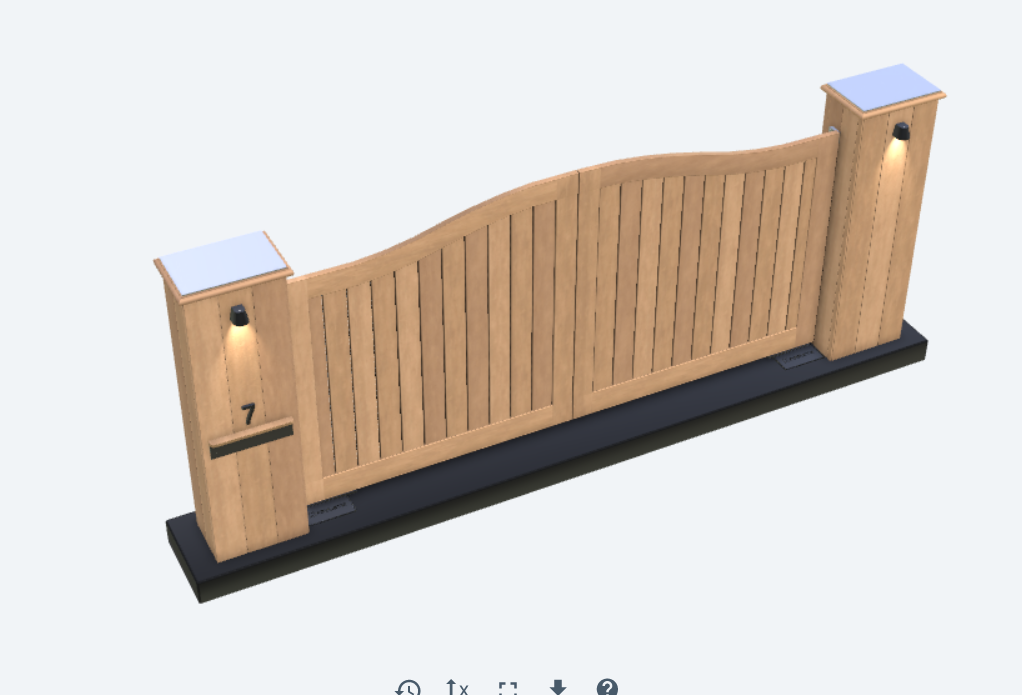
    Hello, the project we are working on renders fine on almost all machines we test on, yet there are certain configs that will create a lot of Z-fighting and cannot figure out why. I will attach images of the same model rendered on different machines.
    The one looking well runs on:

    chrome Version 96.0.4664.45 (Official Build) (64-bit) on Win 10
    Intel Iris plus graphics
    1920×1080

    also working well on:

    NVIDIA GeForce 980Ti
    3840×2160

    The z-fighting one:

    chrome Version 95.0.4638.69 (Official Build) (64-bit) on Ubuntu Linux 20.04
    NVIDIA GeForce GTX 1650 Ti/PCIe/SSE2
    wqhd 2560 x 1440

    Camera near and far limits have been adjusted, it did help it a bit, but still the problem persists.

    #46989

    Hi,
    this is known problem on Linux (see Chrome bug here). The only solution is to make proper near and far camera distance adjustments.

    Soft8Soft Tech Chief
    Want more Verge3D updates? Follow me on X, Facebook, or LinkedIn

    #47040
    GLiFTeK
    Customer

    The first rule of Z-Fight Club:
    It’s a pain in the butt! :wacko:

Viewing 3 posts - 1 through 3 (of 3 total)
  • You must be logged in to reply to this topic.