
Home › Forums › General Questions › tablet requirement
- This topic has 4 replies, 4 voices, and was last updated 4 years ago by
 David Yanez.
-
AuthorPosts
-
2021-10-25 at 11:19 am #46432
rzr87
ParticipantHi there.
Not sure how to measure this but can you advise me on what tablet requirements i need for my configurator to run smoothly. I know it depends on how complex the scene is and how textures are loaded but could you have a look at the link below? This will be for a exhibit at a mall in December.
The loading times are not an issue. only the performance.
2021-10-25 at 12:35 pm #46440 harisCustomer
Hi,
I see the scene is loading very slowly because of the large numbers of textures but you don’t need to worry because can be fixed, and we can improve performance and the loading time 2x faster, you can contact me so I can help you to fix this, my Gmail harisimran1012@gmail.com :)2021-10-25 at 4:26 pm #46452 xeonCustomer
Hi there,
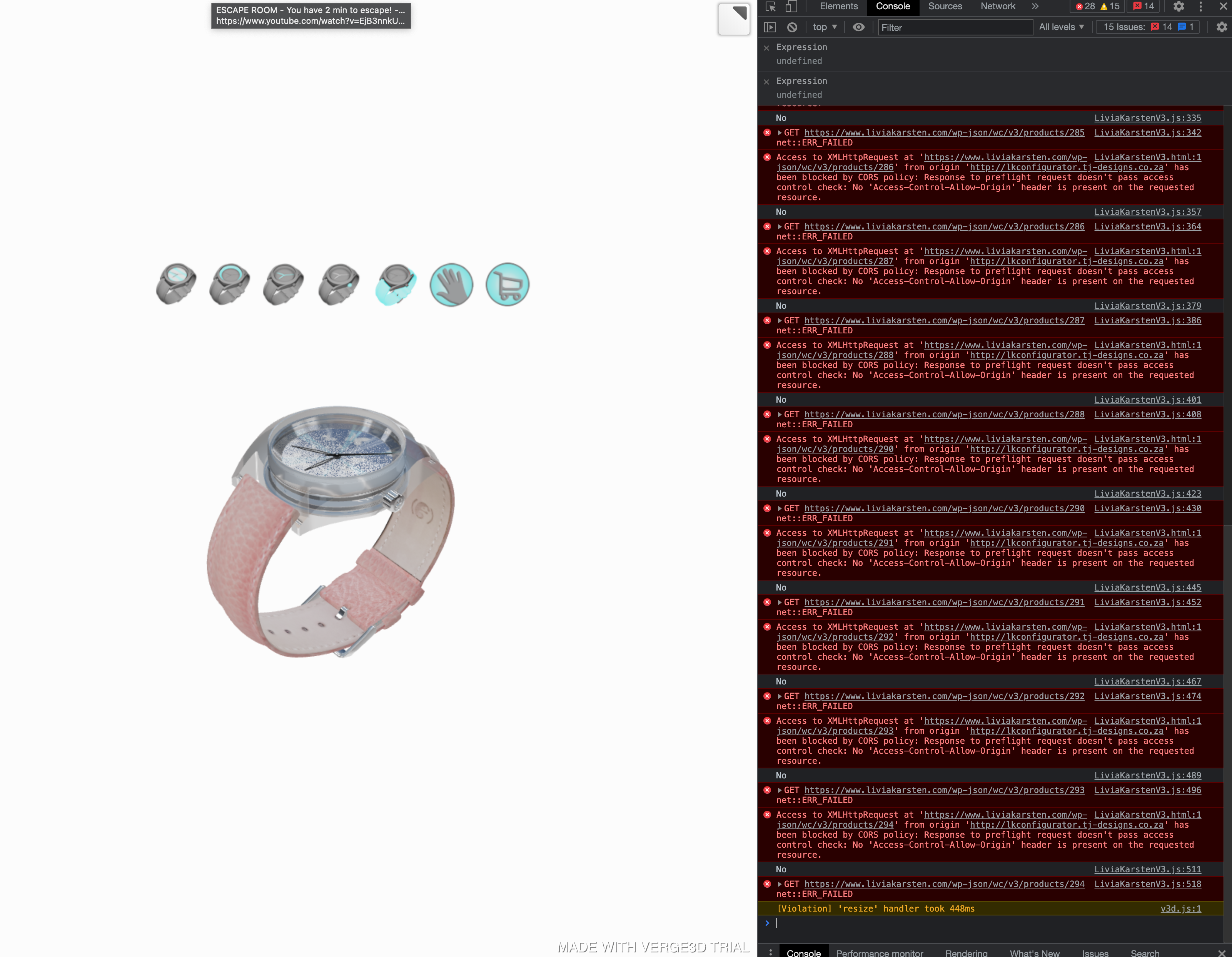
You will want to use Chromes Developer Tools. Specifically the console window.The problems you are having can be easily seen and simulated using the console, adjusting screen size and using throttling.
Currently you have multiple CORS errors that need to be addressed. Tablets, especially Apple tablets will just not load a page having these issues.
See screen shot.
Attachments:
Xeon
Route 66 Digital
Interactive Solutions - https://www.r66d.com
Tutorials - https://www.xeons3dlab.com2021-10-25 at 4:36 pm #46454xeonCustomerRegarding textures…. you have over 70Mb of textures and your texture. The quantity of textures is not as much of an issue as going over 70Mb. Mobile devices…each manufacture is different has different memory limits. To achieve high FPS, you will want to drop your entire memory footprint to be well below 50Mb and if possible close to 15MB for the highest compatibility.
But your biggest issues right now are your CORS and 403 errors.
Good luck
Xeon
Route 66 Digital
Interactive Solutions - https://www.r66d.com
Tutorials - https://www.xeons3dlab.com2022-08-21 at 2:53 pm #55058 David YanezCustomer
Hello,
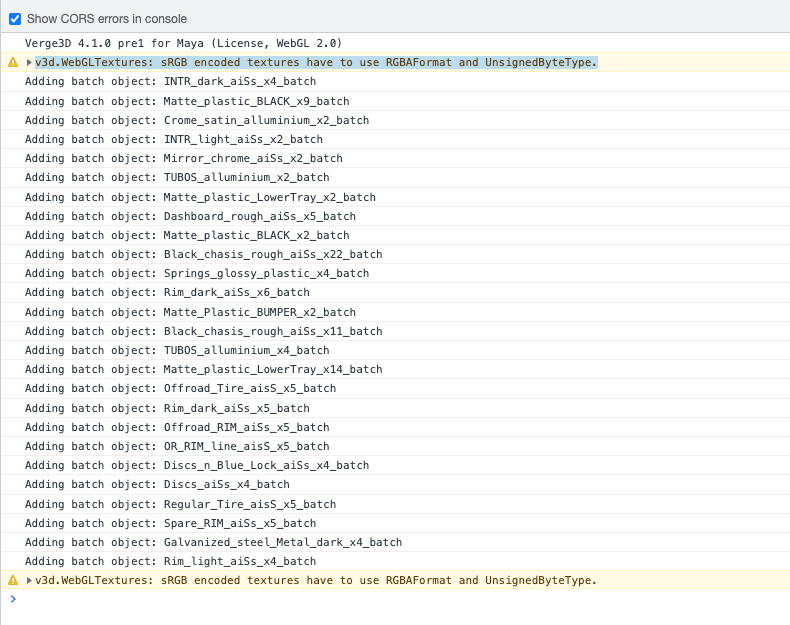
I have a similar issue with the CORS errors in console showing.
I get the following message:
v3d.js:298 v3d.WebGLTextures: sRGB encoded textures have to use RGBAFormat and UnsignedByteType.I am using Maya with color constants linked to the arnold standard surface shaders. How can I change to the RGBAFormat mentioned?
I’ll appreciate the guidence!
Attachments:
-
AuthorPosts
- You must be logged in to reply to this topic.