We use cookies to ensure that we give you the best experience on our website. If you continue to use this site we will assume that you are happy with it.

How to export from various CAD formats into Verge3D

Home Forums Tutorials and How-Tos How to export from various CAD formats into Verge3D

Viewing 3 posts - 1 through 3 (of 3 total)
  • Author
    Posts
  • #88215

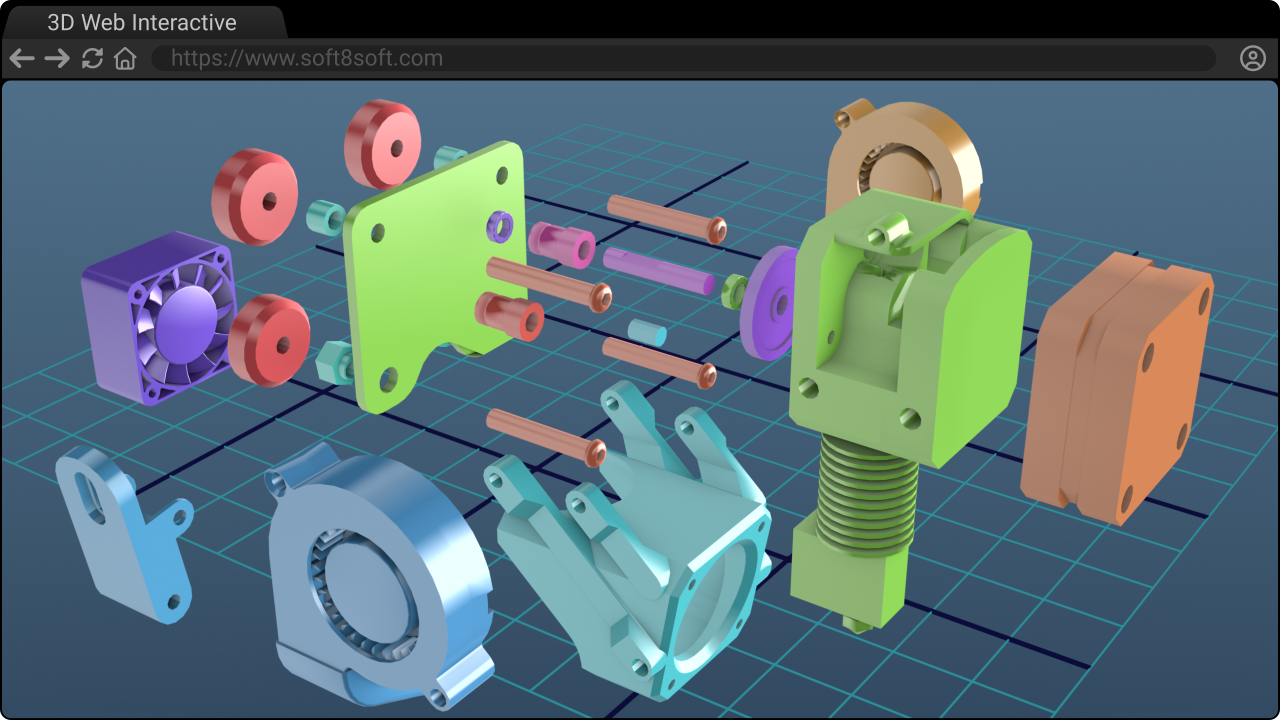
    Making a Verge3D visualization based on CAD data? Here is a detailed guide on how to do this. Software covered: SolidWorks, Inventor, AutoCAD, Revit, Rhino, Siemens NX, PTC Creo, CATIA, Fusion, BricsCAD, IntelliCAD, and FreeCAD

    https://www.soft8soft.com/wiki/index.php/Creating_3D_web_experiences_from_CAD_data

    Feel free to suggest any improvements or share your personal experience with CADs!

    Soft8Soft Tech Chief
    Want more Verge3D updates? Follow me on X, Facebook, or LinkedIn

    #88268

    Update: added info on making 3D interactives from the assets exported from SketchUp.

    Soft8Soft Tech Chief
    Want more Verge3D updates? Follow me on X, Facebook, or LinkedIn

    #88275
    visualizer
    Participant

    Hey guys

    I am working in this industrial field for over a decade. Transforming the CAD data into proper visual form required handling of step/stp or iges/igs typically. However now there are lots of formats came up to support interchanging of design data.
    Blender is open source and recently there are few addons to Blender which support importing step/stp data directly into Blender with pretty good quality ( option to choose over quality & size while importing). Once it is in Blender then generating for Verge is super easy & straight forward.as well.
    Moreover I have recently seen that, Blender is becoming robust with its sophisticated surface design addons including curvature graph and precise controls for developments. Mainly useful in A class & B class surfacing. This is making Blender unbeatable. The integration of Verge 3D with Blender is going to make it “Immersive ready kit” required for all.

Viewing 3 posts - 1 through 3 (of 3 total)
  • You must be logged in to reply to this topic.
