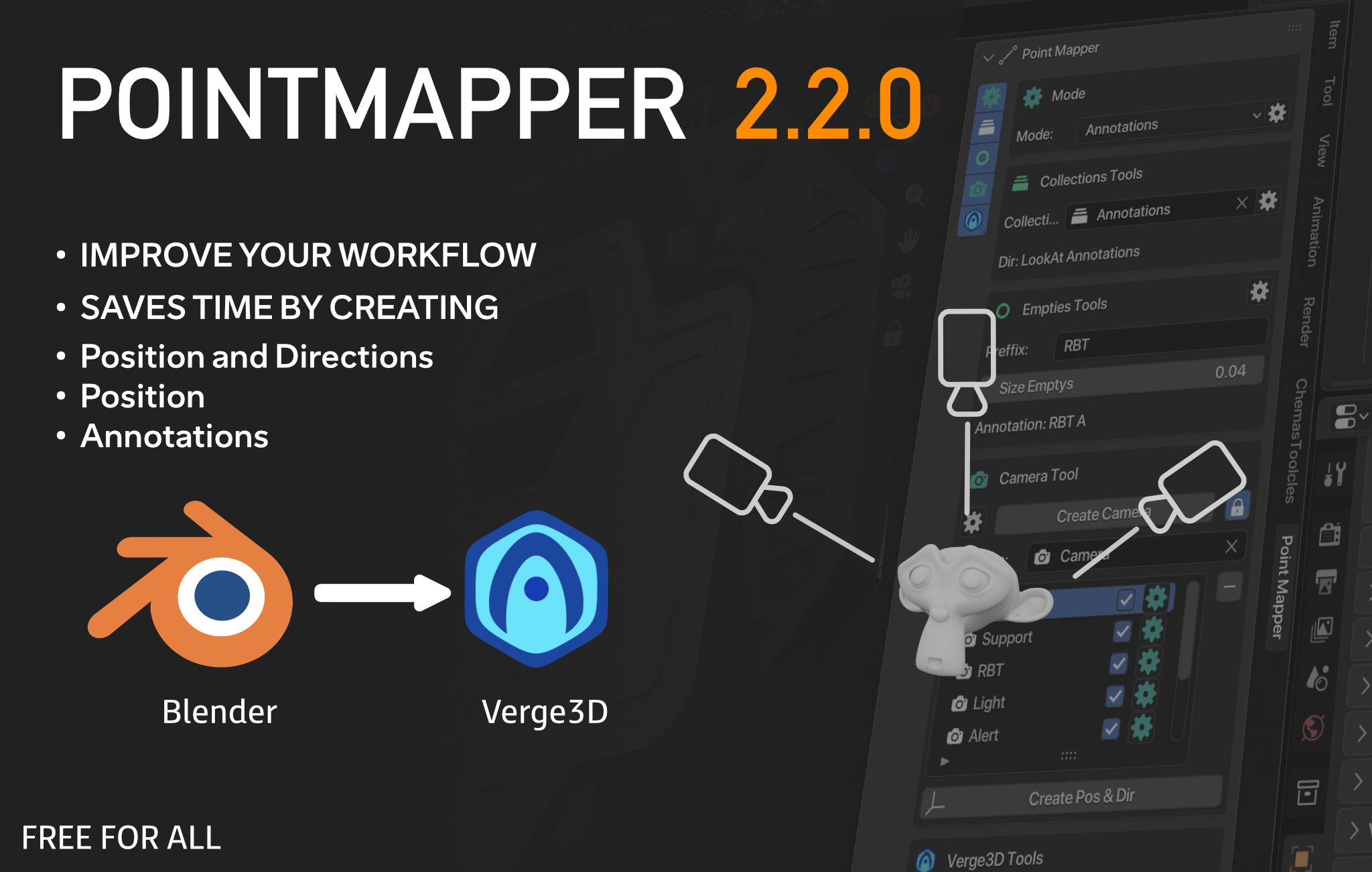
Hello.
My name is Chema, and I am a 3D technical artist.
A few years ago, for various reasons, I worked with verge3D for a couple of years. It’s a wonderful tool that greatly facilitated the work we did for simulations in the international mining sector. During that time, there was a recurring theme, which was the creation of annotations and camera positions for each annotation. A couple of years later, I decided to develop a Blender add-on to address this issue. I was hoping to sell it for about $5 to save up and buy a truck to travel in, but some things went wrong in my life, so I decided to release the improved version of the add-on for free! So, I am very proud to present Pointmapper!
PSDT: You can donate if you wish to support the maintenance and development of the add-on (not mandatory).
PayPal: Paypal
Basically!
Create a camera, place it in the view you like best, and click “Create Pos & Dir.” Immediately, an empty will be created at the camera’s position and another in the direction the camera is pointing. (The empty in the camera view is always created when the camera is looking at a mesh-type object).
You can also export this configuration directly to Verge3D with a single click, and the blocks will be automatically created in Verge3D (just choose the path to your Verge3D project).
We have three modes, but the other two modes are based on the Position and Direction mode.
I will leave you a link explaining how the add-on works.
Pointmapper addon
How install Pointmapper
How install Pointmapper
 .
.