
Home › Forums › General Questions › Installation issue
- This topic has 9 replies, 3 voices, and was last updated 5 years, 6 months ago by
 Yuri Kovelenov.
-
AuthorPosts
-
2020-09-10 at 11:55 am #32671
mikepflat10
CustomerI have a Macbook Pro running Catalina and Blender 2.90.
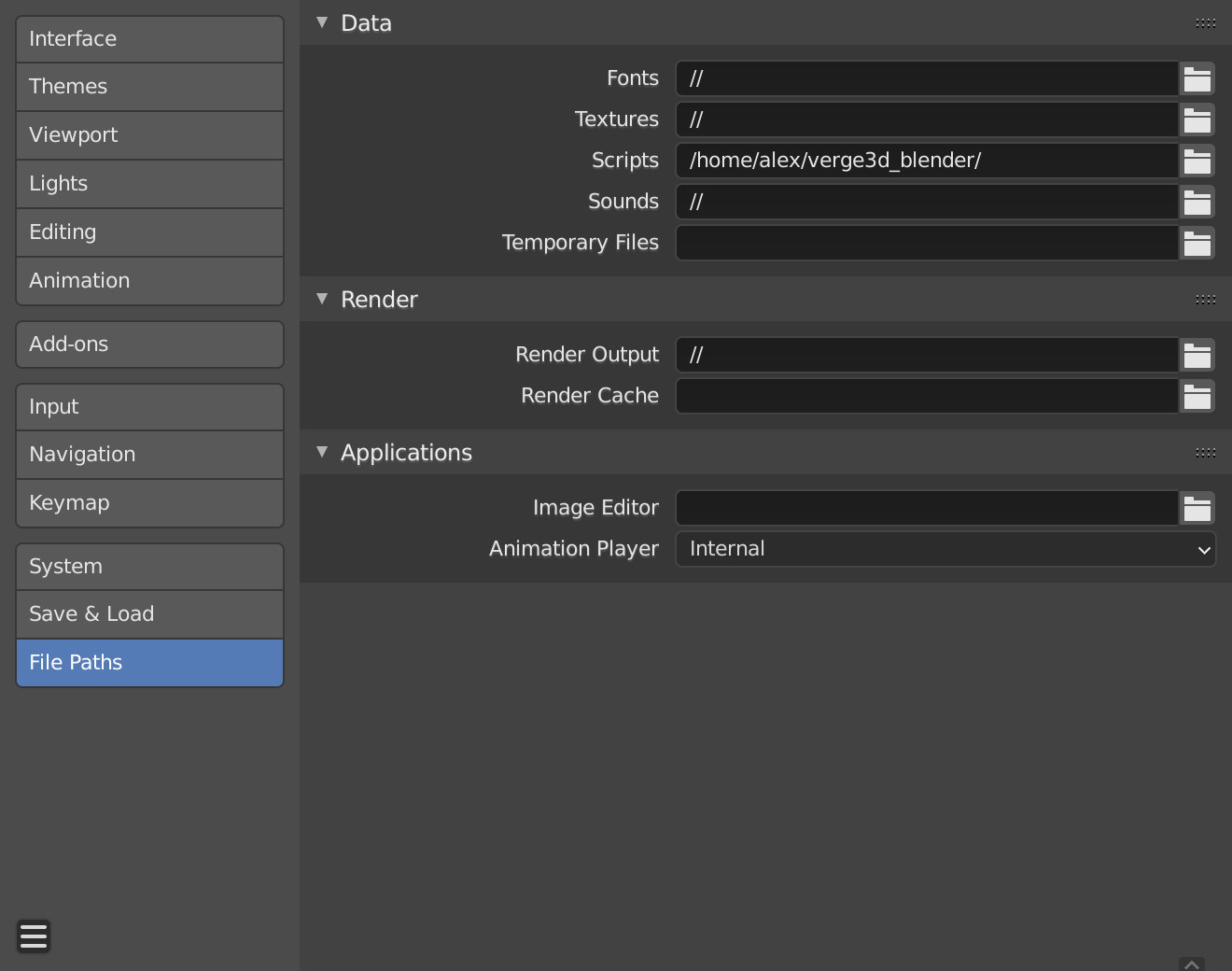
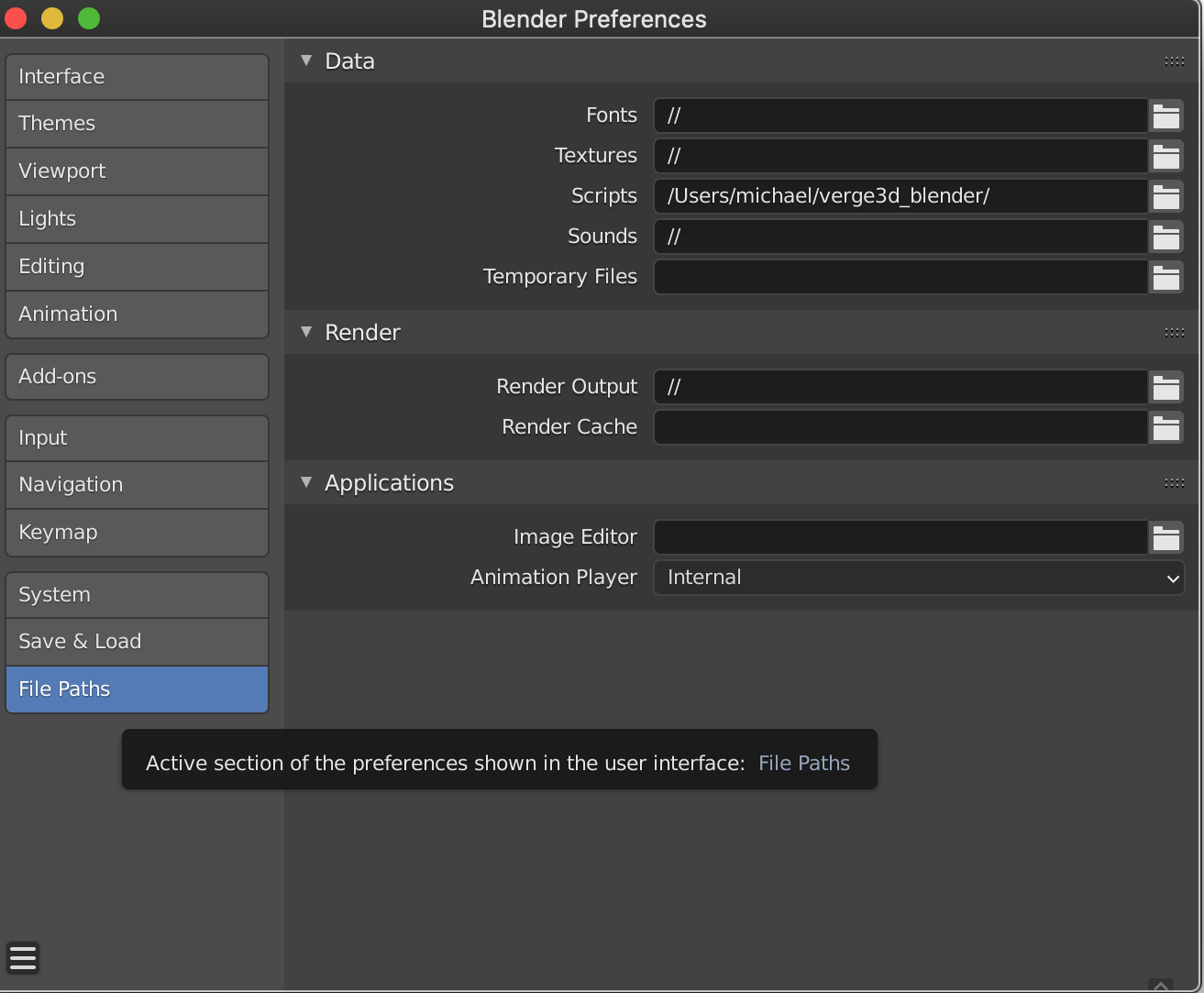
I have just tried to install Verge3D and have completed the first step from your User Manual. See screenshot below. Script line reads: /Users/michael/verge3d/
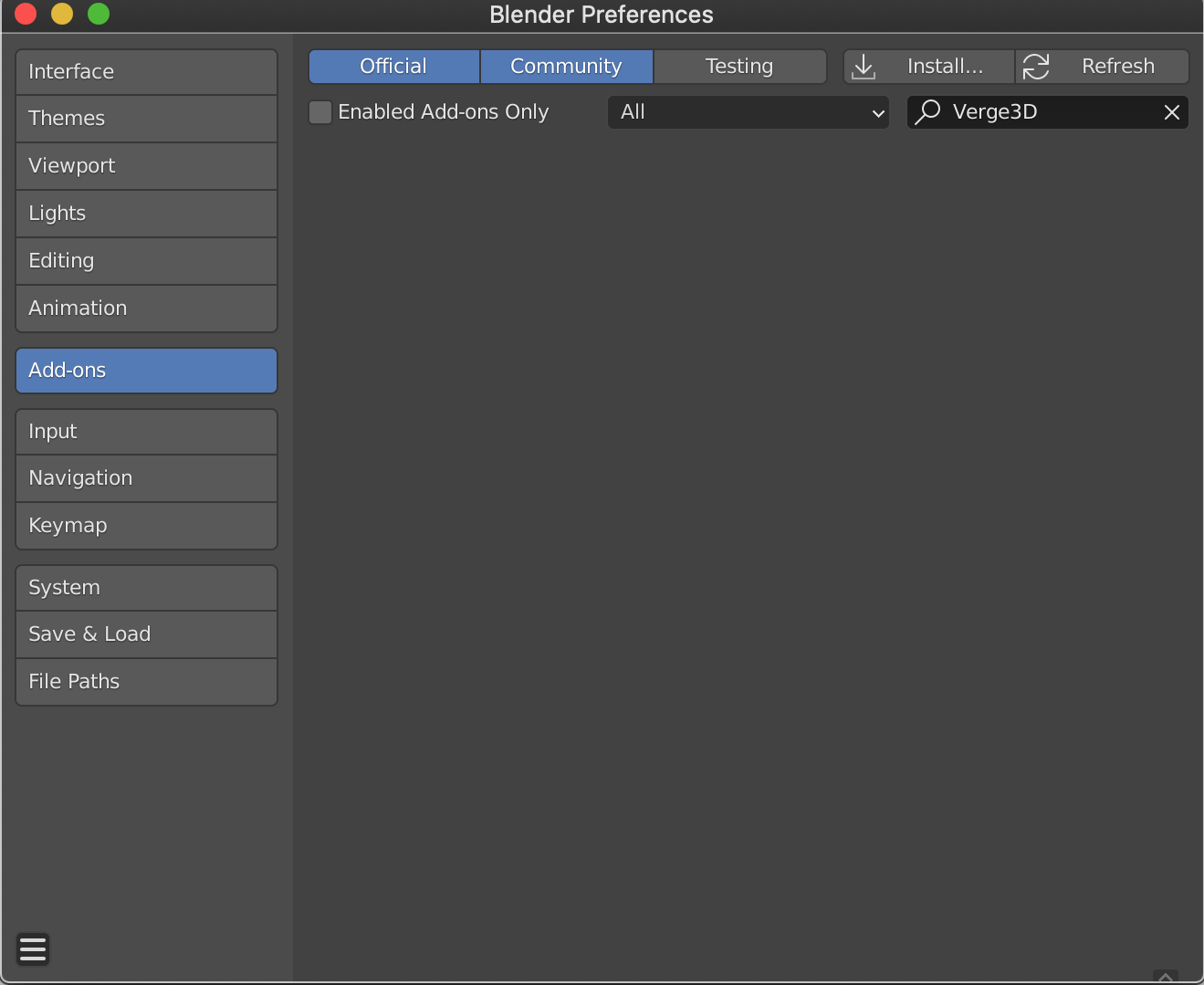
However, when I re-start Blender, there is no sign of the Verge3D addon.
I would be grateful for your help in overcoming this issue.
Attachments:
2020-09-10 at 12:16 pm #32673 Yuri KovelenovStaff2020-09-10 at 12:22 pm #32676Customer
Hi Uri,
Thanks. However, unfortunately, I gave you my previous screenshot.
The correct one below also produces the same problem.
Attachments:
2020-09-10 at 1:11 pm #32682Yuri KovelenovStaff2020-09-10 at 1:38 pm #32687CustomerHi Yuri,
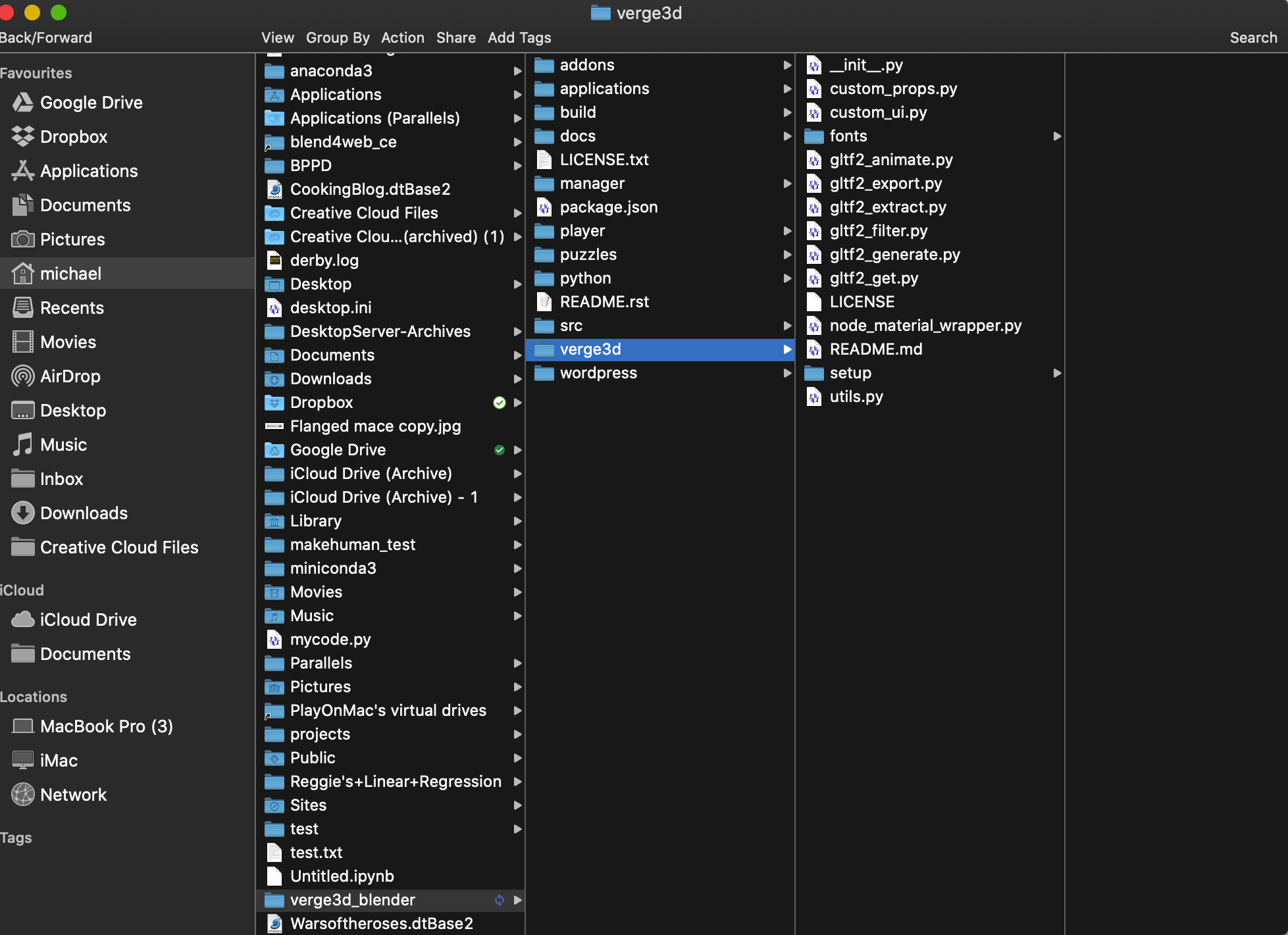
Thank you – I didn’t realise that I had to include the whole unzipped file from it’s root. However, I’ve tried that and it still doesn’t work.
I’ve added screenshots of the File Path entry, the add-on search and the file structure.
2020-09-10 at 2:14 pm #32693Yuri KovelenovStaff2020-09-10 at 3:08 pm #32698CustomerYes, I did.
2020-09-11 at 7:11 am #32716 Alexander KovelenovStaff2020-09-11 at 8:39 am #32727Customer
Thank you so much (to both Yuri and Alexander).
Your suggestion didn’t work at first but I then did a new download and installation and, bingo! – it worked.
Thank you for your persistence in solving my issue. Once I’ve tested it, I hope to be buying a licence.
2020-09-11 at 10:23 am #32734Yuri KovelenovStaff -
AuthorPosts



- You must be logged in to reply to this topic.