
Home › Forums › General Questions › Doesn’t load on iphone
- This topic has 5 replies, 2 voices, and was last updated 4 years, 4 months ago by
 xeon.
xeon.
-
AuthorPosts
-
2021-11-02 at 7:12 pm #46685
johngrigni
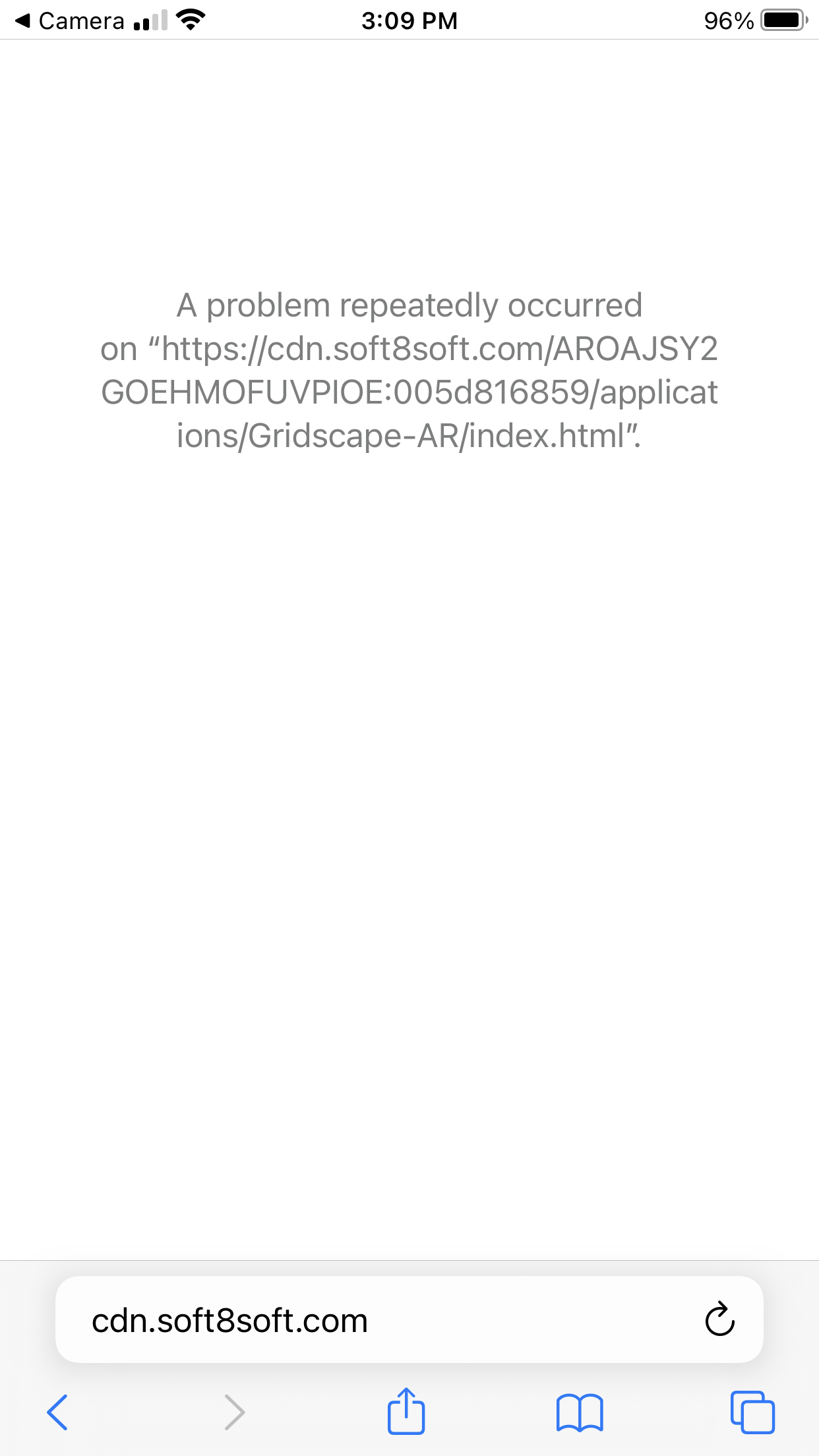
CustomerI have an app that works fine on desktop, but fails to load on an iphone. It starts loading, then starts loading again, then fails:
https://cdn.soft8soft.com/AROAJSY2GOEHMOFUVPIOE:005d816859/applications/Gridscape-AR/index.htmlHere is a link to the project folder:
https://www.dropbox.com/sh/zoa9yj46ejqr9w9/AAAp6sBdBGsTfmilObCJP89Fa?dl=0Not sure what is happening.
Attachments:
2021-11-02 at 8:59 pm #46687 xeonCustomer
From my experiences when this happens it’s always been an unsupported material node.
Duplicate the project and dump all materials and see if it loads. If it does you know where the issues are.
Xeon
Route 66 Digital
Interactive Solutions - https://www.r66d.com
Tutorials - https://www.xeons3dlab.com2021-11-03 at 1:01 pm #46702CustomerThat didn’t help. Same problem occurs.
2021-11-03 at 6:46 pm #46704xeonCustomerActually, that helped. There are basically four things that can cause this problem that I am aware of: materials, meshes, puzzles and the blend file.
So we ruled out materials… I then downloaded you project file and stripped out all meshes and materials, cleaned/purged the file and then inserted a default cube and tested that.
That resulted in the same problem…. so we were down to puzzles and the blend file.
I then created a default project and then exported your blend to the gltf for this project without puzzles and it did not work again.
So having ruled out materials, meshes and puzzles…the only remaining item was the blend file.
Starting with a new Blend file…I deleted the default cube and lights and appended all your objects.
Tried that and it now is viewable on iPhone.
I don’t know the cause of why your blend file is not working properly but simply appending solved the problem so I will let you chase it down from there if you choose.
Xeon
Route 66 Digital
Interactive Solutions - https://www.r66d.com
Tutorials - https://www.xeons3dlab.com2021-11-03 at 7:58 pm #46706CustomerWow! That was a lot of work! Thank you!
2021-11-03 at 9:24 pm #46708xeonCustomerYour welcome…glad it worked out.
Xeon
Route 66 Digital
Interactive Solutions - https://www.r66d.com
Tutorials - https://www.xeons3dlab.com -
AuthorPosts
- You must be logged in to reply to this topic.