
- This topic has 14 replies, 3 voices, and was last updated 2 years, 11 months ago by
 Mikhail Luzyanin.
-
AuthorPosts
-
2020-05-14 at 1:03 pm #27607
 Mikhail LuzyaninStaff
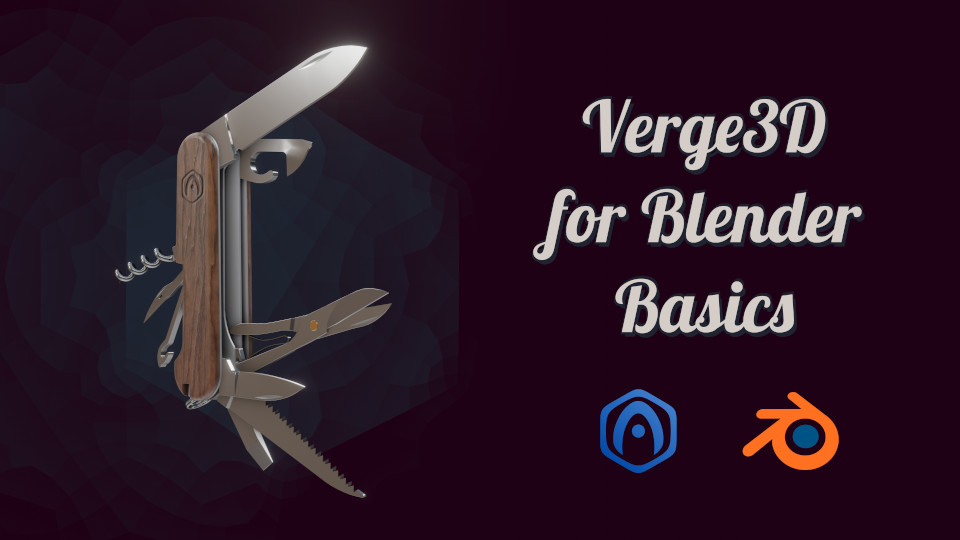
Hi, we are starting the publication of a new series of lessons of the Verge3D for Blender Basics – 2020. It’s an update of our old Verge3D for Blender Basics tutorial series.
Link to the application
Content:1 – Intro
2 – Creating a New Project
3 – Materials and Environment
4 – Camera, Puzzles and Background
5 – Creating HTML Interface
6 – Layout for Mobile Devices
7 – Interactive Animation and Sounds
8 – Material Configurator
9 – Adding Annotations
10 – Post-effects and Antialiasing
11 – Application Optimizations
12 – Publishing the SceneAttachments:
You must be logged in to view attached files.Co-founder and lead graphics specialist at Soft8Soft.
2020-05-15 at 12:19 pm #27645doehlma
CustomerHello,
this are perfect news

I hope in close time will follow all the announced chapters…Best regards
Marcus2020-05-15 at 3:02 pm #27649Mikhail LuzyaninStaffFirst video is out!
Co-founder and lead graphics specialist at Soft8Soft.
2020-05-18 at 1:02 pm #27710Mikhail LuzyaninStaffAnother one tutorial called Materials and Environment is out!
Co-founder and lead graphics specialist at Soft8Soft.
2020-05-20 at 2:49 pm #27819Mikhail LuzyaninStaffAnother one is out!
Co-founder and lead graphics specialist at Soft8Soft.
2020-05-21 at 2:54 pm #27848Mikhail LuzyaninStaffAnother tutorial is out. It explains how to create a HTML interface for an applciation.
Co-founder and lead graphics specialist at Soft8Soft.
2020-05-22 at 3:02 pm #27906Mikhail LuzyaninStaffAnother video tutorial is out. You will learn how to layout you app for mobile devices.
Co-founder and lead graphics specialist at Soft8Soft.
2020-05-26 at 11:45 am #28021Mikhail LuzyaninStaffAnother one tutorial is out. It’s about animation and sounds.
Co-founder and lead graphics specialist at Soft8Soft.
2020-05-27 at 10:37 am #28055Mikhail LuzyaninStaffAnother one video is out. You will learn there how to create a material configurator.
Co-founder and lead graphics specialist at Soft8Soft.
2020-06-01 at 7:34 am #28284Mikhail LuzyaninStaffTutorial that wxplance how to add and tweak an annotations.
Co-founder and lead graphics specialist at Soft8Soft.
2020-06-02 at 10:10 am #28318Mikhail LuzyaninStaffHow to add a bloom and antialiasing efects on the scene
Co-founder and lead graphics specialist at Soft8Soft.
2020-06-03 at 12:34 pm #28347Mikhail LuzyaninStaffOptimizing the scene
Co-founder and lead graphics specialist at Soft8Soft.
2020-06-05 at 8:35 am #28418Mikhail LuzyaninStaffThe last video in series. It’s taling about publishing your app online
Co-founder and lead graphics specialist at Soft8Soft.
2021-05-11 at 11:46 am #40918 illussimoCustomer
Your tutorials are excellent and inspiring. I often get requests for help with Verge3D and also see more and more questions popping up in the forum, which would be answered by first following your tutorials.

Please pin this tutorials post so it is always on top of the list.
Also, a direct link to the manual would be helpful.
Thanks, Mikhail,
 Simone2021-05-12 at 7:29 am #40942Mikhail LuzyaninStaff
Thanks for suggestion, but we think to add a special section on our site for tutorials, so it will be easier to find it.
Co-founder and lead graphics specialist at Soft8Soft.
-
AuthorPosts
- You must be logged in to reply to this topic.